


Camera RAW not exporting XMP files
I'm batch processing some photos in Camera RAW (v14.5). I opened them in photoshop when I'd finished in Camera RAW and realised I forgot to crop them. I wanted the same crop for all so tried to re-open the CR2 files so the edits I'd already made would be applied and I would be able to select all, crop and be done. I noticed there was no XMP files in my folder therefore none of my edits had been saved. This has always been automatic in every version of Camera RAW I've used so not sure why it's not doing it now.
I've turned on 'Always use sidecar XMP files' in Photoshop preferences (Photoshop / Preferences / Camera Raw / File Handling) and restarted the computer and the issue still remains.
Can anyone offer any suggestions on how to fix this?
Cheers,
Krystian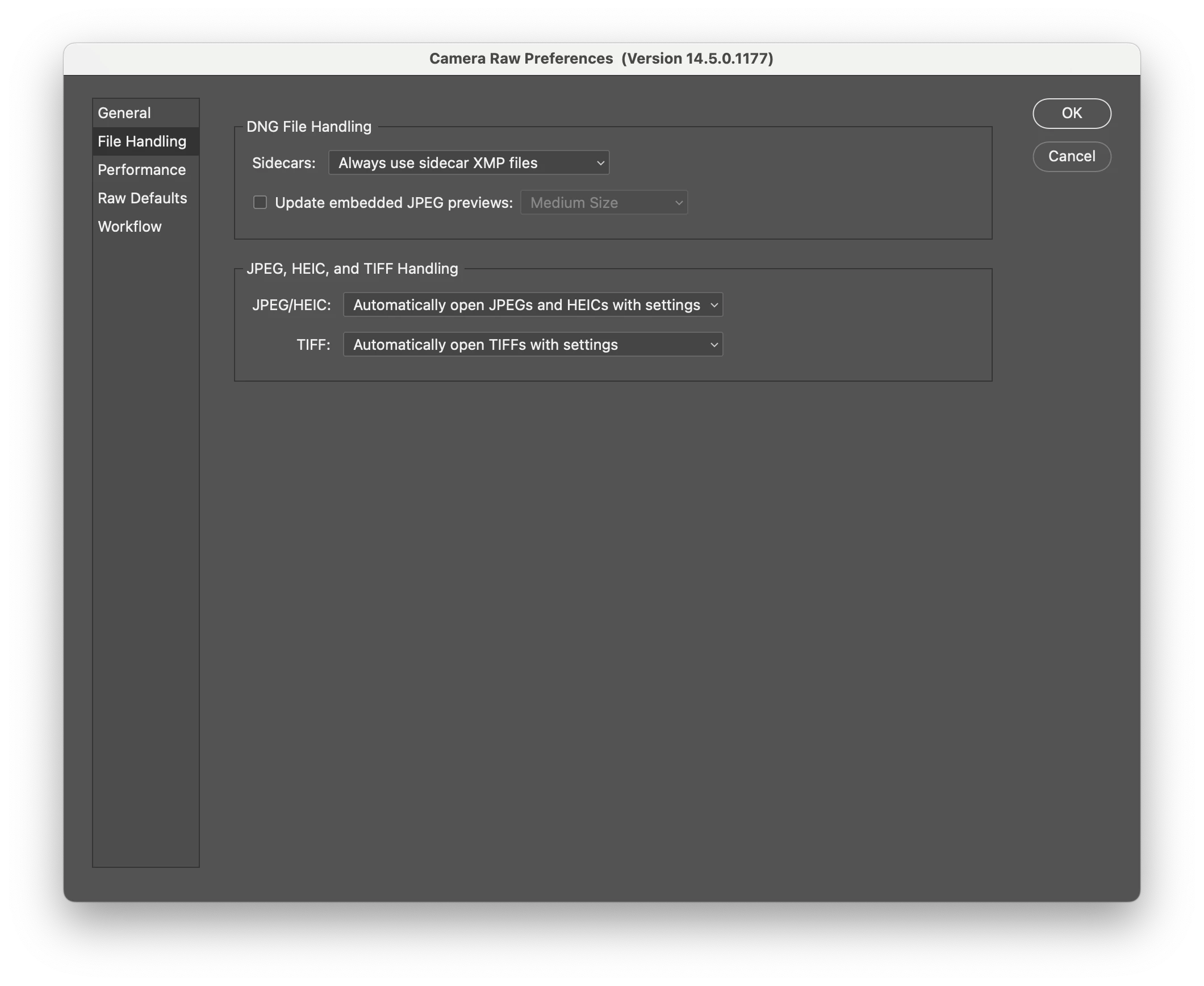
 AdChoices