

2shots186239617
Participant
July 21, 2018
Answered

Camera RAW open photo's with stripes

  • July 21, 2018
  • 2 replies
  • 2317 views

When i open a photo in Camera RAW there are

stripes in the photo. I deleted and reinstall photoshop, didn't work.
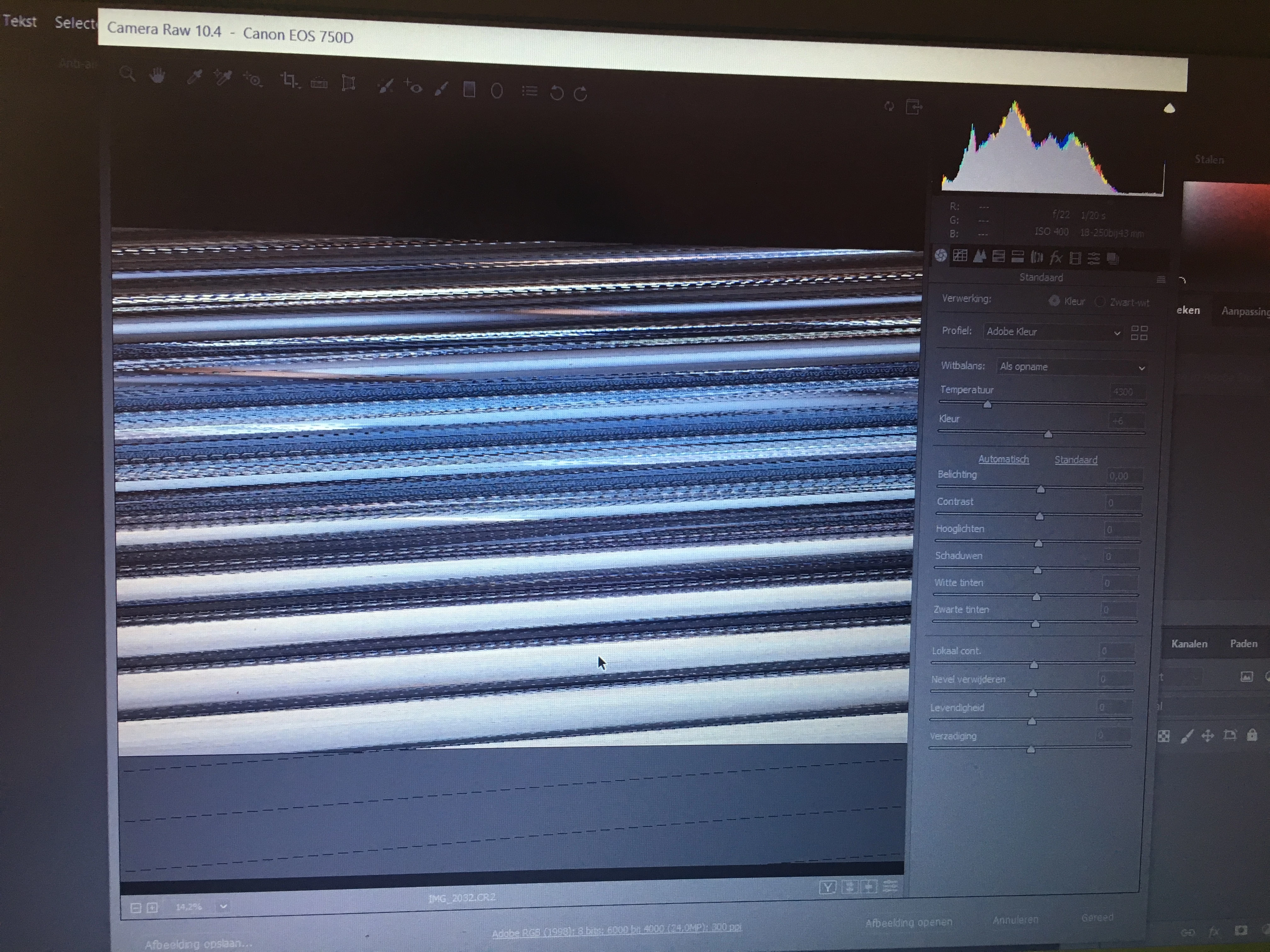
When i open the photo in photoshop CC, i see the photo normally. Please help.

    This topic has been closed for replies.
    Correct answer Per Berntsen

    Go to Edit > Preferences > Camera Raw, and uncheck Use graphics processor.

    Updating your graphics driver might make it possible to work with the graphics processor enabled.

    2 replies

    Per Berntsen
    Community Expert
    Per BerntsenCommunity ExpertCorrect answer
    Community Expert
    July 21, 2018

    Go to Edit > Preferences > Camera Raw, and uncheck Use graphics processor.

    Updating your graphics driver might make it possible to work with the graphics processor enabled.

    Participant
    October 7, 2019
    Thanks! I had the same "striped photo-issue" in Lightroom CC (version 2.4.1) and it took me some time to find this solution over here, but it works just fine.
    Legend
    July 21, 2018

    I don't understand what you mean by opening the photo in Photoshop CC. You can't open a raw file without going to camera raw unless it's not  a raw file but a jpeg file?