I don't see any color issues with any of them in Bridge or ACR, unless they are so subtle I don't notice.
Does your view of them in Bridge look the same as mine?
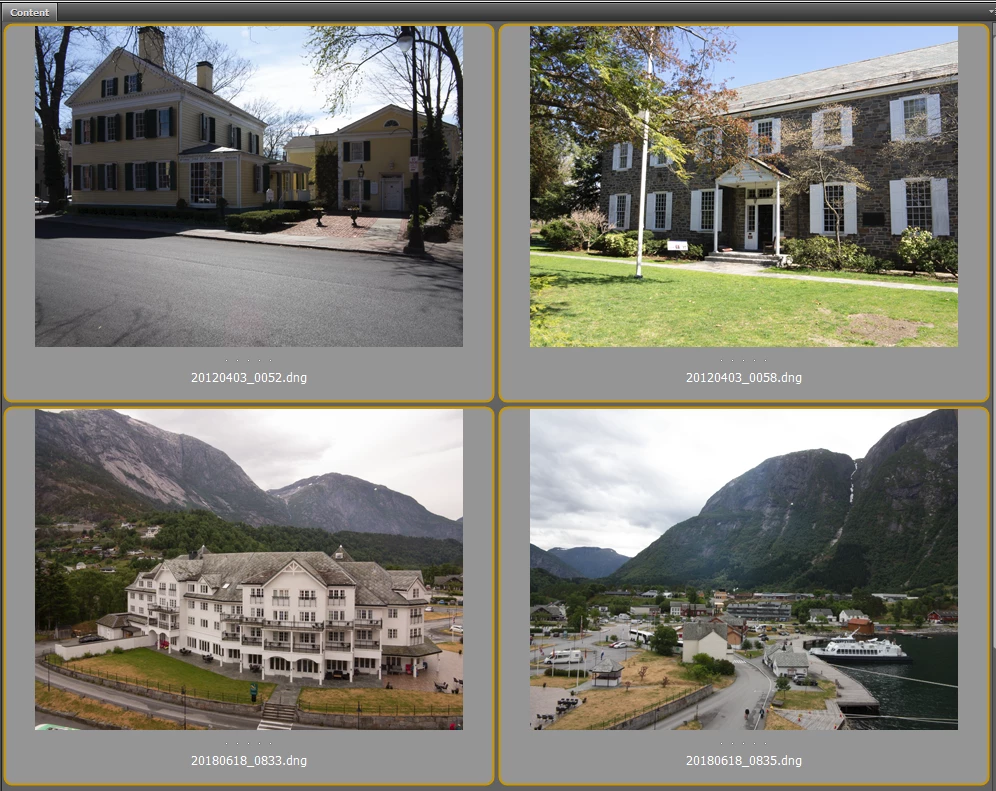
Did you update the embedded preview before uploading so I won't see what you saw?
Yes, the images appear fine in Bridge. The images on the Bridge panel have always looked good. It was only when I opened them in Camera Raw that the color cast showed and it was not subtle but rather a vivid color cast over the entire image. I did some more testing and here is what I found.
1) The only DNG files with a problem were captured to the PC before I had upgraded the release levels on Bridge, Photoshop and Camera Raw.
2) On the files that had the color cast in Camera Raw if I did anything to the CR window with the image open, the color cast went away. That includes opening the file in Photoshop, hitting the Done or Cancel buttons, or even resizing the CR window - found the latter this morning when trying to take a screen clip of the window showing the color cast.
3) I tested a new set of files this morning saving one set with CR 9-12-2 installed and then another set with 10-4 installed to see if the CR plug-in level at the time of capture to the PC with the conversion from CR2 to DNG format was causing the problem. There was no impact as all opened with no color cast.
Based on the above, I have to conclude that the prior levels of Bridge, Photoshop and/or Camera Raw caused the problem and that doing anything to a DNG file using the new levels will resolve the problem as once touched the color cast goes away. Once I updated the products, I have not been able to recreate the problem. I did a screen grabs showing an older DNG initially open in CR 10-4 with a green/cyan cast and then a second showing the same image reopened after doing a Cancel to show that the color cast went away. Dropbox - Color Cast - Simplify your life
At this point I am happy to close this out as I cannot recreate the error on the current levels of the code and the solution is simple - open in CR, Cancel, reopen in CR. And this only is needed on any older DNG files that were never processed which are very few.



 AdChoices