

Participant
July 8, 2017
Answered

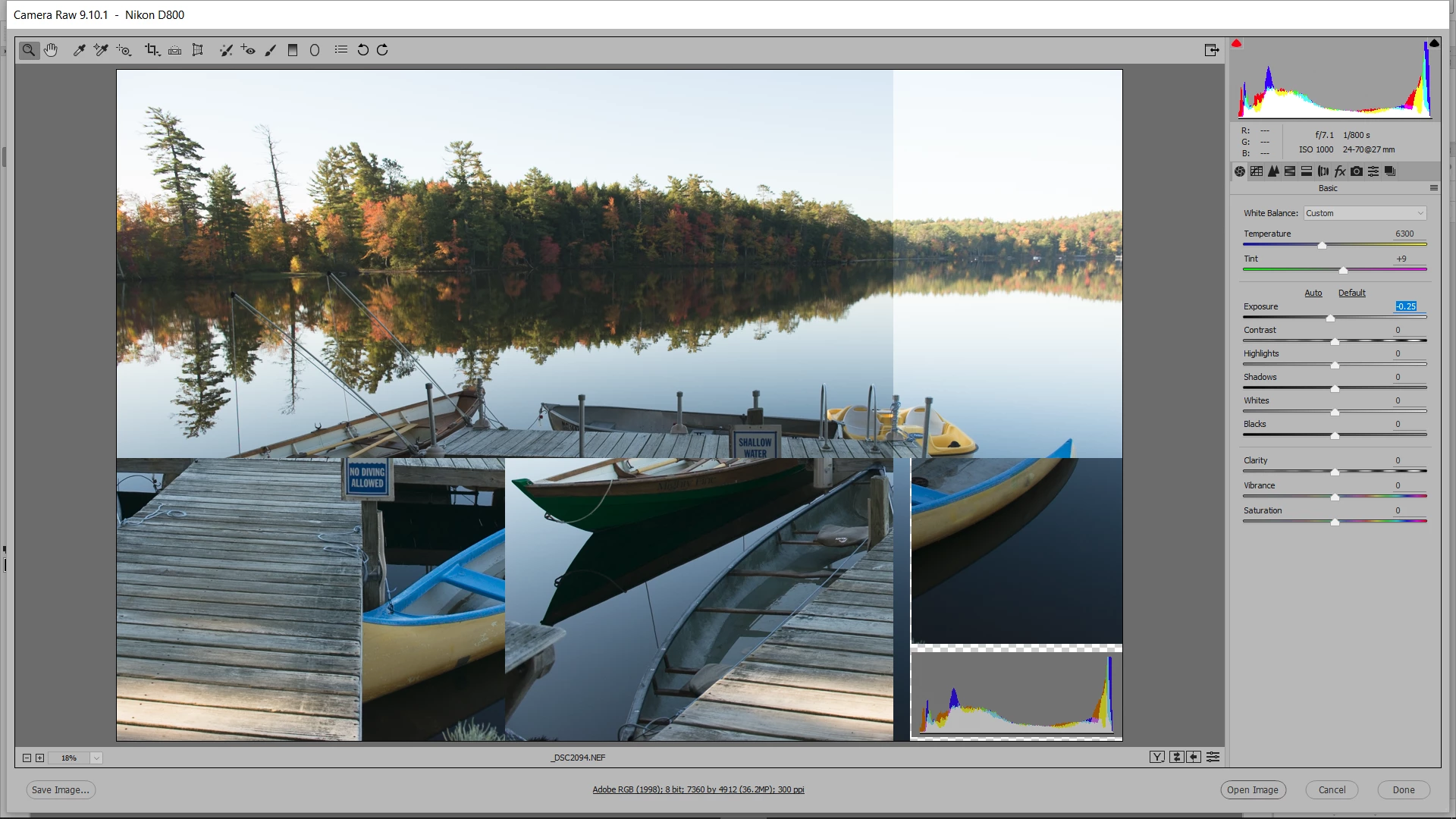
Camera Raw screen breakup when adjusting

  • July 8, 2017
  • 2 replies
  • 876 views

When making adjustments to raw or jpeg photos in CR I frequently get a typical as shown in attached. I have memory usage at about 19.5 MB.

    This topic has been closed for replies.
    Correct answer JP Hess

    Have you tried disabling GPU support in the Camera Raw preferences, accessible from Bridge?

    2 replies

    Participating Frequently
    February 28, 2018

    I have had this problem on two different computers now for a while, is there a more permanent fix for this, disabling GPU is a kind of unsatisfying solution.

    My systems are a Laptop with Geforce 960 on an external setup. The other is an other Laptop with Geforce 720GT build in.

    JP Hess
    Inspiring
    March 1, 2018

    Why do you feel that this is an unsatisfying solution? The GPU support is primarily provided for those who have the 4K/5K high-resolution monitors anyway. If you have disabled GPU support to resolve a problem on your computer with Lightroom, what has been unsatisfying about that solution for you?

    Participating Frequently
    March 1, 2018

    Because the GPU + ACR did work in the past versions of Photoshop, and because the performance with the GPU ticked off is sluggish. I'm using a 1440p monitor both on the desktop and on the other system, the laptop display.

    JP Hess
    JP HessCorrect answer
    Inspiring
    July 8, 2017

    Have you tried disabling GPU support in the Camera Raw preferences, accessible from Bridge?
