


Question
Camera RAW update freezes when opening smart object
After updating Camera RAW CC, when I open the smart object to update camera raw filter, Photoshop freezes presenting the "Preparing Smart Object" dialog.
Steps:
- From Adobe bridge, open RAW (cr2) file to edit in Camera RAW
- Within Camera RAW, adjust settings
- From Camera RAW, open in Photoshop
- Now, photo is a smart object in Photoshop
- Double-click the smart object in Photoshop to return to Camera RAW filter to update settings.
- Camera RAW opens, but is Photoshop and Camera RAW are frozen, with the "Preparing Smart Object" dialog
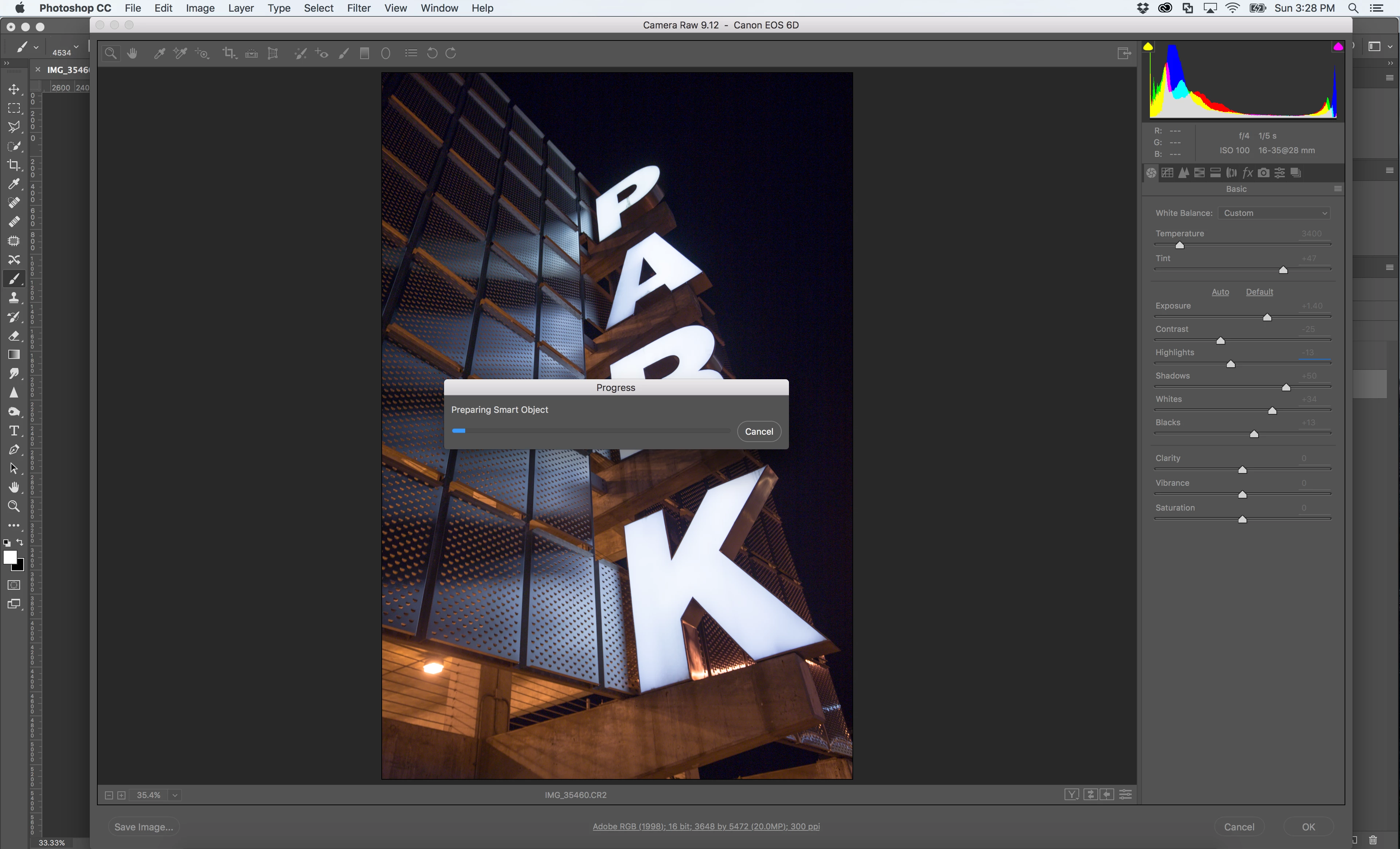
This dialog appears to update, but here at 10-minutes later, has been sitting at 100%
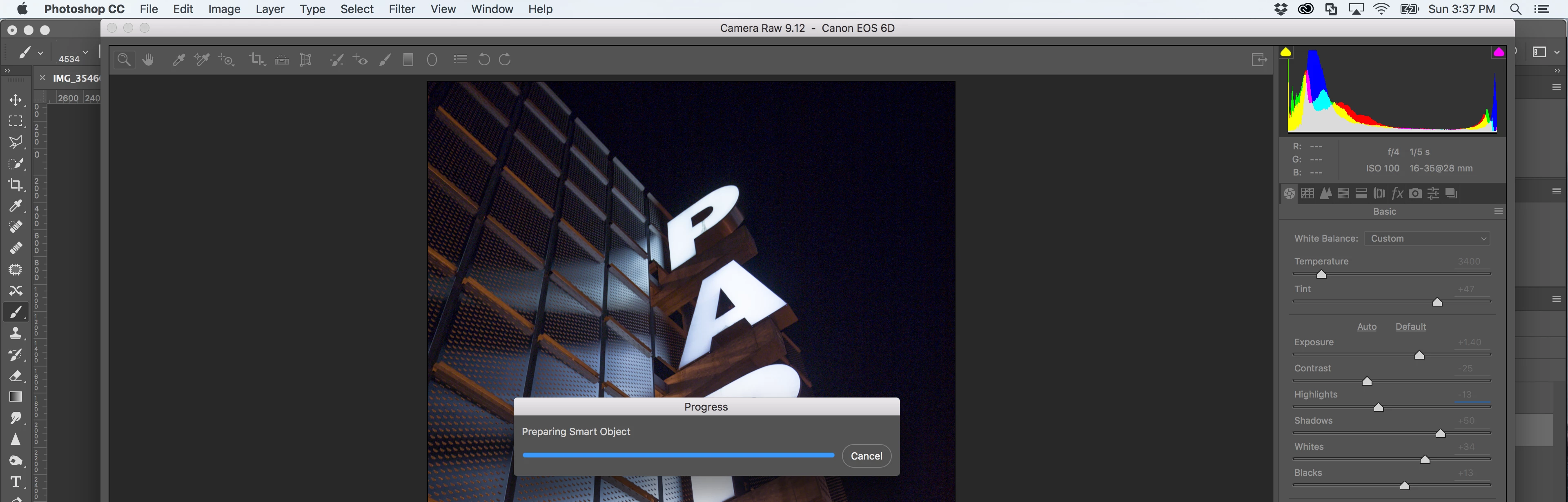
This process usually takes less than 2-seconds on my Macbook.
MacBook Pro, 15-inch retina, 2.4 GHz Core i7, 8 GB RAM, NVIDIA GeForce GT 650M 1024MB, OS X El Capitan (10.1.6)
Photoshop 2017.1.1 (20170425.r.252 x64)
Camera Raw 9.12.0.784
 AdChoices