


Camera Raw won't use Monitor Profile after starting
Hello,
just installed Photoshop CC2018 on Windows 7 64bit. I have used Photoshop CS6 until now. When using Camera Raw from Bridge CC2018 or Photoshop CC2018 it seems that Camera Raw is not using the Monitor Profile to display the Photo. As I am working with a Wide Gamut Monitor this leads to highly oversaturated colours on the display (2nd monitor). Viewing the same picture in Bridge CC2018 or opening the picture from Camera Raw into Photoshop CC2018 shows the colours consistent with the results form Bridge/Photoshop CS6.
I have found that by simply removing the focus from Camera Raw (i.e. by activating the window of a different program or by simply clicking on the desktop) and setting the focus to Camera Raw again (by clicking in the Camera Raw window) the profile is applied an colours are now consitent with Bridge/Photoshop.
While I can use this as a short term workaround I like to know how to solve the problem constantly because without the above mentioned procedure any adjustments in Camera Raw would be made based on the visual result showing the wrong colours.
Below screenshots from a picture (jpegs with monitor profile applied)
1. Bridge CS6
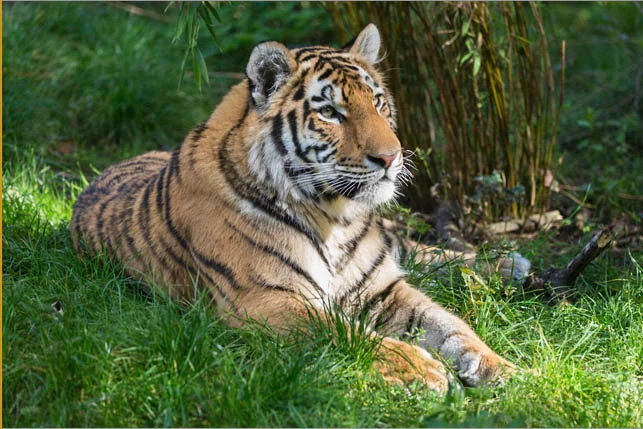
2. Camera Raw CS6
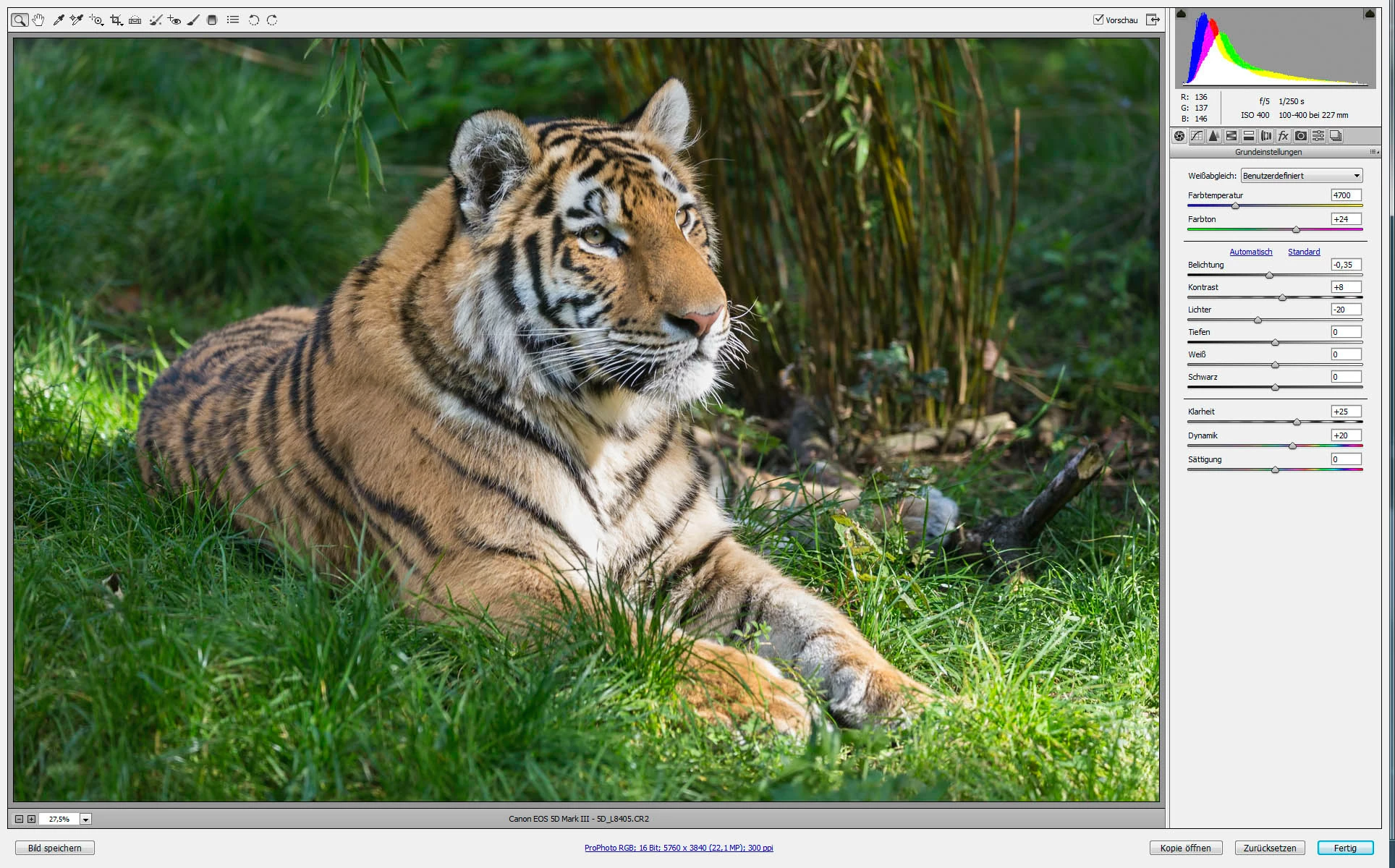
3. Bridge CC2018
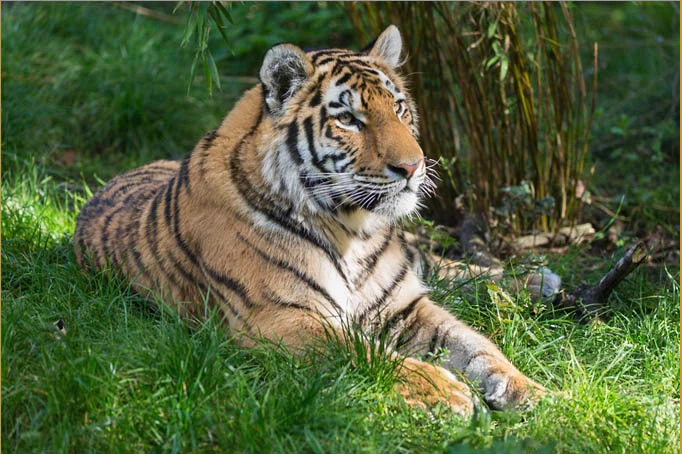
4. Camera Raw CC2018 after initial opening
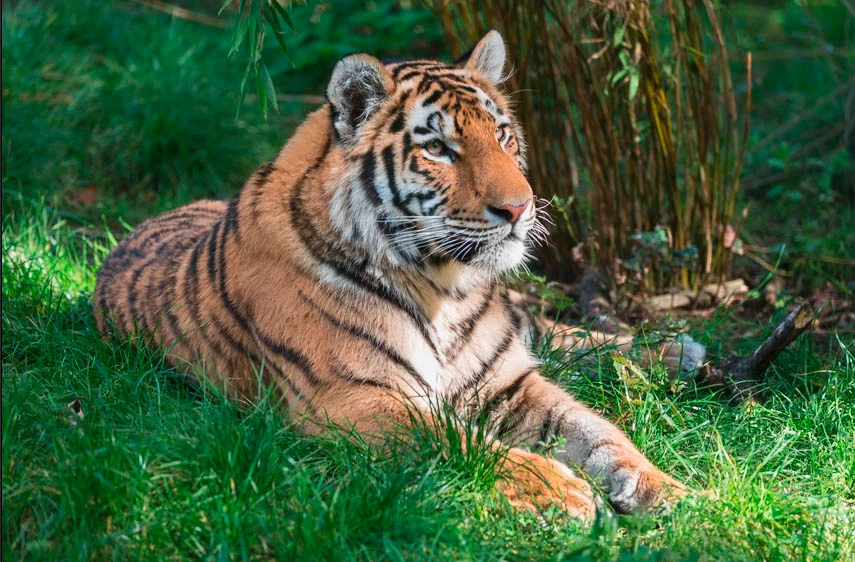
5. Camera Raw CC2018 after loosing an getting focus
 AdChoices