


Can't create color profile with DNG Profile Editor
Hello!
First, sorry about my english, my language is portuguese.
My cellphone is a Samsung Galaxy S6 and it take RAW photos in .DNG format. I took a photo of the Color Checker in .DNG, opened it on the DNG Profile Editor, set the 4 corners of the color checker at the tab "chart", and then click "creat color table..." button, exactly as I do do create the profiles for my Canon T3i and Canon 6D.
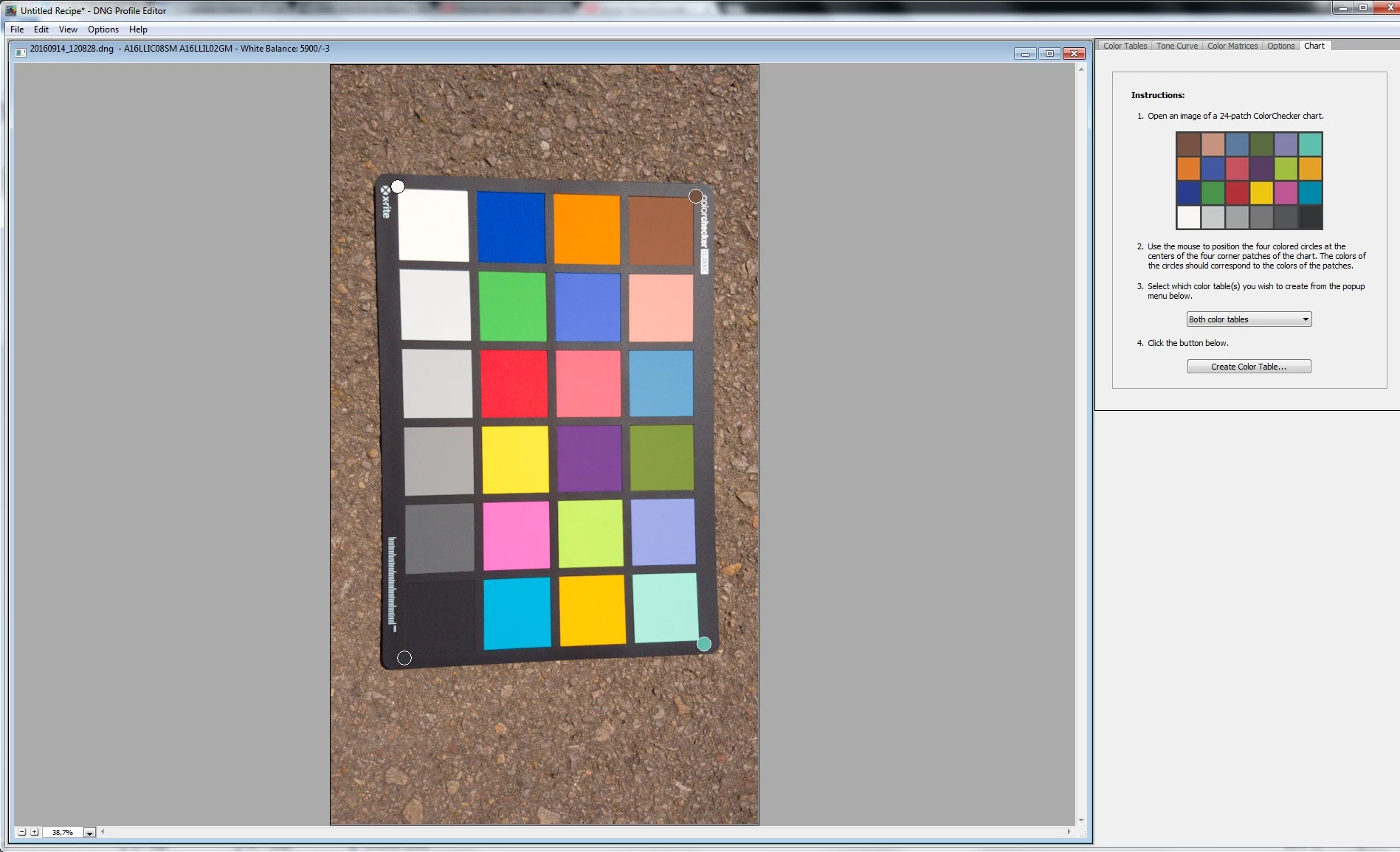
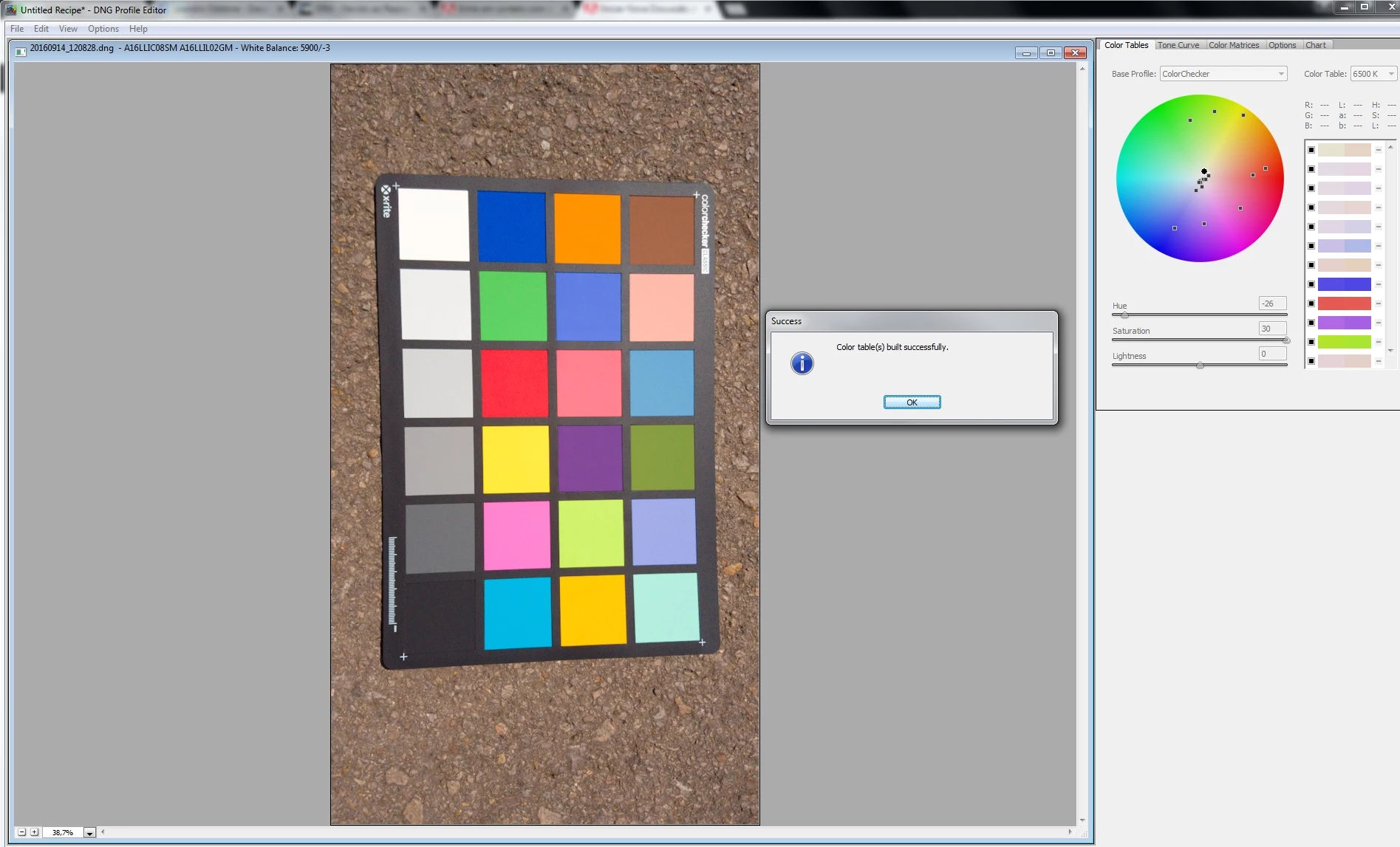
But when I try to export the profile, NOTHING happens, the profile doesn't appear at the folder with the other profiles I have (C:\Users\Leandro\AppData\Roaming\Adobe\CameraRaw\CameraProfiles) neither appear at the profiles list on Lightroom.
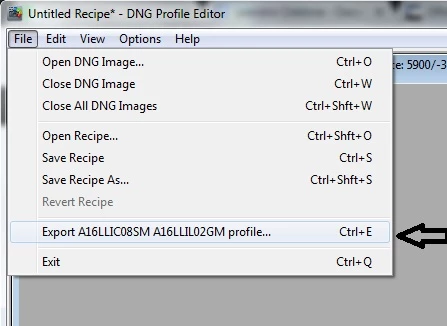
I also tried to import this .DNG from the cellphone on Lightroom and export again to DNG to make sure that isn't some problem with the file from the phone, but still have the same problem.
Can someone helpme?
 AdChoices