Inspiring
September 4, 2021
Answered

Cannot Open Nikon Z6 II RAW Files

  • September 4, 2021
  • 1 reply
  • 1340 views

Hi,


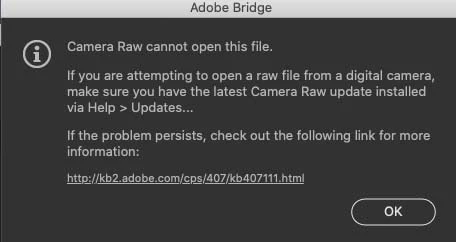
I have acquired a Nikon Z6 II but cannot open RAW files from it. I just get the message 'Photoshop cannot open this file' and a link to a page that's 404 not found.


I have an Intel iMac, Catalina 10.15.7, ACR 13.4, Bridge 11.1.1 and Photoshop 22.5 - all updated today.  And restarted the system a few times.

The Adobe 'Cameras supported by Camera RAW' page suggests it is supported, apart from there being no camera matching profile.


I've tried opening via Bridge and via Photoshop.


So can Photoshop open Z6 II files?

And if so, what can I do to make it work?


Thanks,

-Michael
This topic has been closed for replies.
Correct answer Michael-At-Home

Opened fine on this end, in ACR:


It's not the raw itself. 

You might try converting to DNG with the free DNG converter first, see if that does the job. 

You have your Privacy Pref's in System Pref's set to allow Photoshop and ACR full disk access? 


Thanks for testing the RAW file and the suggestions.  No problem with disk access or opeining with the DNG converter.  So I looked more carefully into Camera Raw and discovered that although it is reported as being 'up to date' and version 13.4 by Creative Cloud it is actually version 12.4.  When updating all the Adobe apps I had requested 'remove old versions' too.  


 I tried the CC Repair tool but that didn't help. So I found that one can download ACR and install it 'by hand', have done this and it works!


Thanks for your suggestions, whch led me towards the solution,


1 reply

TheDigitalDog
Inspiring
September 4, 2021

That camera is supported, how are you trying to access the raws (did you copy from the card to the HD)? 

Can you upload one, via something like Dropbox so we can test to make sure the raw isn't an issue as it should open in the versions you have. 

Author “Color Management for Photographers" & "Photoshop CC Color Management/pluralsight"
Inspiring
September 4, 2021

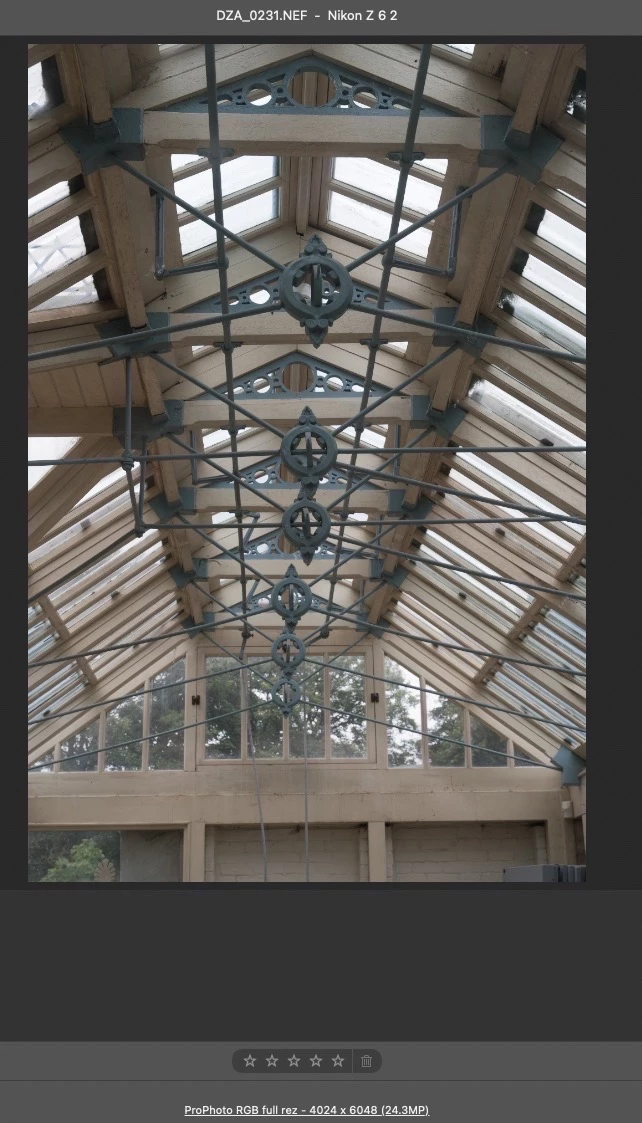
I copied from the SD card to the HD via the Image Capture app. Here's a link to one of my RAW files; I can see that Dropbox has been able to make a preview of it.

https://www.dropbox.com/s/vdu4vtlqahblqa5/DZA_0231.NEF?dl=0

Thanks,

-Michael


TheDigitalDog
Inspiring
September 4, 2021

Opened fine on this end, in ACR:


It's not the raw itself. 

You might try converting to DNG with the free DNG converter first, see if that does the job. 

You have your Privacy Pref's in System Pref's set to allow Photoshop and ACR full disk access? 

Author “Color Management for Photographers" & "Photoshop CC Color Management/pluralsight"