



Participant
August 19, 2023
Answered
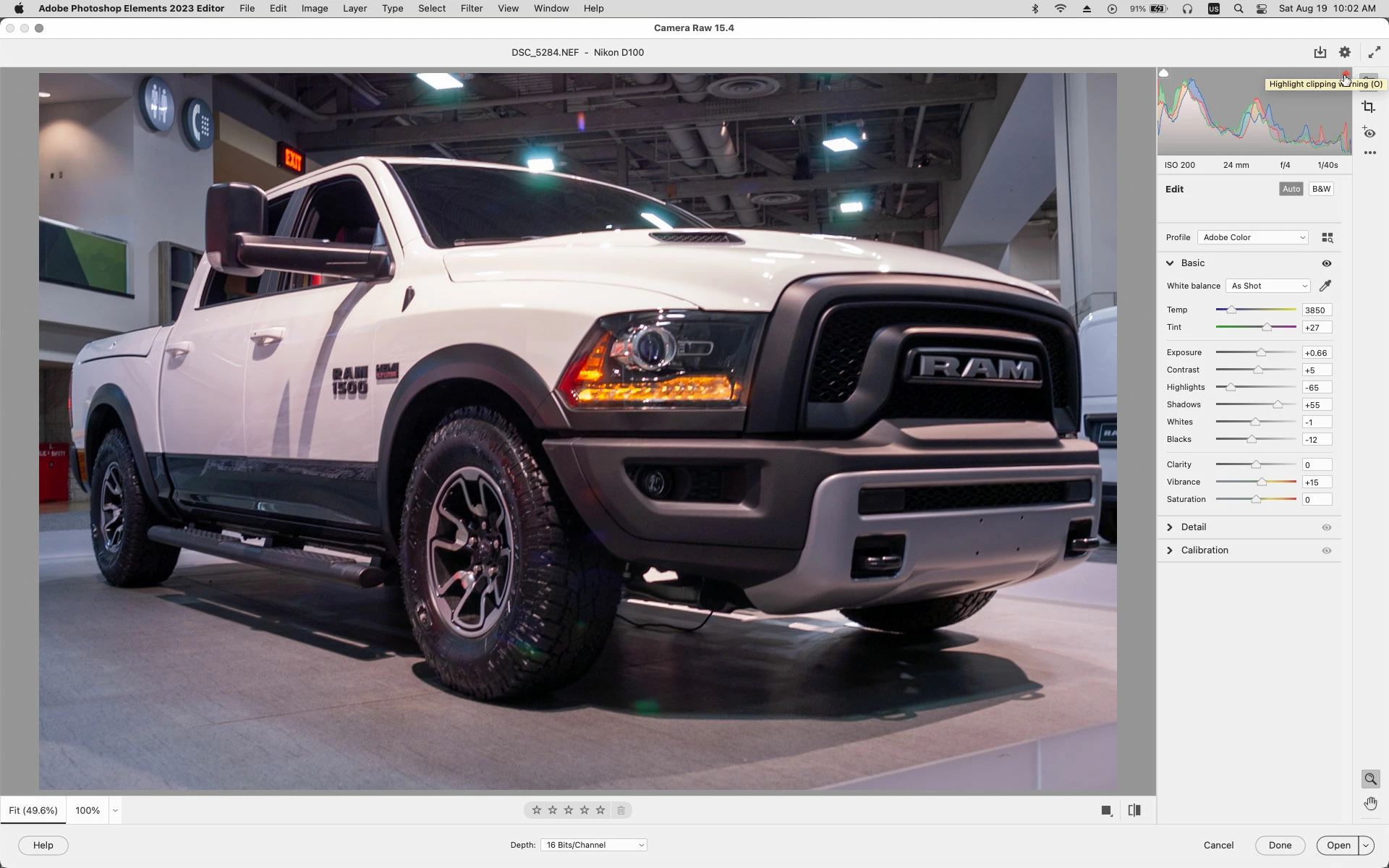
Color streaks in old NEF files in Elements 2023
- 2 replies
- 247 views
- Translate
I recently upgraded from Elements 14 to elements 2023. When I open a NEF file from my old Nikon d60 there are strange color streaks in the opening RAW screen. It doesn't happen with my old RW2 files from Lumix camera or with NEF files from my newer Nikon Z5 camera. If I then click open the image it appears normal in the editing page. It's just the annoying streaks(usually red) in the opening screen. See attached screen shot. Notice the red color on the ground. I have reinstalled the app. and fiddled with different versions in Calibration and color profile with no success.

 AdChoices