


CR2 photos with forced crop - cannot remove the crop!
Photographer friends // Need help
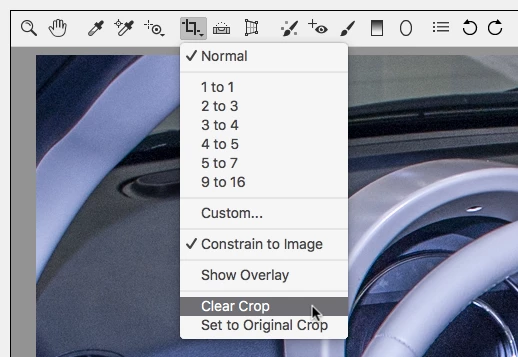
I was doing a timelapse over the weekend and for some strange reason half way through the timelapse, it decides to force a 16:9 crop onto the image when I try open it with any Adobe program. Even though when I preview the image in finder it shows it without the crop. I've opened it in Lightroom, Photoshop, Aftereffects and the same thing happens every time. I tried using the crop tool in ACR and that doesn't do anything, I've basically lost the top and bottom of the image which is super annoying.
The closest I got was with LR timelapse, but when I did the visual preview it added the crop onto it, arggggg no help.
Have a look at the below image URL, the left image shows the normal aspect ratio the photos were shot in and the image on the right has a forced 16:9 crop which I can't find out how to remove. These two photos were taken 10 seconds apart on a remote timer. The camera had not been fiddled with or anything.
Anyone have any idea why this happened and how to remove this crop? I've looked online but found no solutions.
Shot on a 5DMKIII

 AdChoices