


Participating Frequently
October 6, 2024
Question

Create Preset menu disappears when I press the alt key on Windows

  • October 6, 2024
  • 2 replies
  • 174 views

I'm trying to add my first LUT into camera raw. Following tutorials I've found online, it says to open an image in Camera Raw, click the three dots next to the profile options, and then - while holding the alt key on windows - select the create preset menu option. 

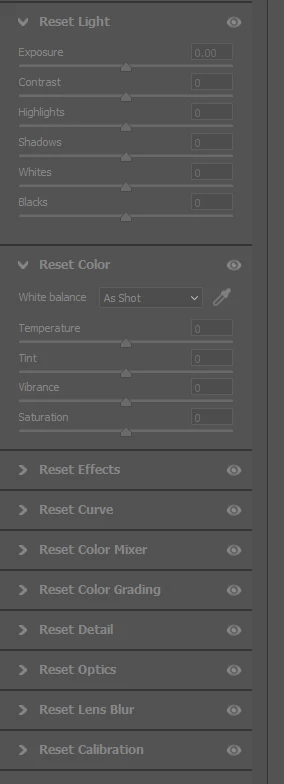
On my system, as soon as I press the alt key, the menu disappears and all the camera raw settings change to a reset mode. Am I doing something wrong? 


I appreciate any help I can get. 


2 replies

Jeff Arola
Community Expert
Community Expert
October 6, 2024

You want click on the Presets icon in the right hand column, then hold Alt while clicking on the Create Preset button.


Participating Frequently
October 6, 2024

Thank you so much. That helped, but I ran into the same problem. When I clicked the mouse and released the button, the menu disappeared. However I found that if I alt-clicked but held the mouse button down until the create new preset was highlighted, the correct dialog opened up when I released the left mouse button. 

Participating Frequently
October 6, 2024

Sorry, I should have added:

I'm using windows 11

Camera Raw v 16.5.0.1954

Photoshop v 25.12.1


I have also tried resetting the camera raw preferences.