


Question
Customization Camera Raw 16.0 Toolbar
Good morning, everyone,
I'm a photojournalist and I edit all my images in Lightroom, these days I've been trying to use version 16.0 of Camera Raw, but in my taskbar the CROP option never appears and the "C" and "R" shortcuts don't work. I've seen several videos on YouTube and they all have the crop option in the toolbar.
Can anyone help me?
I think it's a question of customizing the icons to appear in the Camera Raw taskbar but I can't figure out how to do it.
Thank you.
João Aragão, Portugal
Translated with www.DeepL.com/Translator (free version)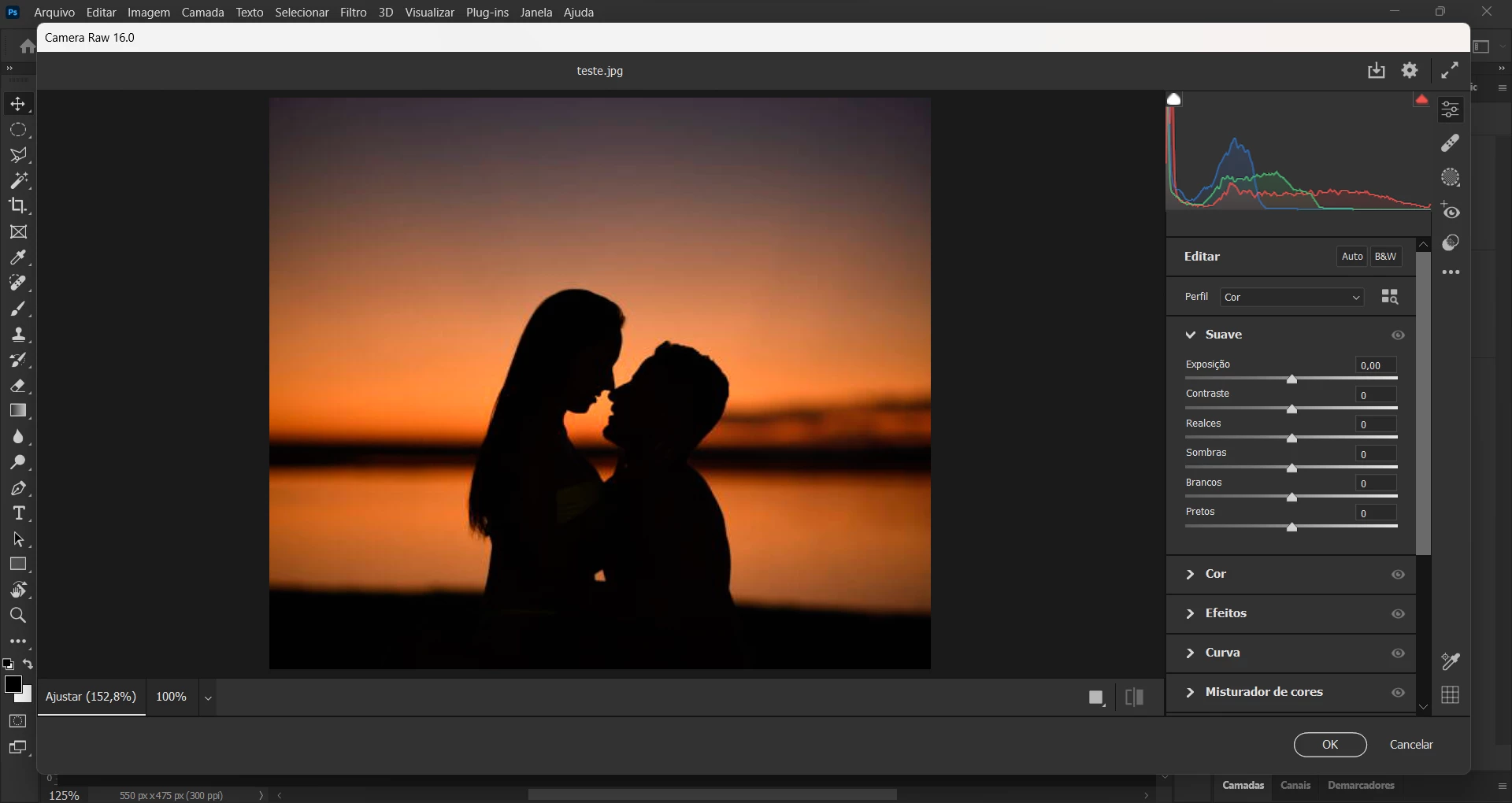
 AdChoices