dpcpatron
Participating Frequently
June 22, 2017
Answered

Darker, More 'Stark' Grayscale Tones?

  • June 22, 2017
  • 1 reply
  • 957 views

I use ACR for about all my image work and am trying to get darker tones in greyscale like most of these images have

https://www.picturecorrect.com/tips/are-you-making-these-10-common-street-photography-mistakes/

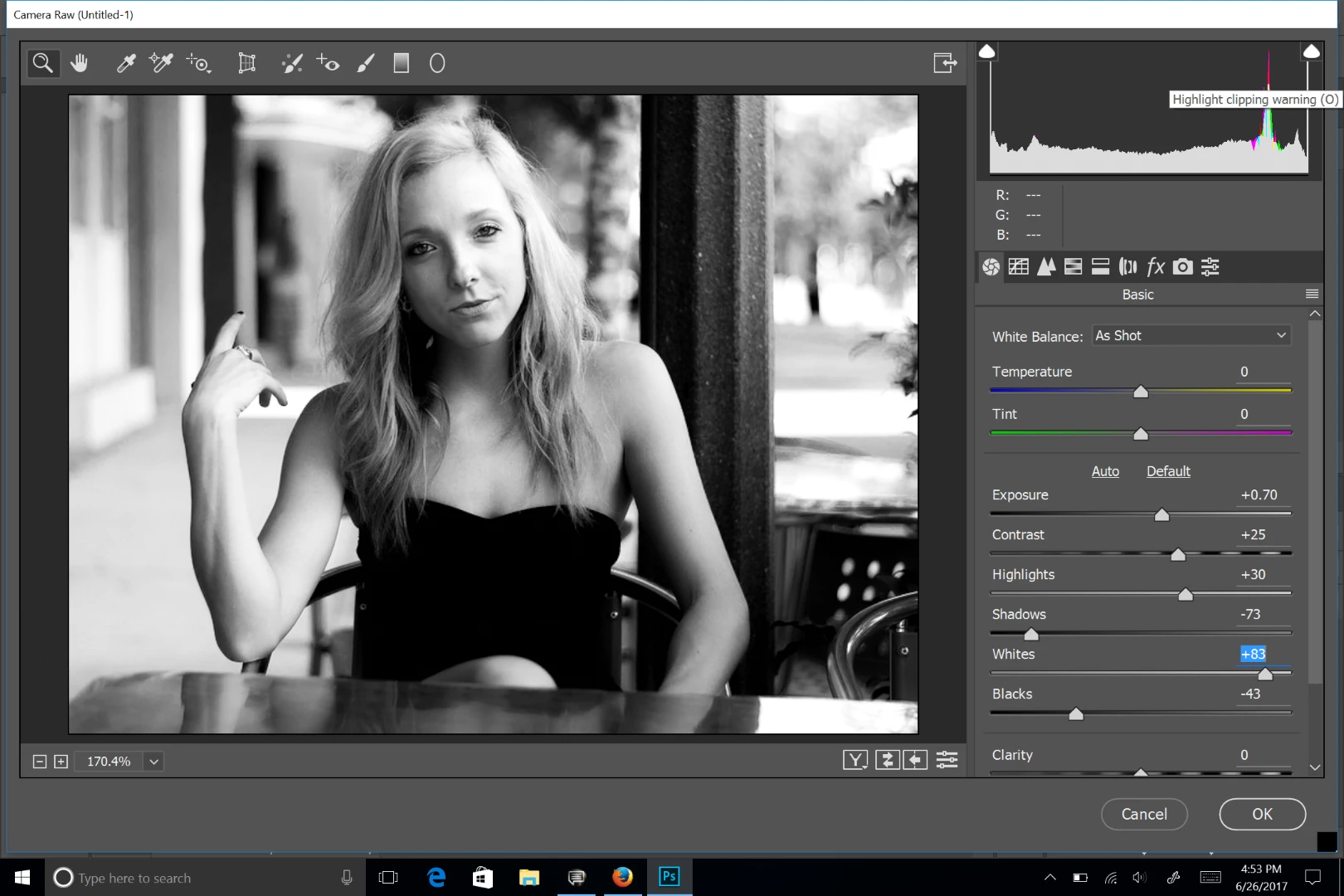
This is typical of what I am getting on my own in ACR. Anyone have a preset or something I could see to know what I need to adjust?


258893d1498093241-dark-grayscale-tones-adobe-camera-raw-35314174295_b20fe15ed1_c.jpg

    This topic has been closed for replies.
    Correct answer Chuck Uebele

    Best to make presets that match your shooting and camera. Your posting image looks a bit flat to me, for the effect you're going for. You need to increase the highlights for more contrast to give you those stark blacks. Use the clipping tool in ACR to see how much is being clipped. That's a personal preference, but it can easily be over done.

    1 reply

    Chuck Uebele
    Community Expert
    Chuck UebeleCommunity ExpertCorrect answer
    Community Expert
    June 26, 2017

    Best to make presets that match your shooting and camera. Your posting image looks a bit flat to me, for the effect you're going for. You need to increase the highlights for more contrast to give you those stark blacks. Use the clipping tool in ACR to see how much is being clipped. That's a personal preference, but it can easily be over done.