


DNG Converter 12
First post here, really in desperation as Adobe chat and a fair bit of searching hasn't produced any real answers.
Being old and frugal, I have muddled on with the last stand alone version of Lightroom, and also CS6 Photoshop. I am happy with that, except, the newer camera raw files are not supported, annoying but reality. I have used DNG Converter to turn the files into somethingnthat is recognized by LR/CS6.
I now need an updated DNG Converter, and downloaded the latest, 12.3 I think. And, in preparation I deleted the old Converter, it worked, albeit not with my latest camera raw files.
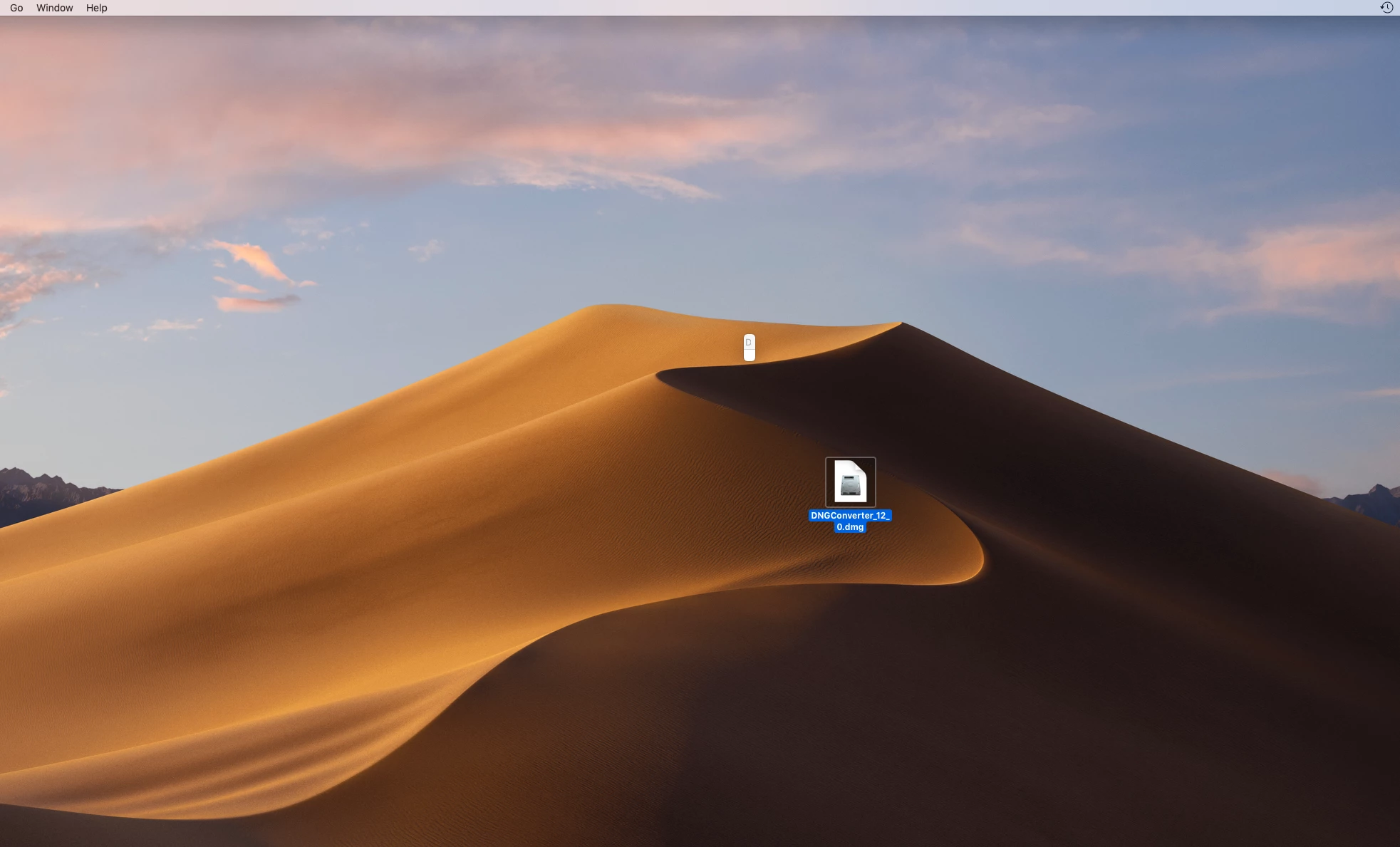
When I click on the program now, in my dock, it opens up a small barely visible icon on the screen, and "DNG Converter" is viusible in the upper tool bar. But is not what I have been used to, I don't think it has fully loaded? I have tried slightly older versions as well, V12.0 for example, same result. Screengrab shows the small icon. I also moved the DMG file closer to it, so this is also visible, but I have unpacked/installed the file.
Mac OSX V 10.14.6.
What have I done wrong?
Gary
 AdChoices