Finally, here's a screenshot showing the NEF, DNG and JPEG of one of the images. All side-by-side.
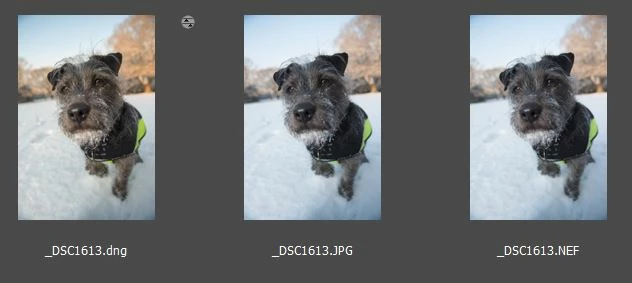
As you can see, I did a little color correction on the DNG file. In case you're wondering, these were done using the latest Camera Raw. This screenshot is from Bridge. I usually use Lightroom, but didn't see the need since I was using the standalone DNG converter and a couple of "orphan" images.
This is just a thought, and I'm speaking outside of my area of knowledge (let alone any level of expertise). The underscore prefix on the filename indicates that you have your camera programmed to shoot in Adobe RGB. I don't ever try to manipulate any of this stuff, and different color spaces are not supposed to affect raw photography. But I'm just wondering if that might have something to do with this. I don't know. It's just a thought that occurred to me. I'm probably not being much help in this matter.
Thanks for your help JimHess
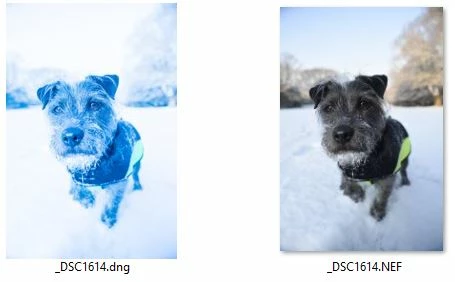
Resetting to Camera Raw Defaults in Adobe Camera Raw fixed the issue!
Based on your findings, I ruled out any problems with the NEF Raw files from camera, as you were getting the expected results.
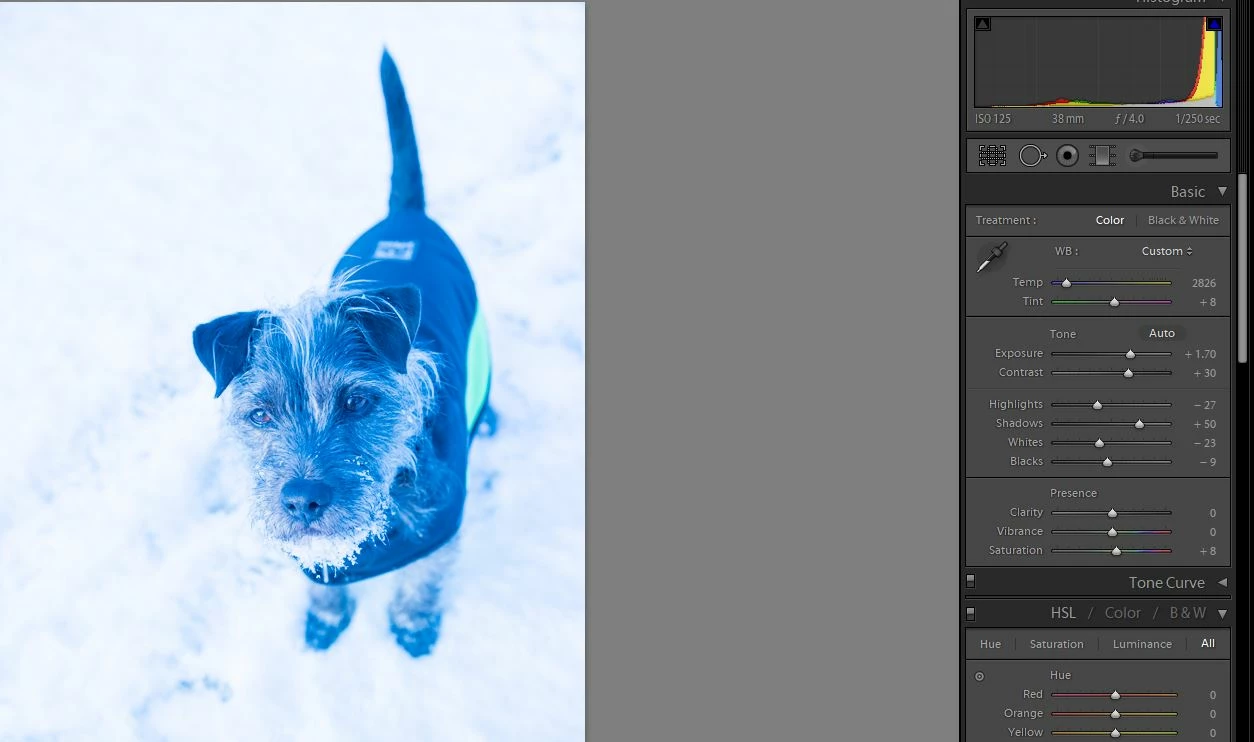
I imported a RAW into Photoshop using Camera Raw and got the same blue shift in white balance etc. This led me to look at where DNG Converter and Camera RAW were getting their settings from...
It appears that, although DNG converter is a standalone program, it reads the settings from the same Camera Raw profile as ACR.
It's still a mystery how my Camera Raw Profile got so messed up though... Back to editing @pepe.dog 's snow pics now. 
Thanks again!



 AdChoices