


Inspiring
June 5, 2025
Answered

DNG Converter (JPEG Preview)

  • June 5, 2025
  • 1 reply
  • 1211 views

Hello,


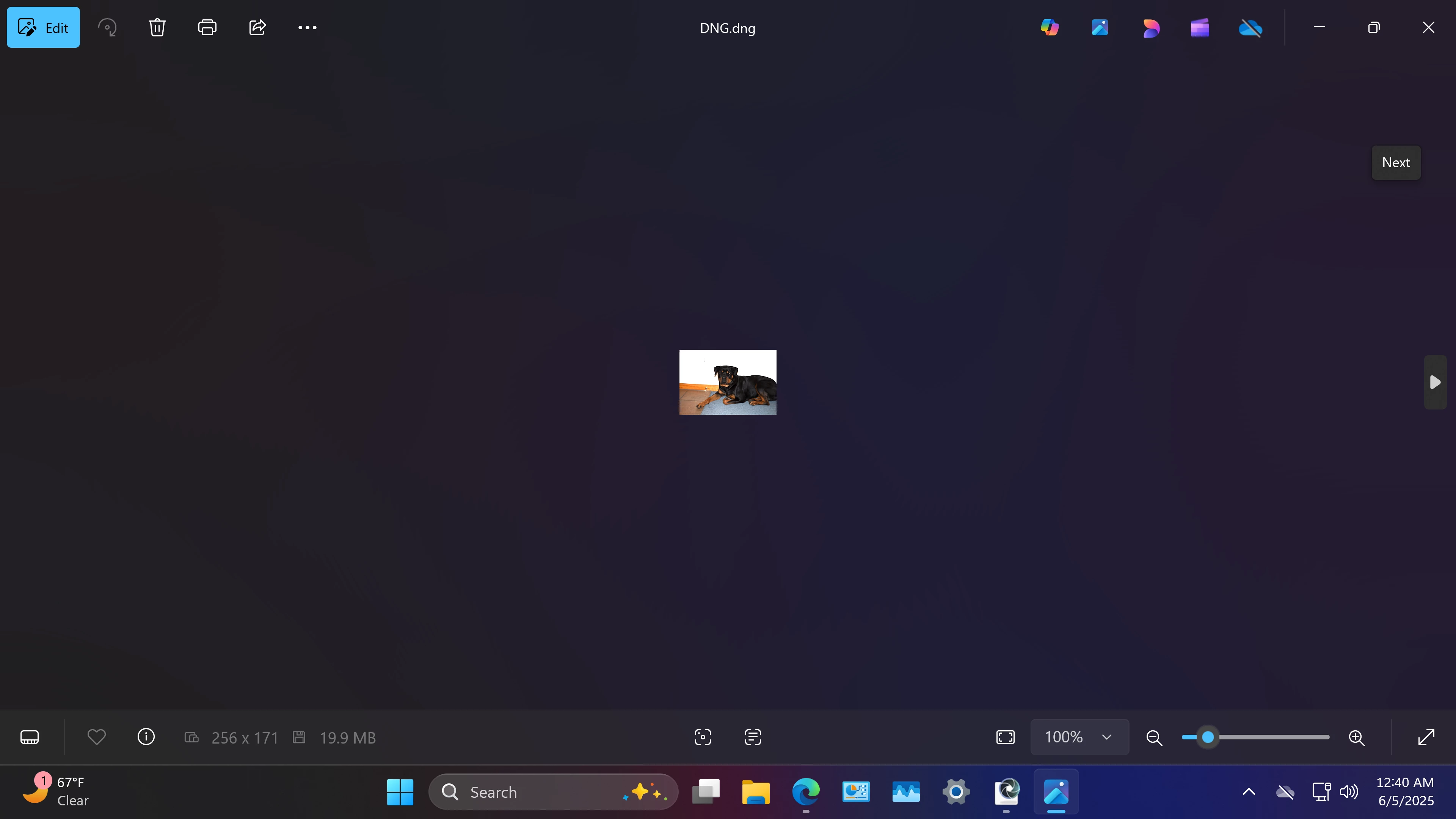
I'm looking for a better understanding of using the DNG converter and the JPEG preview options. First question, when I go to open a DNG file that I created with DNG Converter, why is the image (preview) so tiny?
For example, when I open DNG file from my Samsung Galaxy's camera, they are full size.
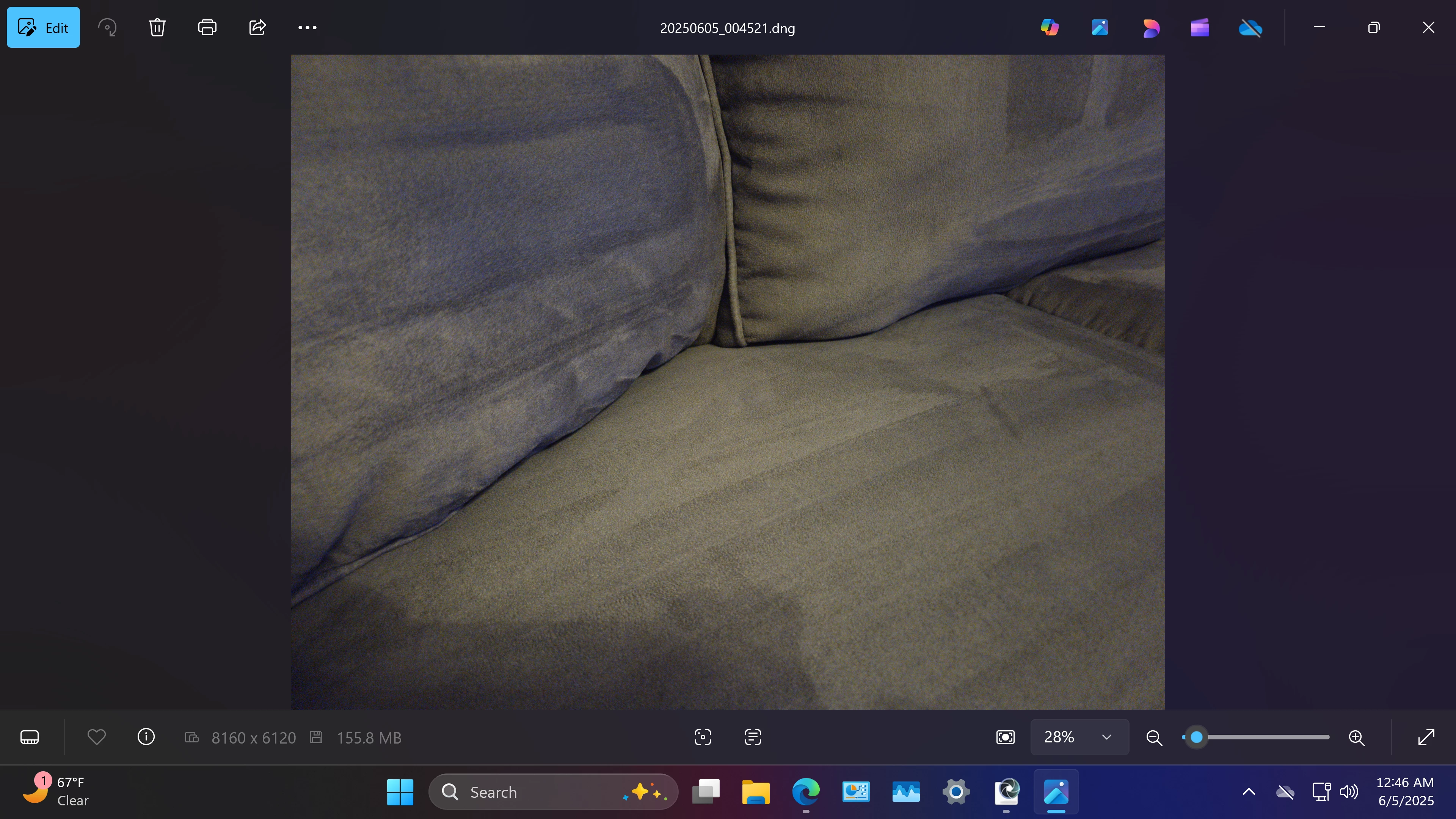
I dont' even understand how Windows photos app or anything other than RAW editing software can even open DNG files. With my Samsung Galaxy, there are no JPEG preview options. I just have the camera set to RAW format which is actually DNG and that's it. To be clear, I do not have my Galaxy set to RAW and JPEG. Like I said, when I open the DNG files from my Galaxy they are full size, unlike the Adobe DNG Converter.


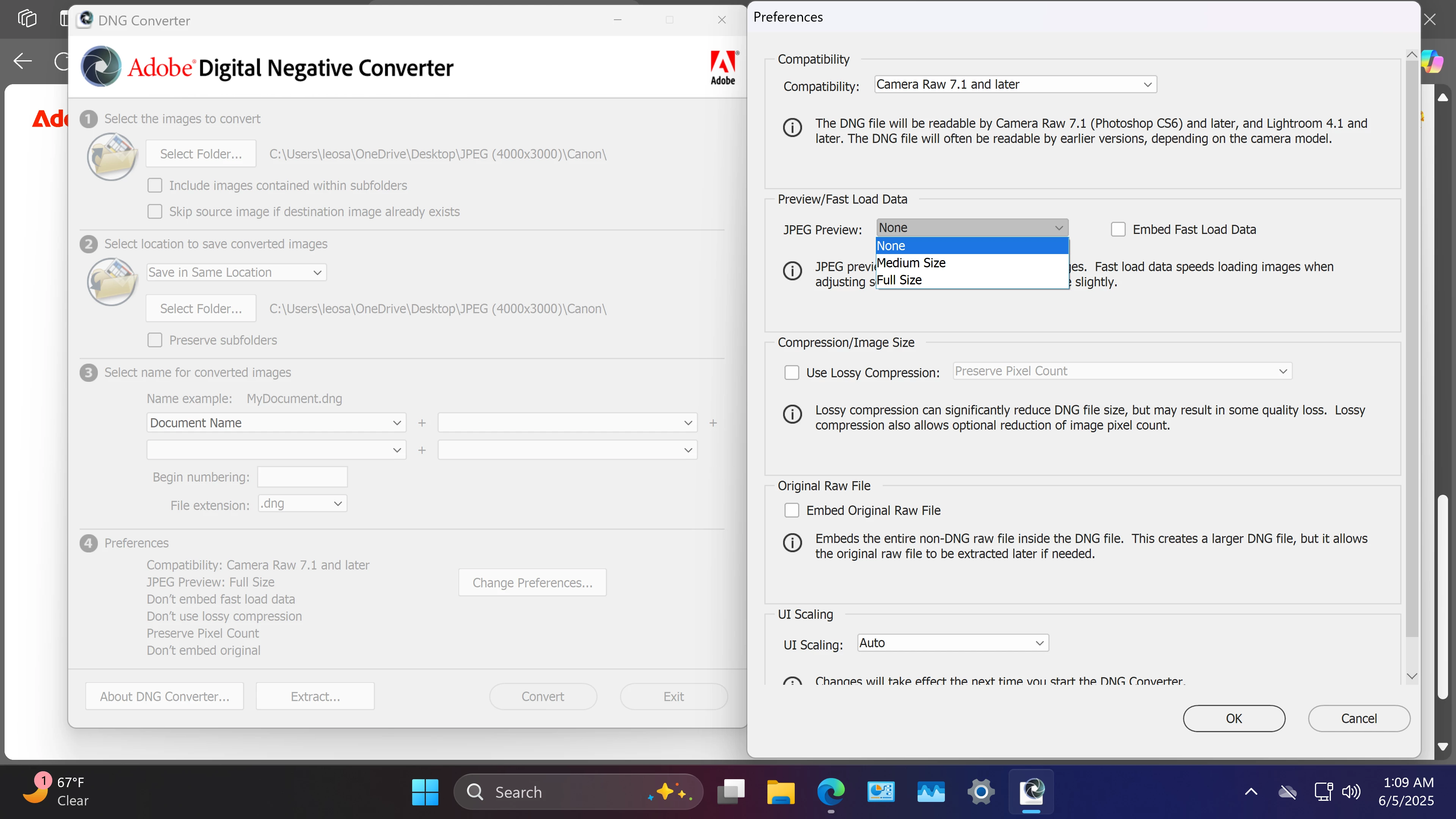
The tiny image that appears when I open a DNG file from DNG Converter, is with the "none" JPEG preview setting. If I have it set to none, how can it be viewed? If the option none actually gives you a (tiny) preview, why doesn't it just give you a full size preview by default? Basically, your being forced to have some kind of preview even when choosing the option none. Why would someone want to have an embedded JPEG preview with their DNG files? I'm just trying to decide what option to use and why the options even exist in the first place. The options are none, medium size and full size. Thank you!
Correct answer Per Berntsen

Basically, all cameras and phones embed a jpeg preview to some degree, (small to full-size) in their raw files (proprietary or dng) without having the option not to, is this correct?


This is with cameras and phones set to record pictures in the raw format, not the raw+jpeg format, correct?


Thank you!


Yes, both are correct, but for all I know, there may be cameras or phones that have an option for not embedding a jpg preview.

1 reply

Per Berntsen
Community Expert
Community Expert
June 5, 2025

I have never used the None option for previews, but after trying it, I can confirm that it creates a small preview – 256 pixels on the long side. I have no idea why this happens.

I always use Medium size, which is 1024 pixels on the long side.

If you want full size previews, use the Full size option, it will stick once you've set it.

Most cameras and phones (but not all) embed a full size jpg preview in their raw files.


The purpose of the jpg preview is to enable image viewers that cannot convert raw files (Photos app, File explorer, etc.) to display an image.

Inspiring
June 6, 2025

Are you telling me that even when selecting the none option, DNG Converter still embeds a JPEG (tiny) preview?


Are you telling me that most cameras and phones that use the DNG format for RAW, automatically embed a JPEG preview without an option not to?


Thanks for your help,

Per Berntsen
Community Expert
Community Expert
June 6, 2025
quote

Are you telling me that even when selecting the none option, DNG Converter still embeds a JPEG (tiny) preview?


That seems to be the case, yes.


Most cameras and phones (but not all) embed a full size jpg preview in their raw files.
 
quote


Are you telling me that most cameras and phones that use the DNG format for RAW, automatically embed a JPEG preview without an option not to?


I phrased that sentence badly. What I meant to say that not all embed a full size preview.

For instance, my Fuji GFX 50S shoots raw files that are 8256 x 6192 pixels.

The embedded previews are 4000 x 3000 pixels.


I have no experience with cameras and phones that use the DNG format. I use Nikon and Fuji cameras, and have never seen an option for not embedding a jpg preview in my cameras.

My guess is that cameras from other manufacturers do not have this option either.