


Fuji X-T3 RAF to DNG, purple files
Hello -
I recently upgraded my camera body from Fuji X-T2 to X-T3 and dealing with the new RAF files has been a bit of a nightmare. My workflow involves an iPad Pro and Apple doesn't support the RAF's yet. I use Lightroom to manage all my photos and the solution I'd found was exporting them out from Lightroom as DNG's. This worked just fine until this past week. I've now been dealing with DNG's that are completely purple.
No matter what Adobe program (LR 8.0 or DNG Converter) I use to convert to DNG, I'm getting the same purple raw files.
I've tried every combination of settings within DNG converter and nothing seems to result in a usable DNG file. I've searched the web and haven't found much on this purple file debacle (and nothing regarding Adobe). So I'm reaching out here does anyone else have this same issue right now and is there an Adobe fix? I'm using Iridient but it's clunky in an already clunky file management system.
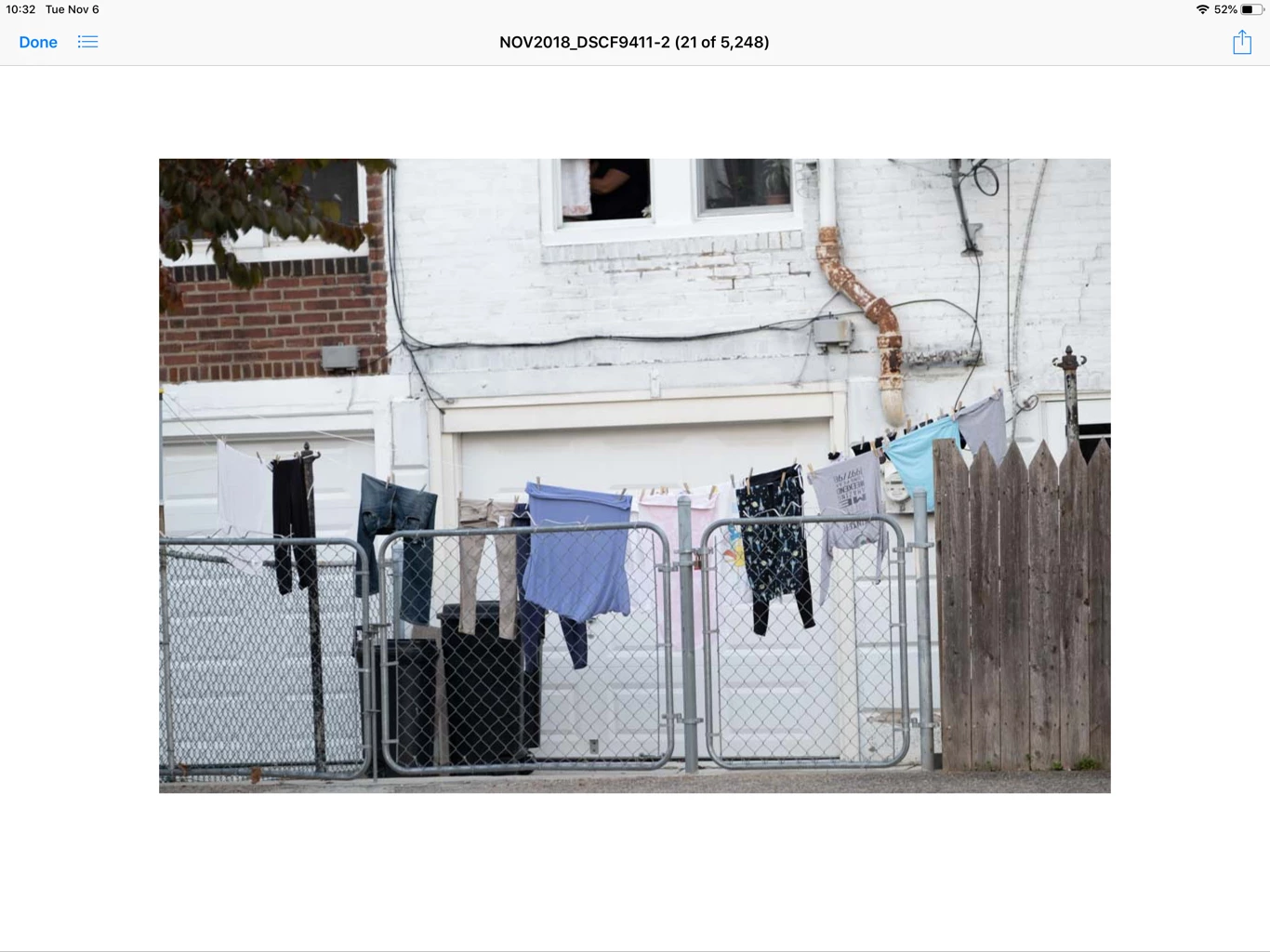
Opening them in Affinity Photo (OSX and macOS) to process the raw results in the purple image below (correct color shown in jpg preview under).


 AdChoices