


Participant
July 23, 2024
Question

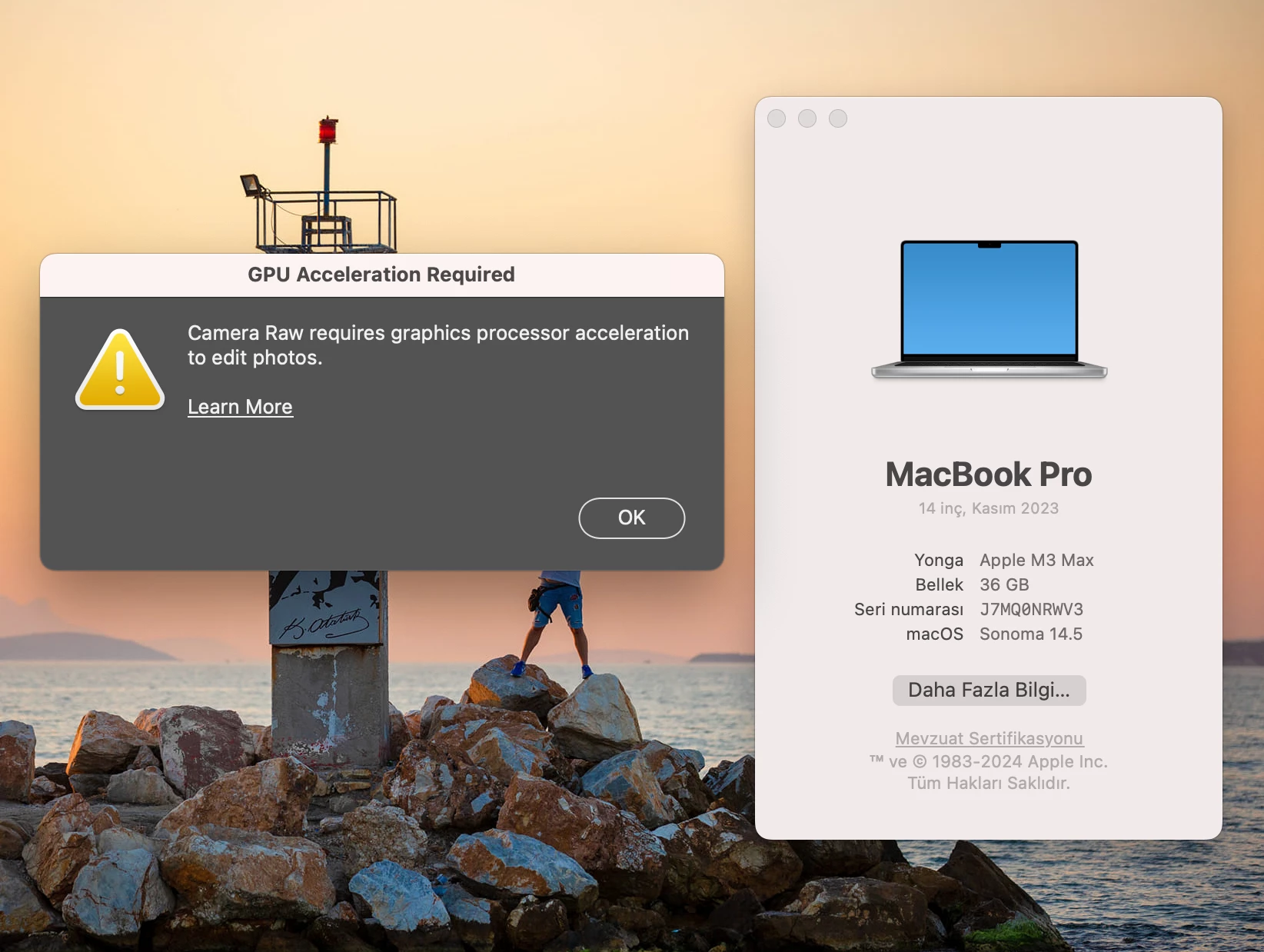
GPU required for Camera Raw message?

  • July 23, 2024
  • 3 replies
  • 1246 views

I'm getting an error like this. Has anyone encountered this kind of problem? My device's information is as on the screen. When I want to open camera raw while processing photos in Photoshop, it gives this error. I uninstalled and reinstalled but it still gave the same error. Does anyone have any suggestions?
 

This topic has been closed for replies.

3 replies

Ged_Traynor
Community Expert
Community Expert
July 23, 2024
Participant
July 31, 2024

Yes, I was the same way. I reinstalled macOS and the problem is gone now. Thank you.

AxelMatt
Community Expert
Community Expert
July 23, 2024

In a first step please try to reset your ACR preferences.

Please follow the steps below: 

  • MacOS: Hold down the Command key and select Photoshop > Preferences > Camera Raw
  • Windows: Hold down the Ctrl key and select Edit > Preferences > Camera Raw
  • Click Yes in the dialog that asks "Delete the Camera Raw Preferences?


Please note:

You have to press the CTRL-/Command- key before you select the menu Edit - Preferences - Camera Raw (Windows) or Photoshop- Preferences - Camera Raw on a Mac.


My System: Intel i7-8700K - 64GB RAM - NVidia Geforce RTX 3060 - Windows 11 Pro 25H2 -- LR-Classic 15 - Photoshop 27 - Nik Collection 8 - PureRAW 5 - Topaz Photo
Participant
July 31, 2024

I tried what you wrote but it didn't work. I did a clean reinstall of macos. The problem was solved. I don't understand why this problem occurred. Thanks for the information.

Participant
July 23, 2024