Participant
October 9, 2022
Answered

Gradient tool selection

  • October 9, 2022
  • 3 replies
  • 288 views

I used to be able to grab a gradient tool to select a sky, or a ceiling on my Real Estate photos to apply levels or desaturation, etc.  I no longer am able to find this feature in latest Photoshop version, 25.5.x

I do not want to make a gradient from a dark to light color, just highlight an area to work on that selection.  Any help greatly appreciated.

Alexander

This topic has been closed for replies.
Correct answer Jeff Arola

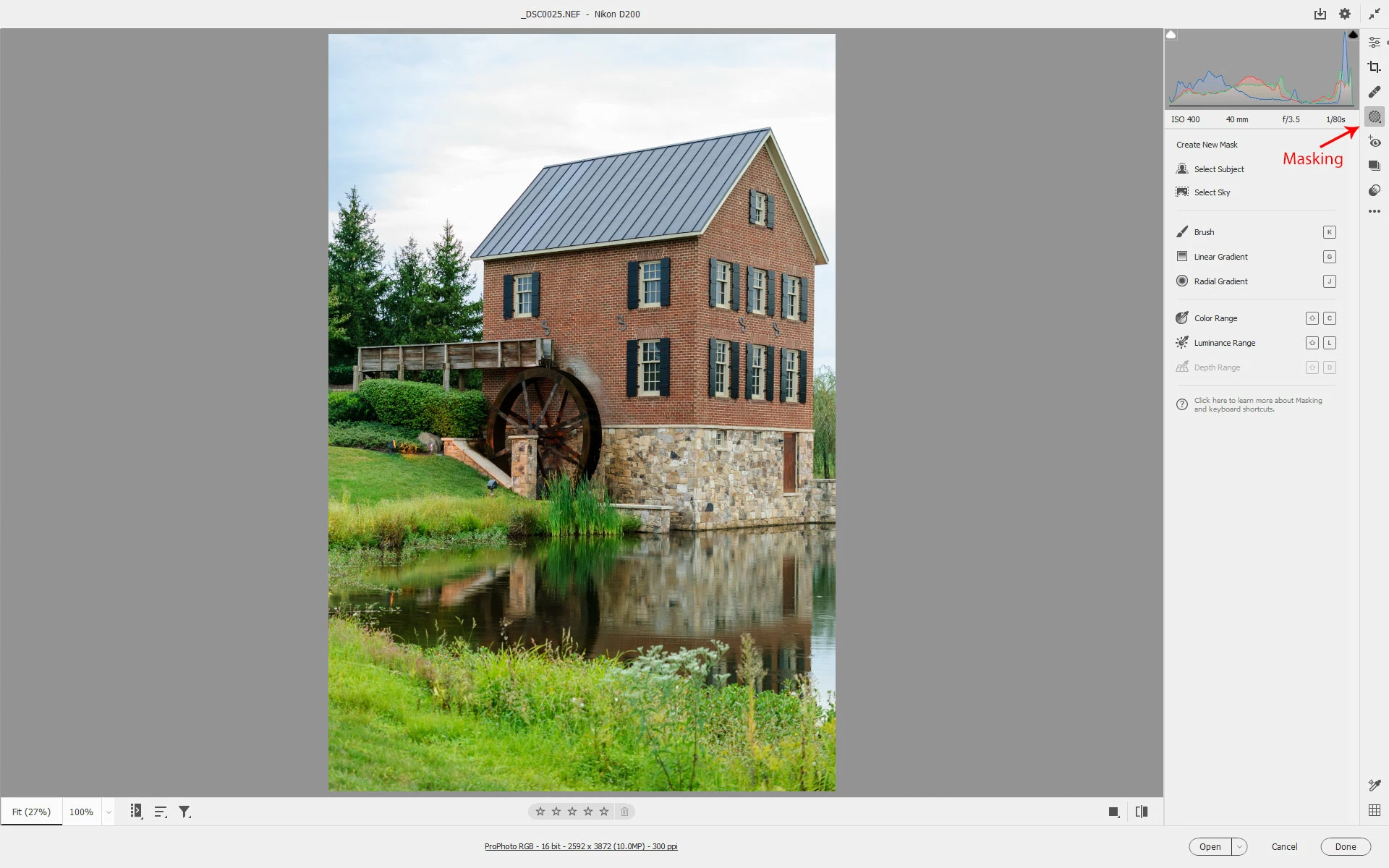
It's under Masking.

https://helpx.adobe.com/camera-raw/using/masking.html


3 replies

Chuck Uebele
Community Expert
Community Expert
October 10, 2022

Moved to the Camera Raw forum, from the Photoshop forum.

Jeff Arola
Community Expert
Jeff ArolaCommunity ExpertCorrect answer
Community Expert
October 10, 2022
Participant
October 9, 2022

I might add here that this feature may have been in Camera Raw.  I can't find it there now, either.  For my use, the feature was best to select a sky area and using levels, darken the sky while it the gradient applied went from dark at the top and feathered lighter as you pulled it down.  Hope this make sense.  I want it back.

Participant
October 9, 2022

Found it! Crisis over!!  It's called Graduated Filter on older version.  Now is it the newest?