


Question
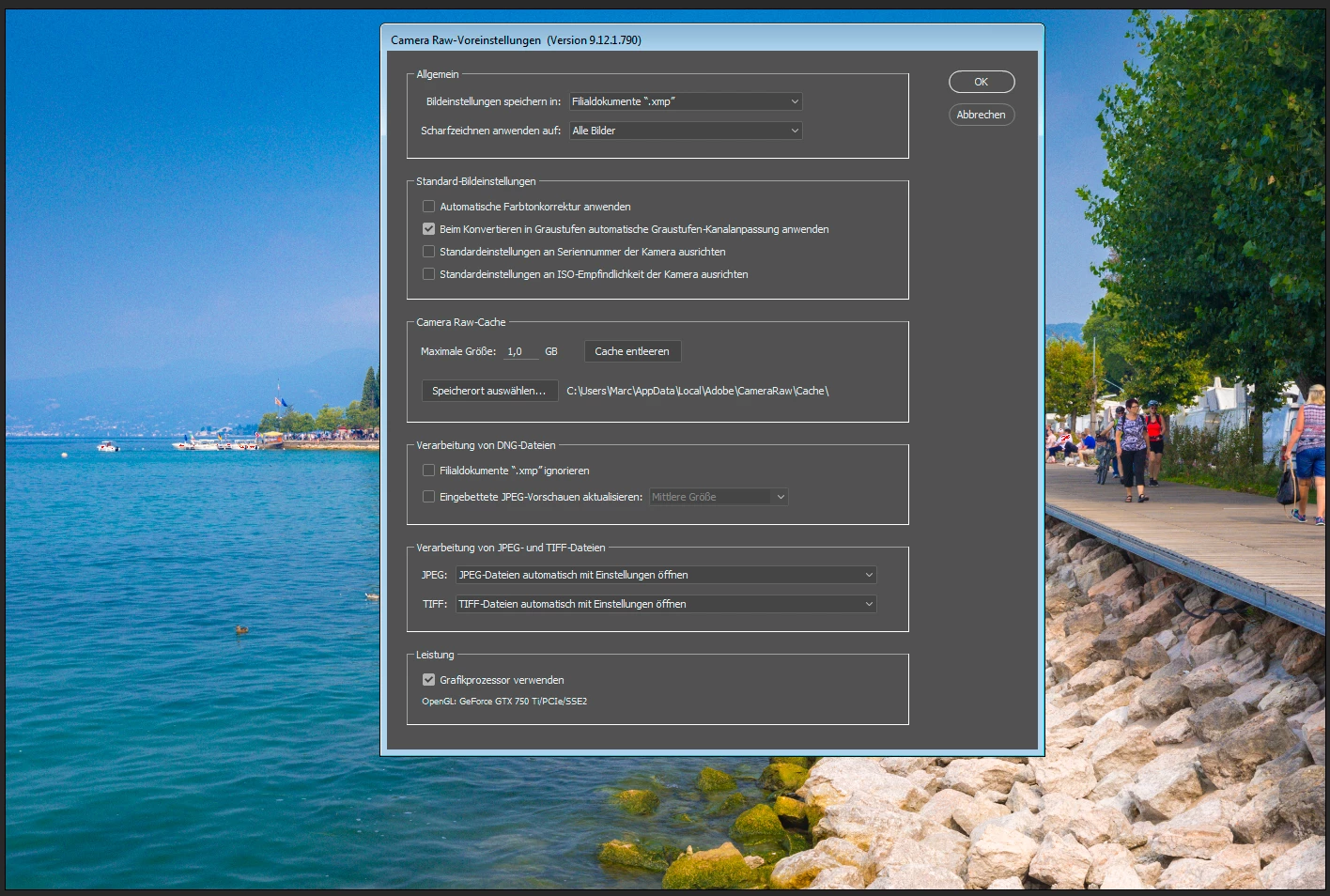
Grainy Images since ACR 9.12.1
Hi, I found that since the recent update (9.12.1) the image quality in the ACR-windows ist really bad.
The quality returns to normal, by selcting the GPU-accelaertion to off...
GPU-acceleration ON:
GPU-acceleration OFF:
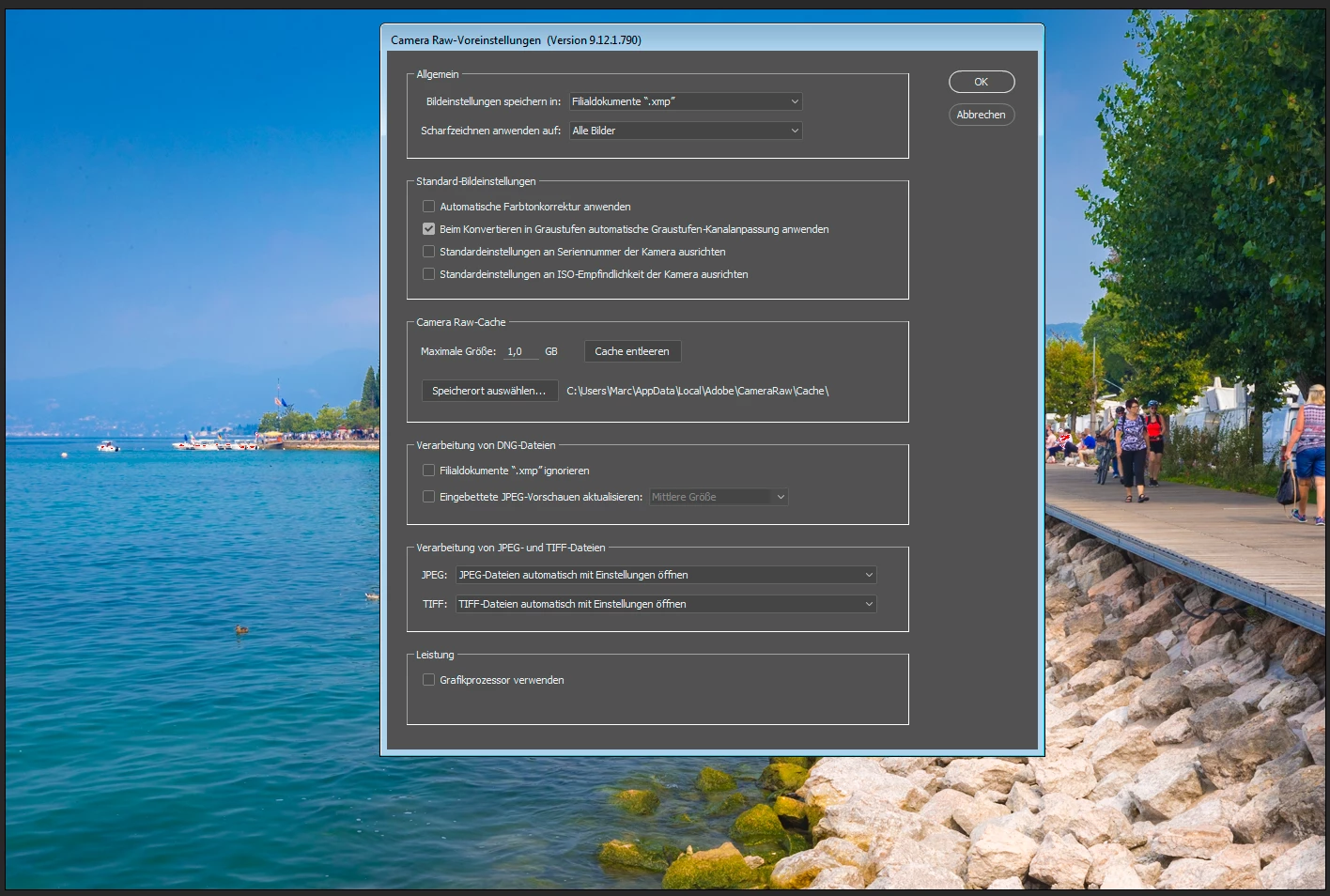
The image looks like shot with ISO12800, but its shot with ISO200. And the rendered image is good as well.
As a result of this issue the "Visualize Spots" tools is affected as well, because due to the grainy picture, real spots are "overlaid"...
Regards!
 AdChoices