


Answered
Having issues with Adobe Bridge
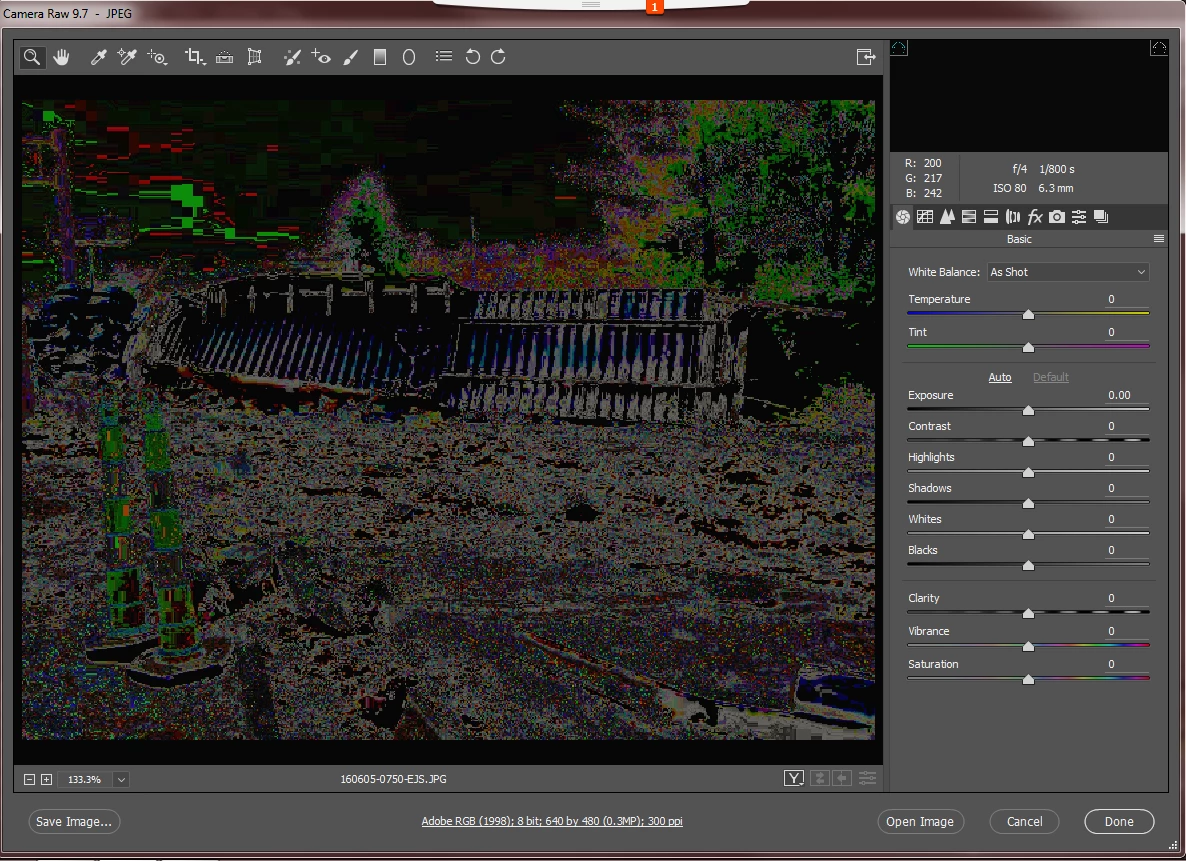
At home I have Photoshop CS6 and corresponding Bridge. I have always used Bridge to open images and do initial edits in Camera Raw. Recently I took a position outside my photography company and they have Photoshop and Bridge CC versions. I am having issues with Camera Raw. I am being asked to edit photos that were taken by others and when I try to open in Camera Raw, the image is black and the outline of the subjects in the photo are pixels, similar to a clipping mask or inverse of an image. Is there a setting incorrect? What is wrong? Please help.
 AdChoices