


HDR AVIF's saved with "Maximum Compatibility" will not re-load into ACR correctly.
I have a bunch of HDR photos that I’m saving as AVIFs. Everything works fine except that if I save them with Color Space “Maximize Compatibility” enabled then I am unable to load these AVIF’s back into ACR without losing all of my HDR grading. It will load those files back in as basically ungraded SDR images. Simply clicking the HDR button does not return them to their correct appearance. All HDR grading is lost.
However, if I turn “Maximize Compatibility” OFF then the resulting AVIF files load back into ACR perfectly fine with HDR enabled and all the grading looking exactly how I left it.
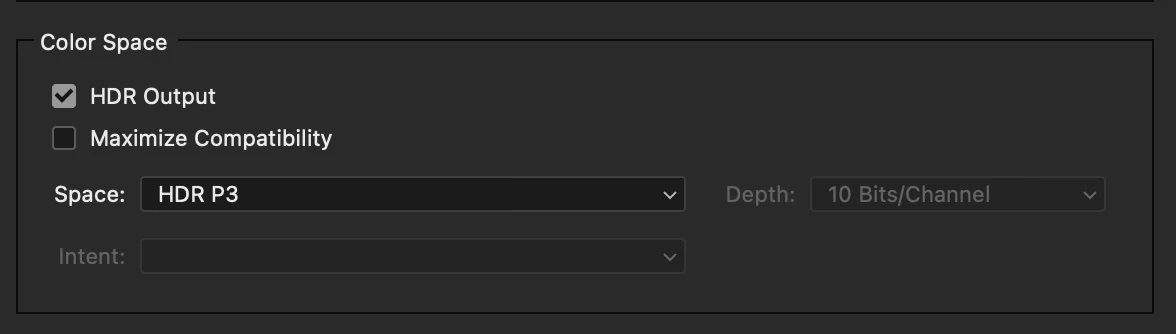
My understanding is that Maximize Compatibility simply adds a gain map to the file, but apparently that gain map is confusing ACR when I try to load those files back in.
HDR JPEG Ultra files which also have gain maps, however, do load back into ACR just fine without any issues.
This is with whatever version of ACR is current as of July 18, 2026.
 AdChoices