


Participant
September 5, 2018
Answered

Histogram and image problems in camera raw

  • September 5, 2018
  • 1 reply
  • 1826 views

I am using Camera Raw with Photoshop CC 2018 and am having trouble with viewing the histogram.  Here's a picture of the camera raw UI for one of my pictures...
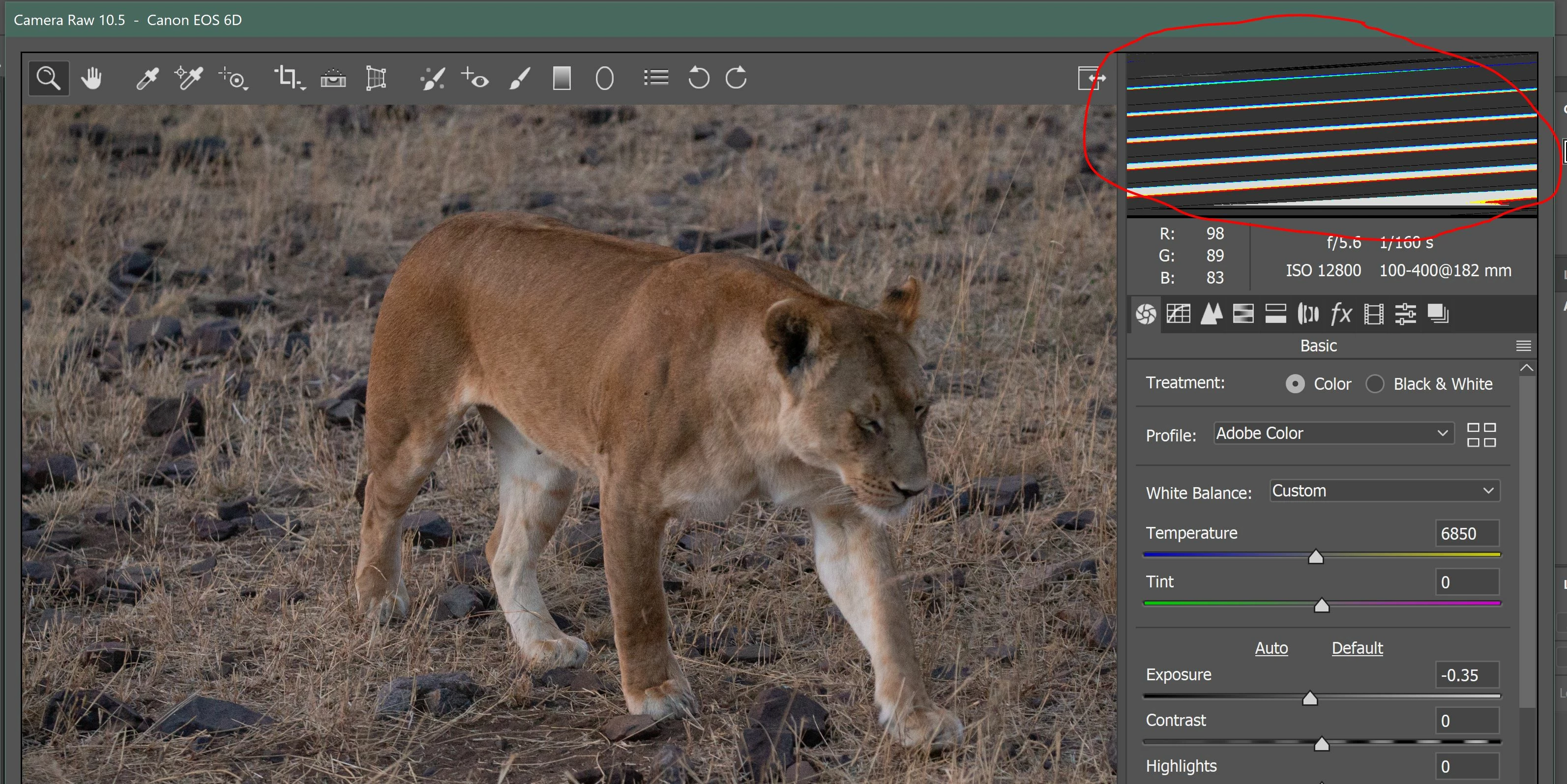
Also, if I attempt to resize the camera raw window, my picture above also becomes "garbled" just like the histogram view....
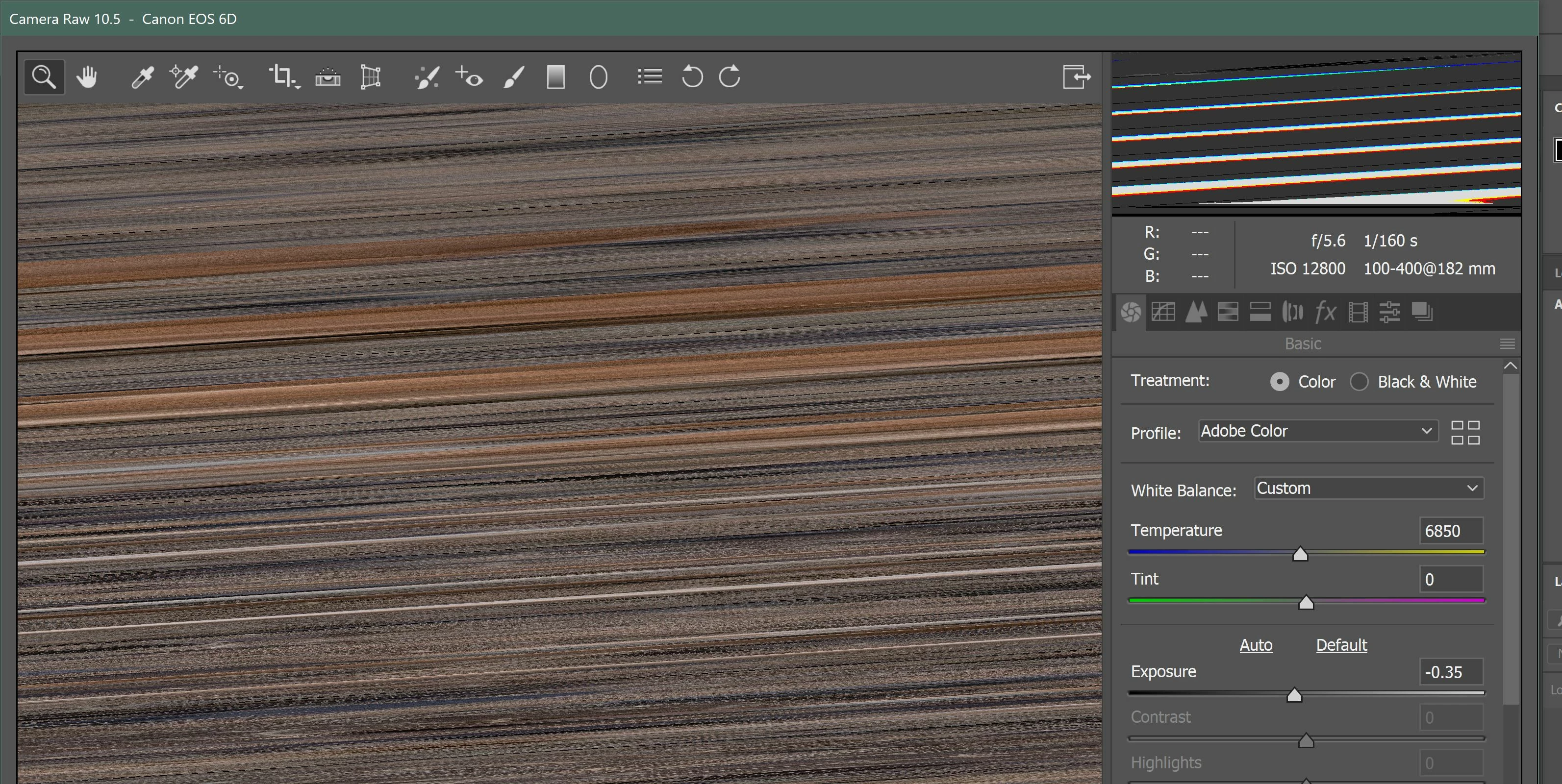
Any suggestions on how to fix this?  I've tried re-installing the camera-raw 10.5 plugin once, and that did not help.

Thanks

This topic has been closed for replies.
Correct answer gary_sc

Hi Braratd,

Have you tried to turn off "Use Graphic Processor" found in the ACR preferences?

Parallel to that, what is your operating system (and what is the model of your Graphic Processor)?

Thanks,

1 reply

Peru Bob
Community Expert
Community Expert
September 5, 2018

Try updating or rolling back your graphics driver directly from the video card manufacturer’s site.

Participant
September 6, 2018

Display Driver update did not help.

Interestingly enough, opening the raw file in Lightroom Classic CC does not show this problem.  It's only with Photoshop CC 2018.

gary_sc
Community Expert
gary_scCommunity ExpertCorrect answer
Community Expert
September 6, 2018

Hi Braratd,

Have you tried to turn off "Use Graphic Processor" found in the ACR preferences?

Parallel to that, what is your operating system (and what is the model of your Graphic Processor)?

Thanks,