


Known Participant
March 16, 2018
Question

How to apply presets faster in camera raw?

  • March 16, 2018
  • 1 reply
  • 418 views

HI!

I got lots of presets from VSCO. They are all here in my presets section in camera raw. To apply them, I have to click them manually with my mouse which takes too much time. Is there a faster way to go through them? I would be perfect to do that with my arrow up and arrow down keys. Unfortunatelly that doesn't work.
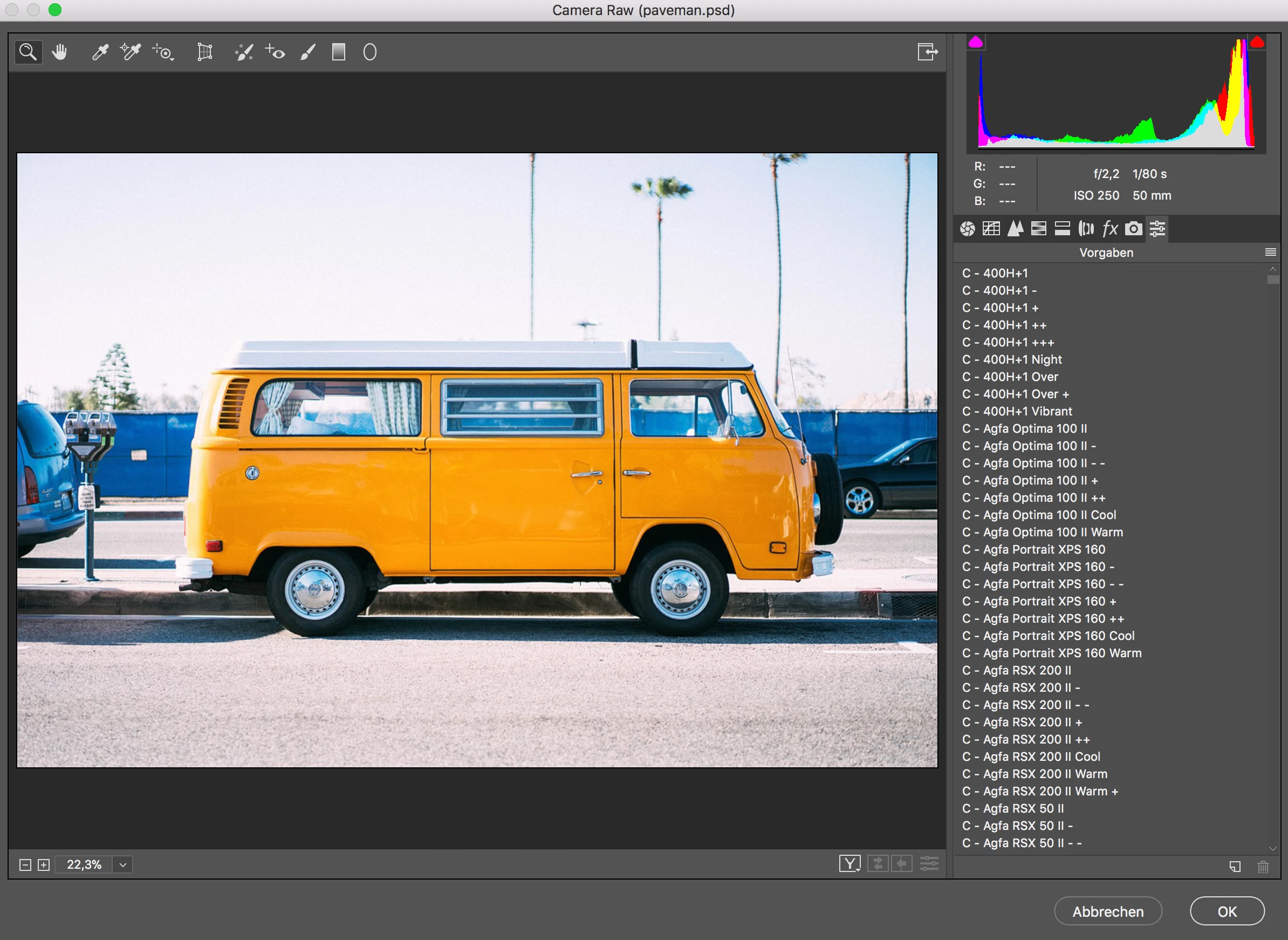
Thanks a lot for helping out.

This topic has been closed for replies.

1 reply

Akash Sharma
Legend
March 19, 2018

Hi ilkymilk,

Thanks for posting on Adobe Camera Raw forums. As of now it is not possible to scroll through the presets using the navigation keys.

I'd recommend you to suggest this as a feature request on our Feedback community here Camera Raw and DNG | Photoshop Family Customer Community

Our Engineers do monitor this space and look for major feature requests from our valuable users like you to shape the product further.

Thanks,

Akash