


Question
I think my camera raw had a problem.
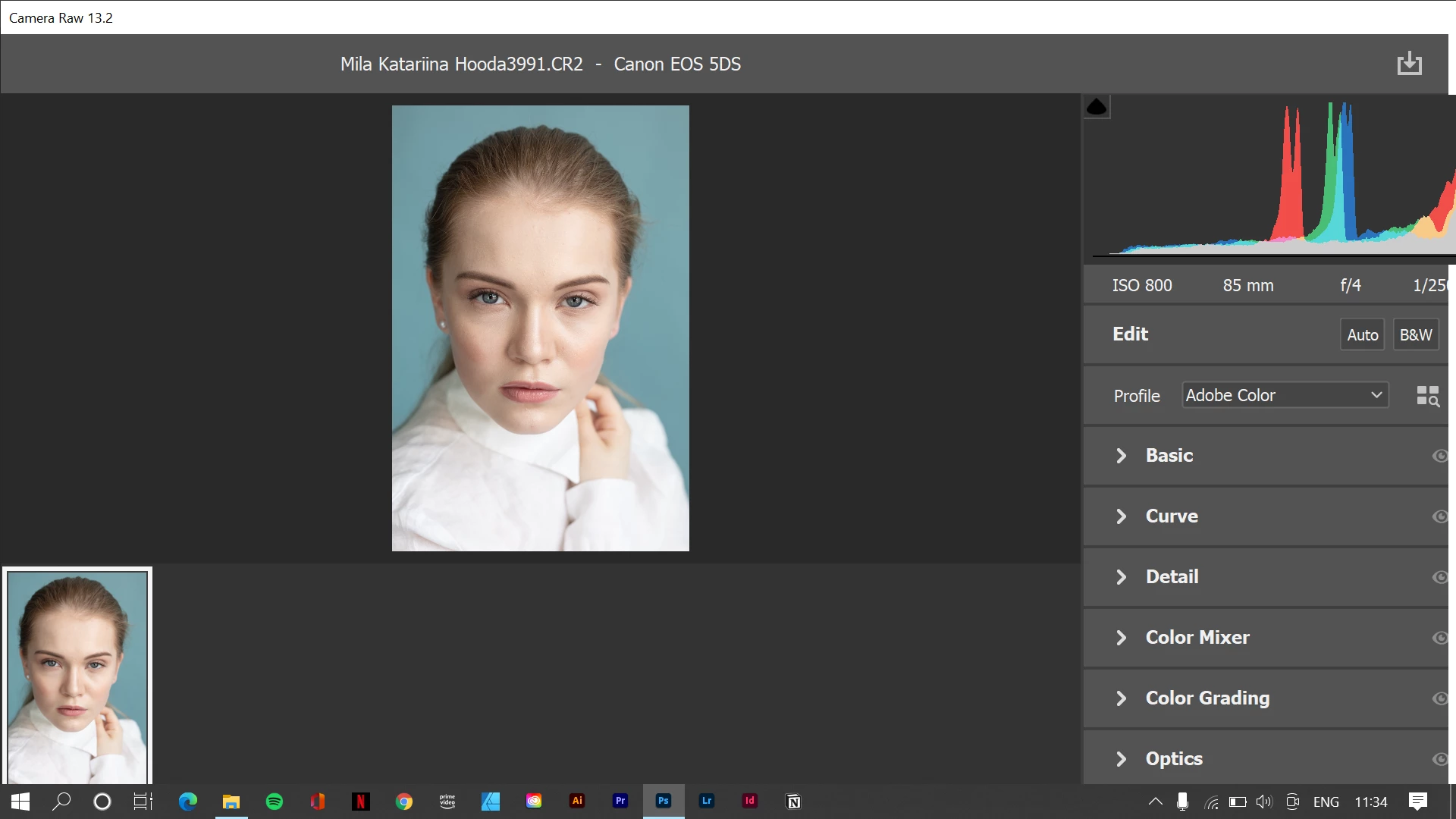
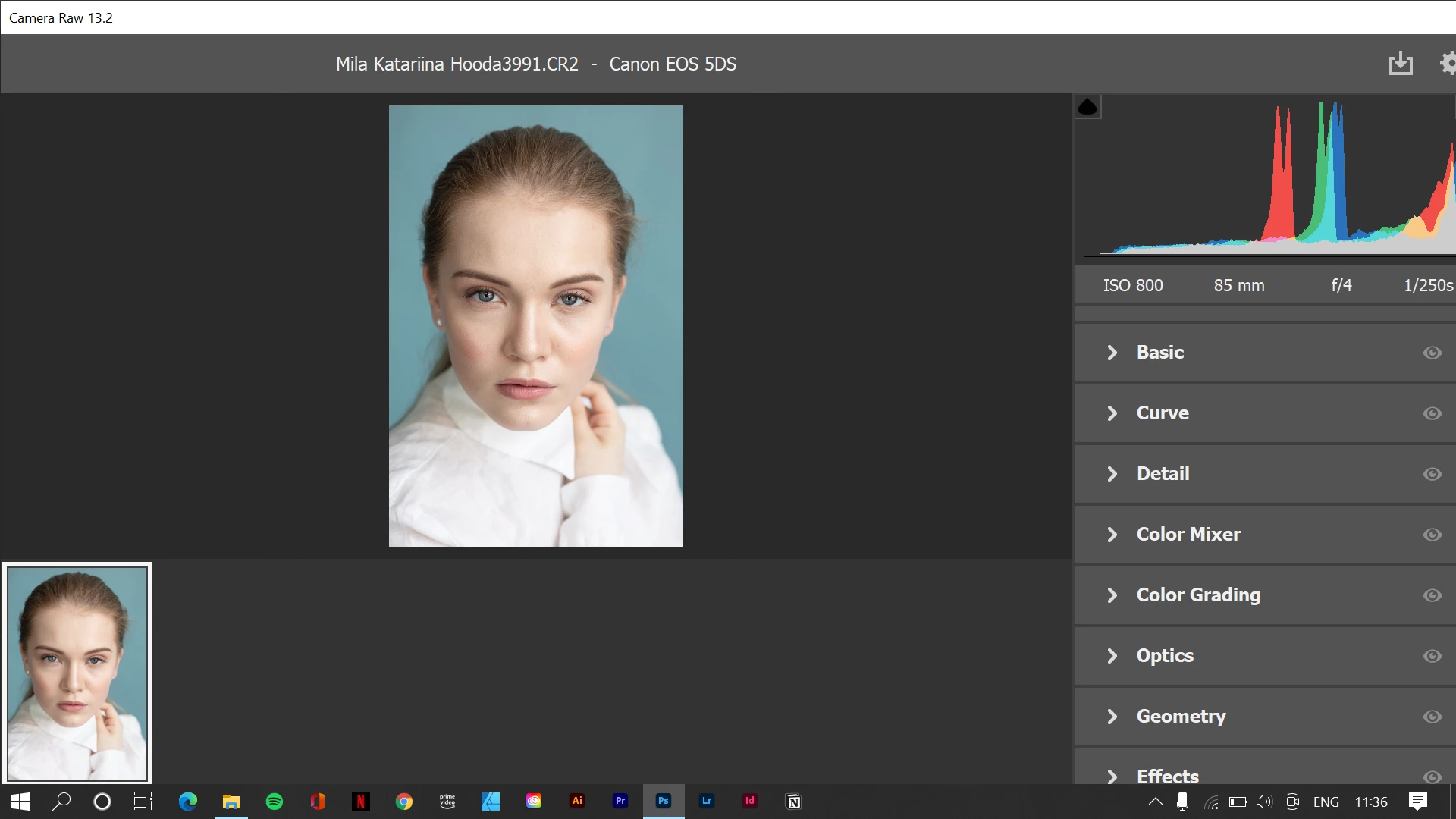
As you can see in the sreenshot. that's the screen I get. there are no other option. no cancel or open in photoshop nothing. I get this big screen. There is nothing on the bottom or on the top. Is this somekind of bug. I don;t understand. First time opning camera raw as any other adobe product you get getting started. And when i open it i got this big image and few lines and couldn't scroll. It was frozen i have to restart my photoshop when i open raw file this is what i got.
 AdChoices