


Participant
August 22, 2017
Answered

Images appear appear like negatives

  • August 22, 2017
  • 1 reply
  • 415 views

Hi all,

I've run into an issue with loading images into Adobe Camera Raw. They just started after the most recent update. Have a look:
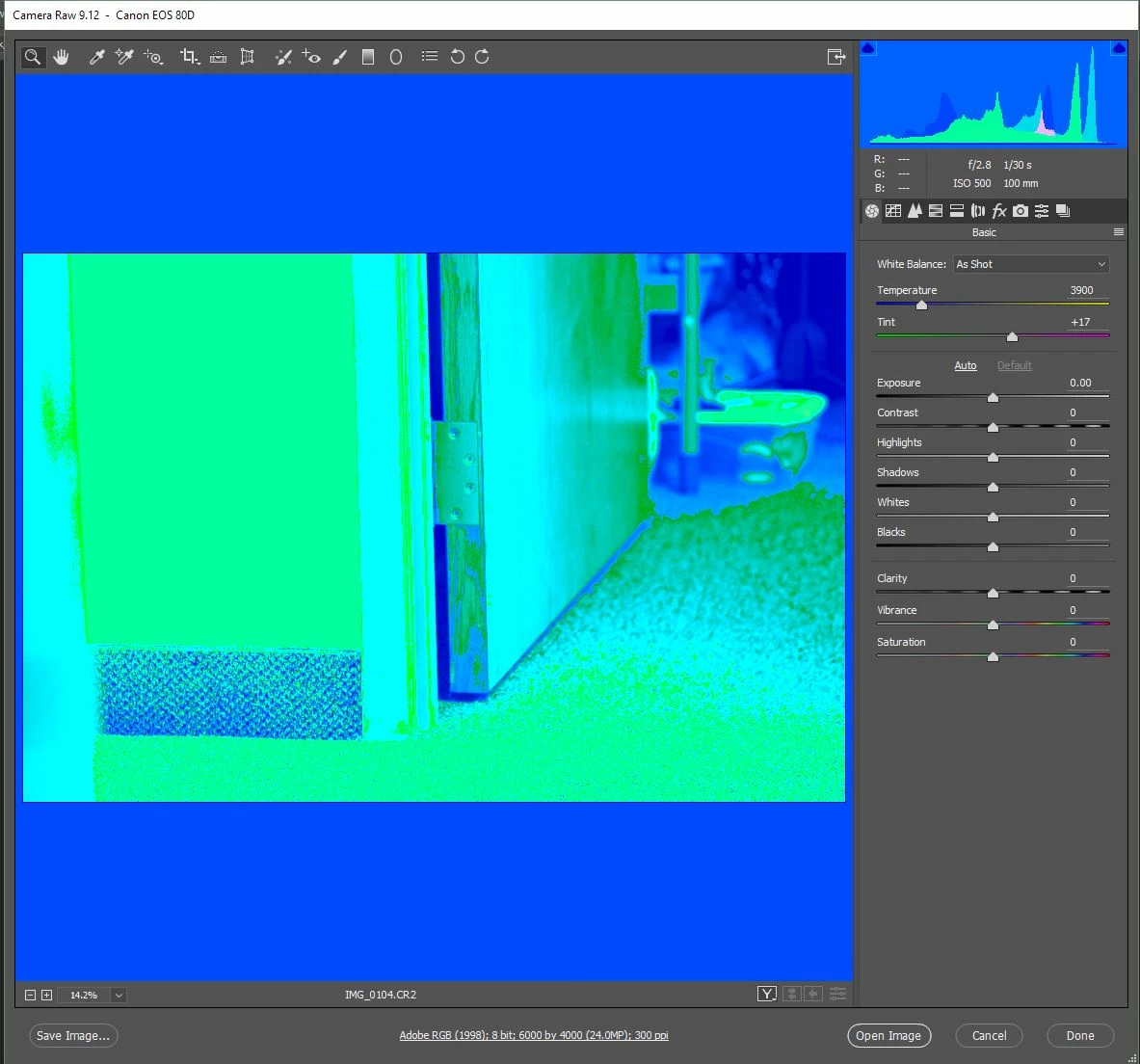
This is how it should look:
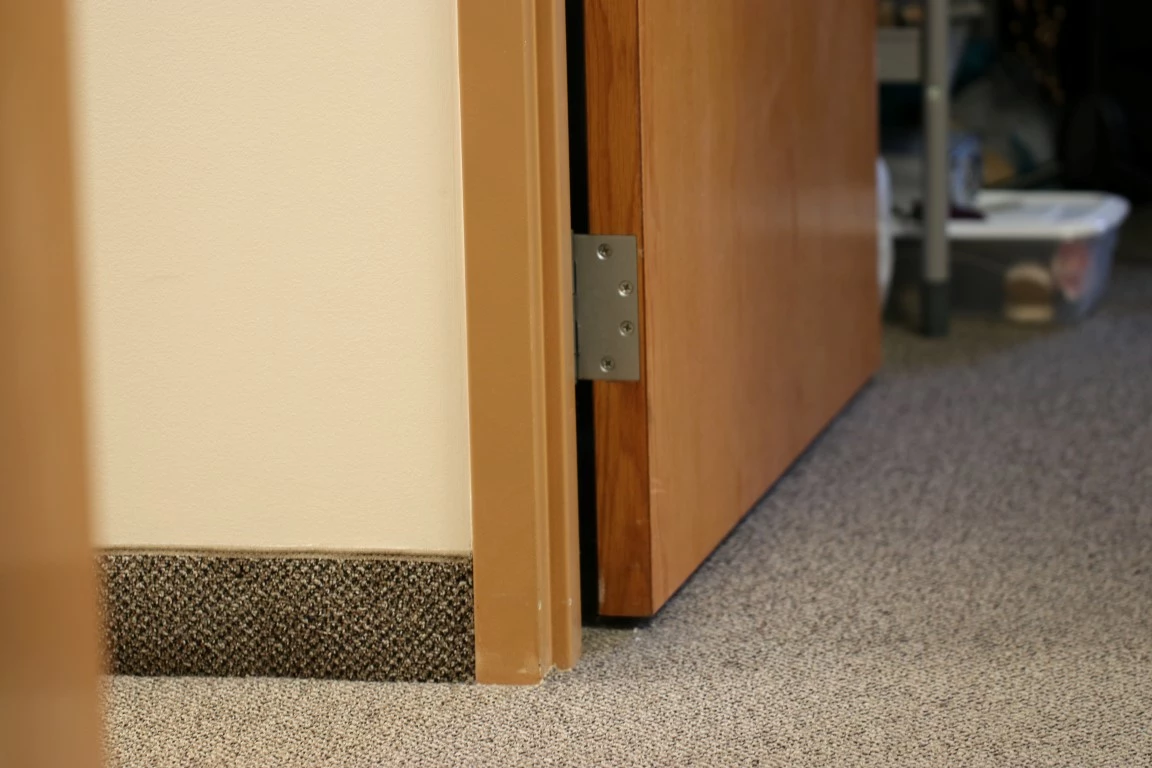
I have tried converting the .cr2 files DNG, and my drivers are all up to date. I also tried disabling the graphics processor with no results.

Shot with a Canon 80d, if that matters.

Any idea what's going on?

Thanks!

-Kyle

This topic has been closed for replies.
Correct answer Chuck Uebele

Good. I had deleted my comment about unchecking use graphic processor, as I read further in you post, and it looked like you had done that already.

1 reply

Participant
August 22, 2017

Chuck Uebele solved it for me. After unchecking "Use Graphics Processor" in Camera Raw's preferences, it works!

Thanks Chuck!

-Kyle

Chuck Uebele
Community Expert
Chuck UebeleCommunity ExpertCorrect answer
Community Expert
August 23, 2017

Good. I had deleted my comment about unchecking use graphic processor, as I read further in you post, and it looked like you had done that already.