


shekharp
Participant
July 25, 2017
Answered

Need help with Camera Raw 9.7

  • July 25, 2017
  • 1 reply
  • 634 views

Hi,

I'm a new user of photoshop. I have canon 700D & I'm taking photos as a raw format, however, my photos are now showing properly on camera raw 9.7 photoshop.
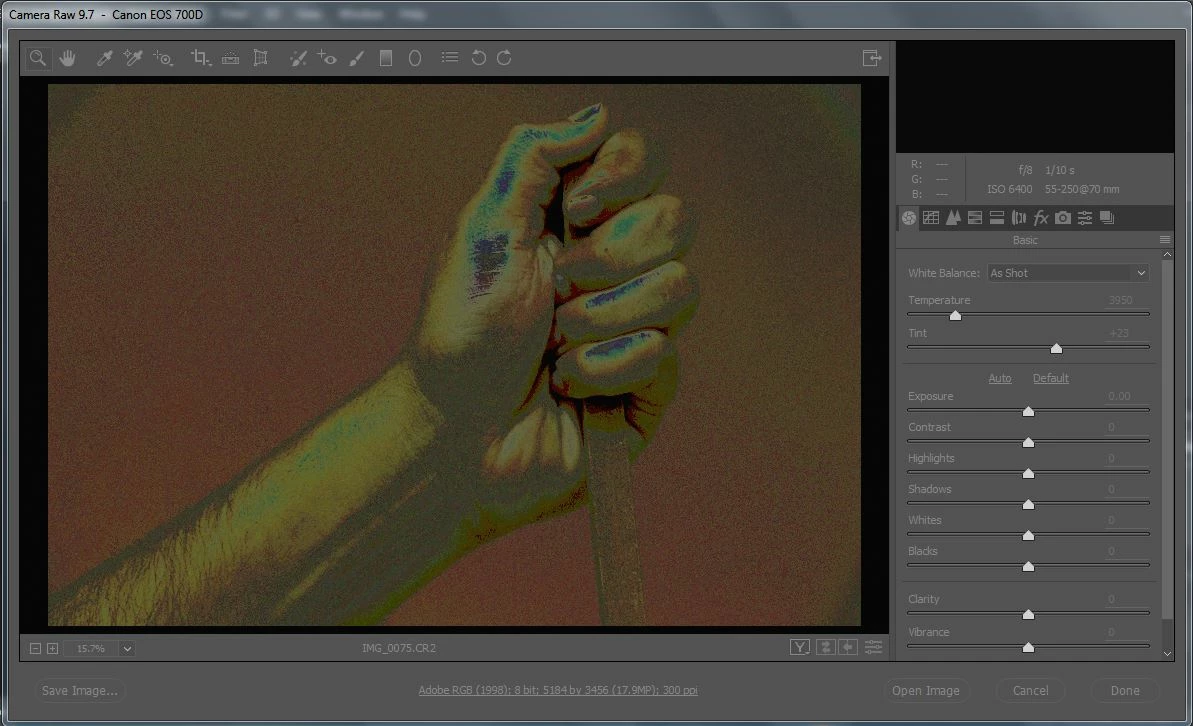
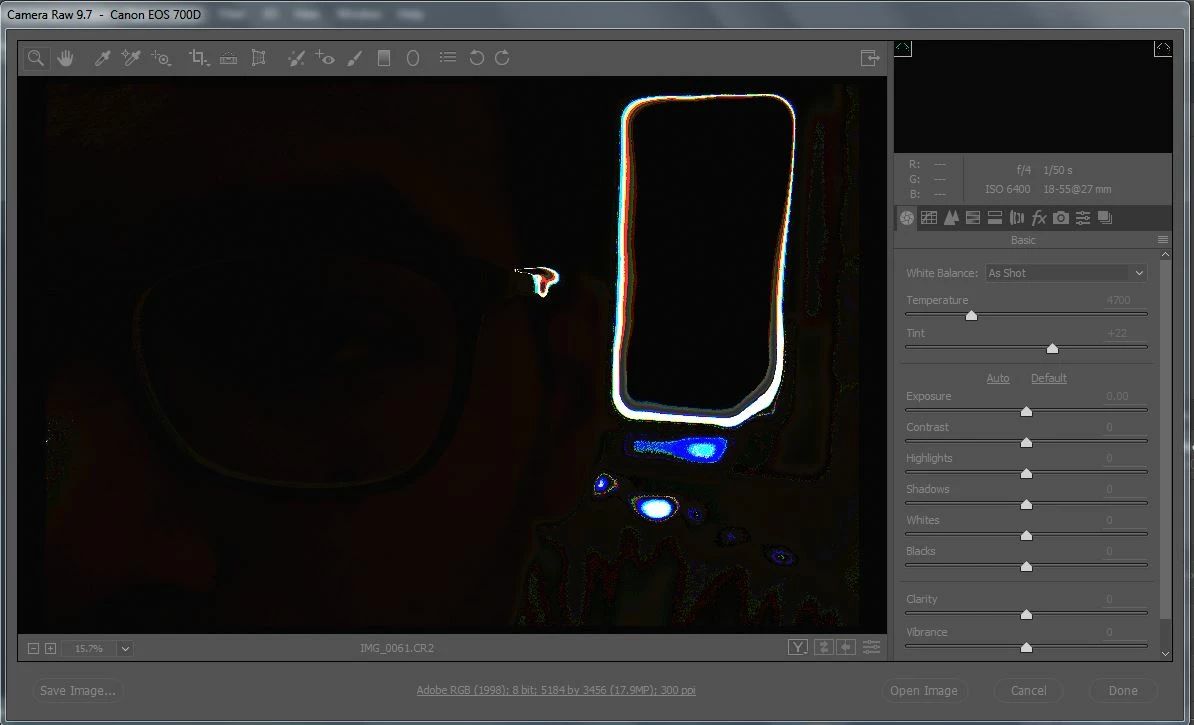
what could be the problem? on camera display these pics are fine

This topic has been closed for replies.
Correct answer JP Hess

In Bridge, open the Camera Raw preferences and uncheck the graphics processor option at the bottom of the dialog. This is an option that has been added primarily for those using the new 4K/5K high-resolution monitors, but it seems to cause problems for the rest of us. If you uncheck that option the problem will go away.

1 reply

JP Hess
JP HessCorrect answer
Inspiring
July 25, 2017

In Bridge, open the Camera Raw preferences and uncheck the graphics processor option at the bottom of the dialog. This is an option that has been added primarily for those using the new 4K/5K high-resolution monitors, but it seems to cause problems for the rest of us. If you uncheck that option the problem will go away.

shekharp
shekharpAuthor
Participant
July 25, 2017

Thank you very much JimHess.. It works like charm

JP Hess
Inspiring
July 25, 2017

You are welcome.