Known Participant
May 22, 2017
Answered

Need help with camera raw for newer cameras on PS CS5

  • May 22, 2017
  • 2 replies
  • 1414 views

I just recently learned that my daughters brand new D3200 and other RAW (NEF) images won't load on my trusty PS CS5.   I don't want to pay monthly for Photoshop and their updates, I'm happy with CS5 and need help with the plug-in / add-on.

As a temp fix I signed up for some stupid website that converts them to jpeg, which irks me.  I'm a rabid RAW user and feel dirty.

I've tried downloading the app plugins and get error messages or the downloads from the Adobe site say they are "damaged" and can't figure out what to do.  Currently I'm so mad that I even have to ask for help here....  Also does anyone else think if they paid some $500 or whatever for PS whatever, they should help out?  Why is the onus on good people who are just bored on forums?

Anyhow, any help is appreciated.

Cortney

This topic has been closed for replies.
Correct answer JP Hess

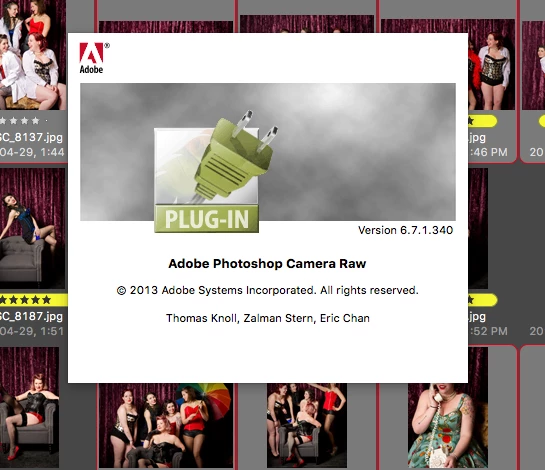
The correct plug-in is installed but still the images from newer camera are just those white documents with the aperture (this background was something from my camera I'm working on) 


What is the newer camera that you are using? If it is a camera that was released after Camera Raw 6.7.1 was released then you will not be able to open it in its native form. That is where the DNG converter comes into play. Here is a list of all the cameras currently supported by Camera Raw as well as the minimum version of Camera Raw required to support each camera model. You can look up the camera you are using to find out what version is needed in order to support the raw files.

Cameras supported by Camera Raw

The DNG converter is a viable alternative when you are using older legacy software and have no desire to upgrade to the latest versions. Here is a short video that illustrates how to use the DNG converter.

Camera Raw: How to use Adobe DNG Converter - YouTube

2 replies

JP Hess
Inspiring
May 22, 2017

The last version of Camera Raw that is compatible with Photoshop CS5 is Camera Raw 6.7.1, and it DOES support the Nikon D3200. If you will tell me what operating system you are using I can provide the link where you can download the installer for that version of Camera Raw.

Known Participant
May 22, 2017

Do I need to download ALL the updates from the last one I have? or the most recent ( I did the most recent and it said it worked, but still no images )

I'm using

Right now I will try wha the last person said "The last version of Camera Raw that is compatible with Photoshop CS5 is Camera Raw 6.7.1"  and I'll update shortly

Known Participant
May 22, 2017

The suggest download didn't work with firefox, I'll try with Chrome, but I don't know if that matters.

kglad
Community Expert
Community Expert
May 22, 2017

you can use the free dng converters from adobe:

DNG Converters:

Win
Mac

Known Participant
May 22, 2017

I downloaded a few that are above the version I have and the top one, those are the ones that say "damaged" when I go to install and do not work.

kglad
Community Expert
Community Expert
May 22, 2017

try a using a different browser and/or a better internet connection and/or a download manager.