


Question
NEF is displayed wrong in Adobe Photoshop / Camera Raw
Hello Adobe-Support,
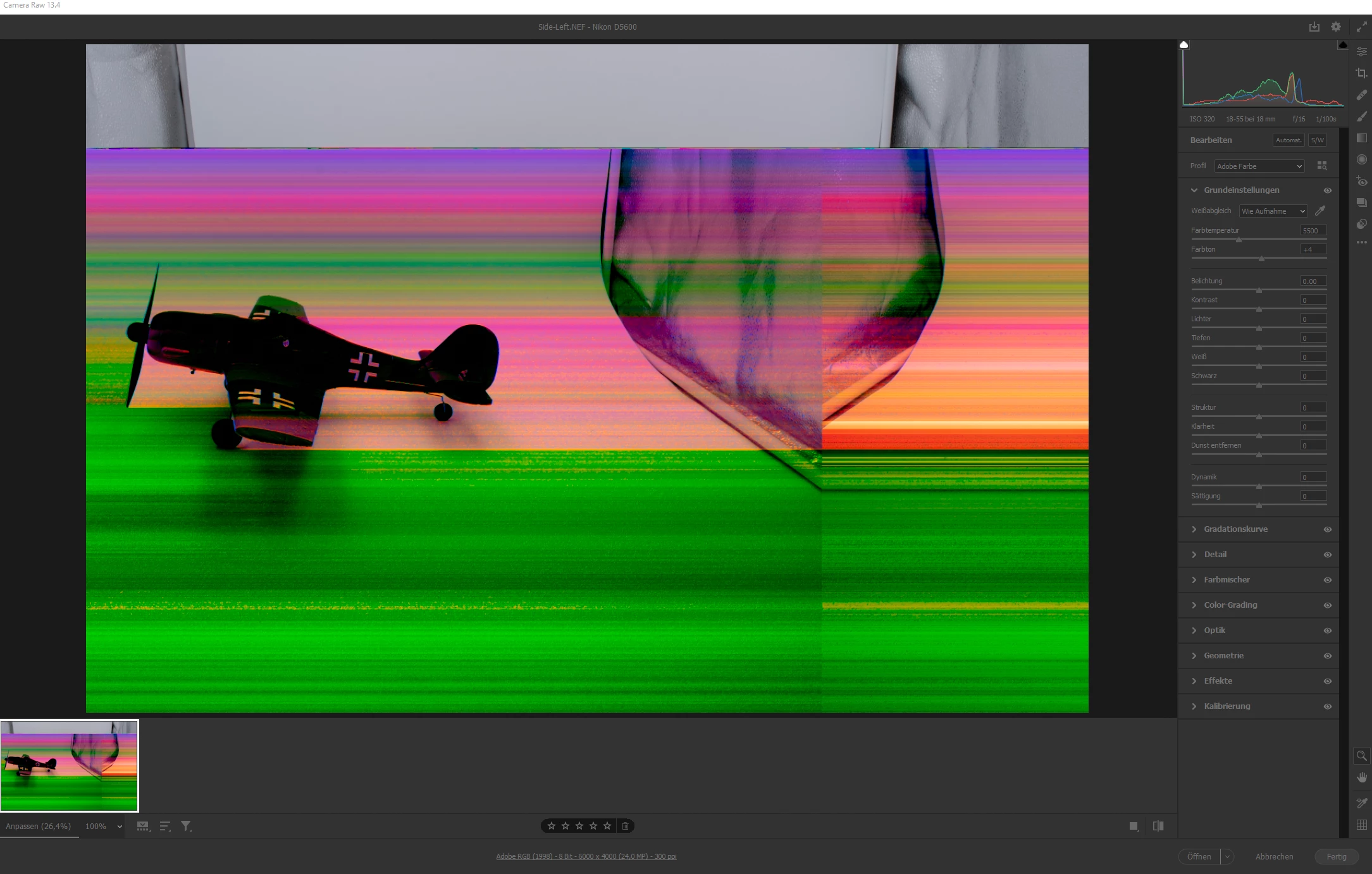
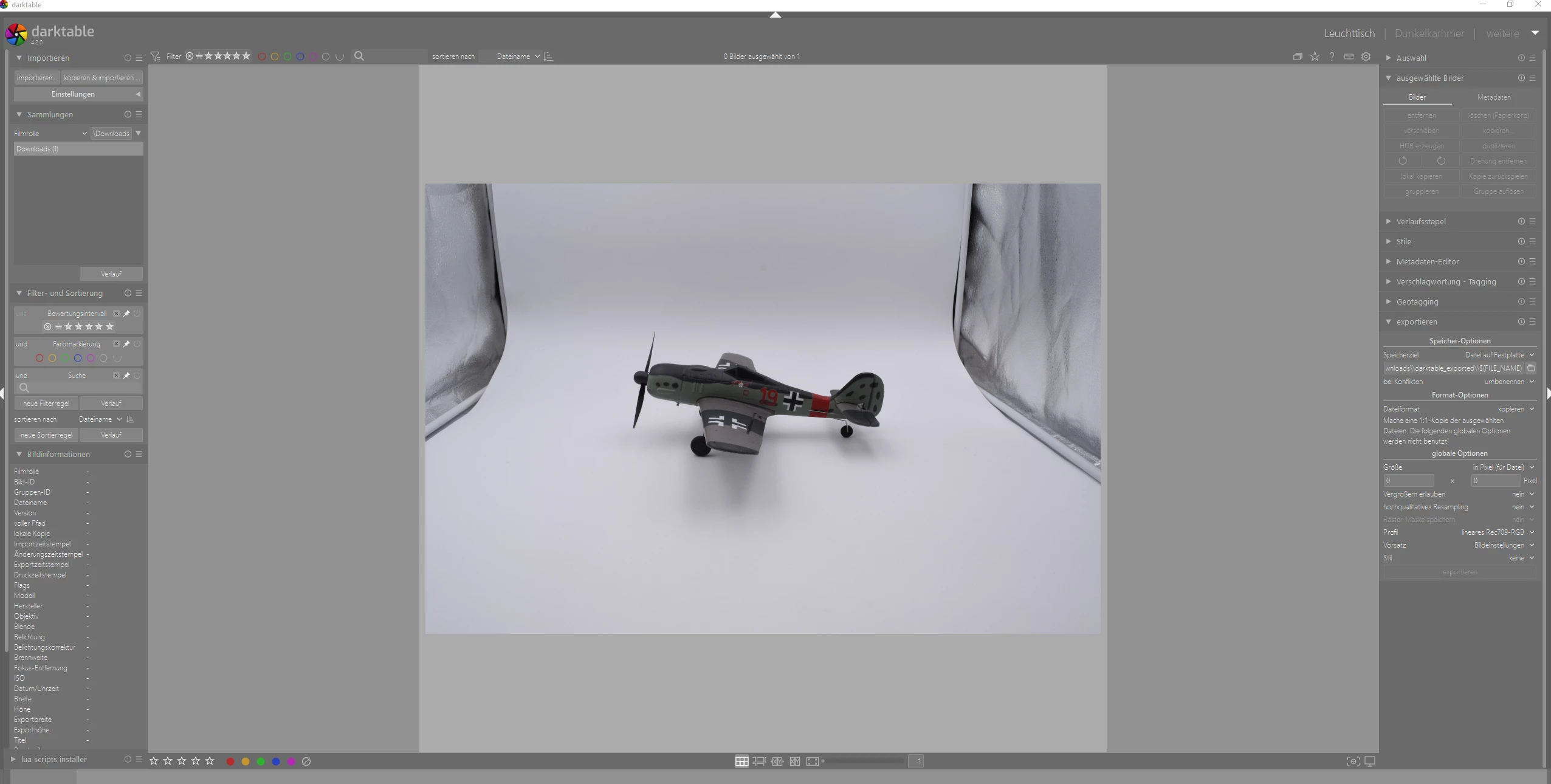
I have .NEF files. If I open them in Photoshop, the picture is displayed in strange colors, like in the first screenshot. If I open the same file with GIMP (darktable), it is displayed correctly (second screenshot). I tried it on different PC´s and it is still wrong in Photoshop. I use the newest version of Photoshop and Camera Raw. I also tried different versions. Camera is: NIKON D5600.
How to fix this problem?
 AdChoices