

Answered
Opening a RAW file and not seeing the image in CR
A few times i go to open a RAW file and get the following. Can someone explain what and why and how to avoid in the future?
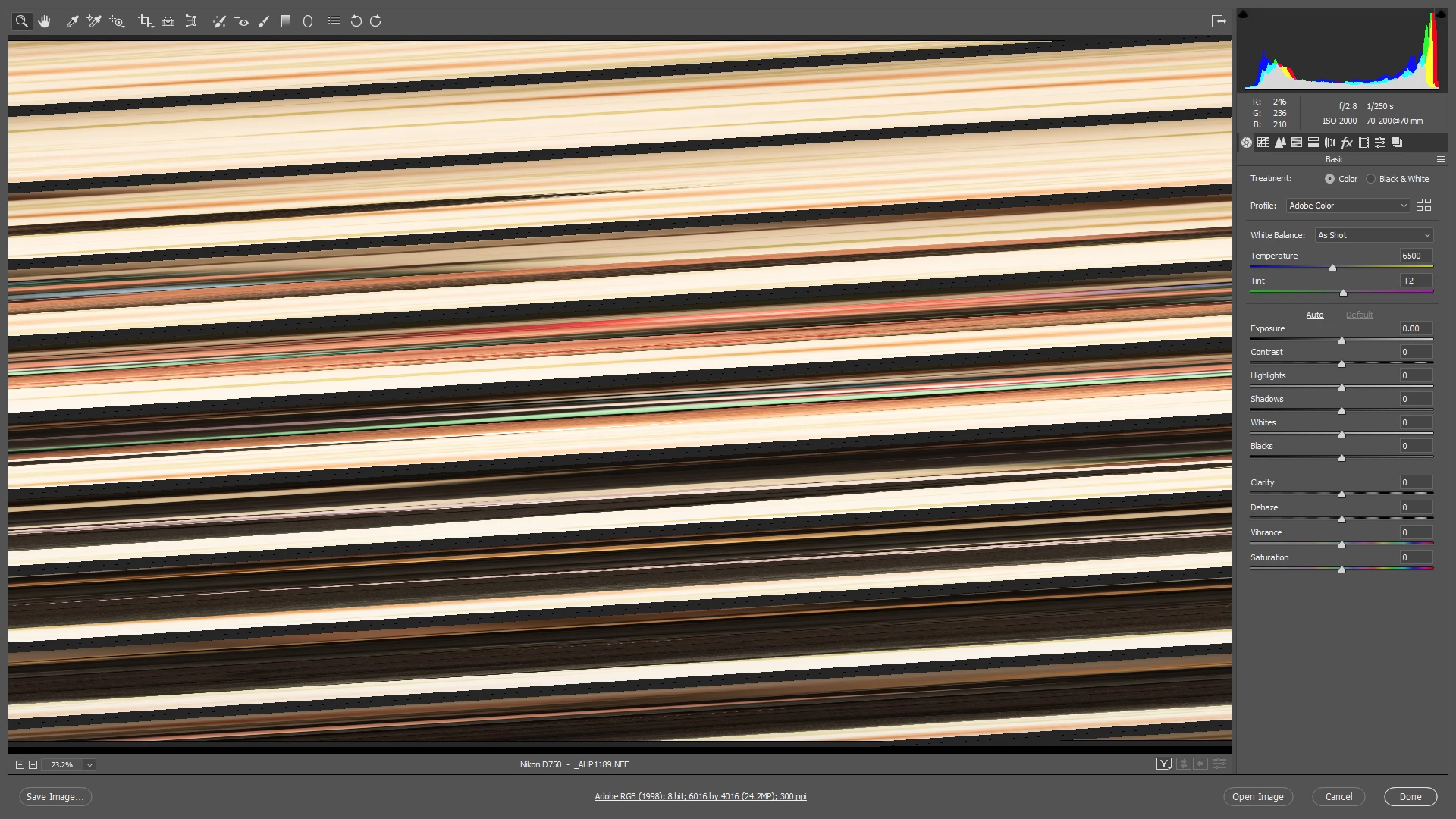

A few times i go to open a RAW file and get the following. Can someone explain what and why and how to avoid in the future?
Already have an account? Login
Enter your E-mail address. We'll send you an e-mail with instructions to reset your password.

 AdChoices