

Participant
September 26, 2020
Question

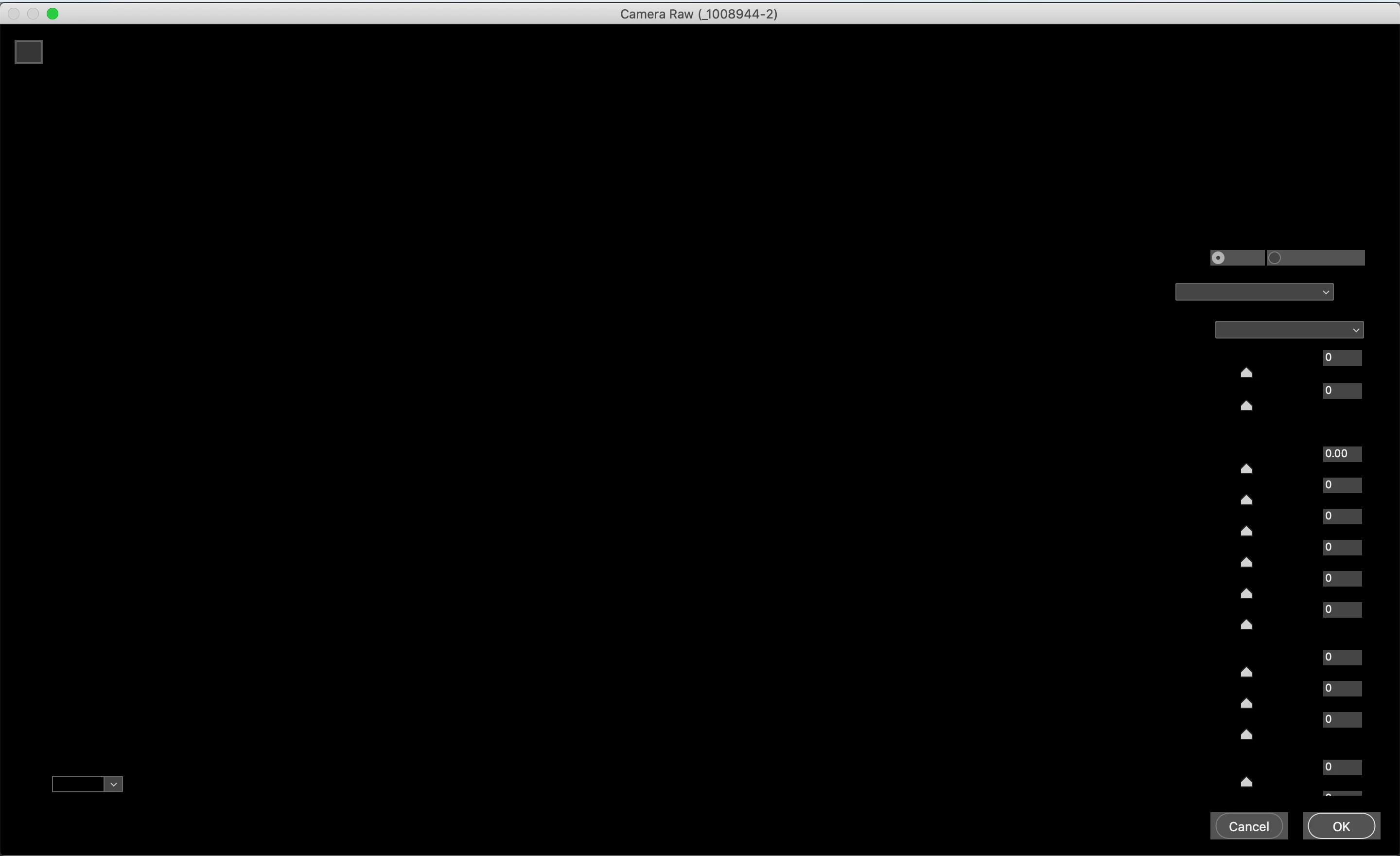
Photoshop 2020 Camera Raw V12.4 menu is black

  • September 26, 2020
  • 2 replies
  • 1288 views

Why is Camera Raw V12.4 showing a black page as the attached Screenshot? 
 

This topic has been closed for replies.

2 replies

TheDigitalDog
Inspiring
September 30, 2020

First, try disabling GPU in the preferences (Preformance). Any better?
If not, recalibrate and build a new ICC profile, the old one might be corrupted.
If you are using software/hardware for this task, be sure the software is set to build a matrix not LUT profile, Version 2 not Version 4 profile.

Author “Color Management for Photographers" & "Photoshop CC Color Management/pluralsight"
nikunj.m
Community Manager
Community Manager
September 30, 2020

Hi,


We're sorry about the trouble with Camera Raw. Would you mind telling us the macOS version you are working on?


You can try re-installing Camera Raw using the installer here: https://helpx.adobe.com/camera-raw/kb/camera-raw-plug-in-installer.html


Please let us know if it helps!

Regards,

Nikunj
