


Participant
June 24, 2022
Question

Photoshop Raw Slow

  • June 24, 2022
  • 1 reply
  • 133 views

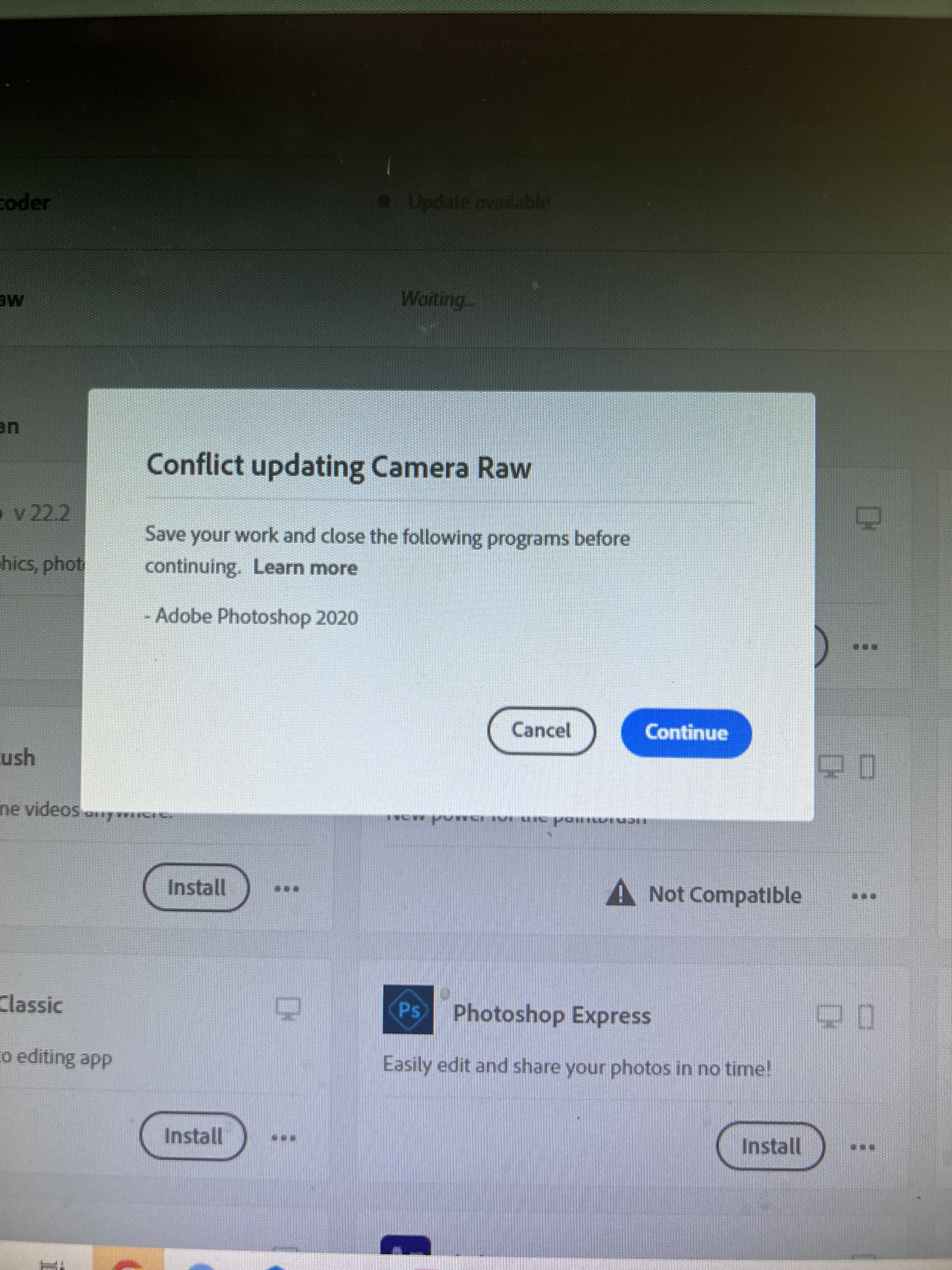
What used to take seconds to save photos in camera raw is taking hours today... I noticed I needed to make an update in camera raw, so I've been trying to and keep getting an error telling me to close Photoshop. It is closed. And yet, I still keep on getting this error! I've tried all sorts of things..: restarting my computer, checking in task manager etc. I don't know what is all of the sudden making it slow,  but this is a big problem for  me! 
This topic has been closed for replies.

1 reply

TheDigitalDog
Inspiring
June 24, 2022

Try resetting your ACR preferences, better? 

Hold down the Command key and select Photoshop > Preferences > Camera Raw (MacOS) or hold down the Ctrl key and select Edit > Preferences > Camera Raw (Windows).

Click Yes in the dialog that asks "Delete the Camera Raw Preferences?"


Author “Color Management for Photographers" & "Photoshop CC Color Management/pluralsight"