


Participant
April 15, 2019
Question

RAW-Einstellungen werden nicht gespeichert

  • April 15, 2019
  • 1 reply
  • 966 views

Hallo zusammen

Ich habe ein Problem mit Camera Raw. Dort bearbeite ich die Fotos und speichere sie als JPG. Danach schliesse ich Camera Raw mit Klick auf "Fertig". So speichert es normalerweise alle Anpassungen in einer XMP-Datei.

Nun, knapp einen Tag später sind alle XMP-Dateien zwar noch vorhanden. Siehe hier:
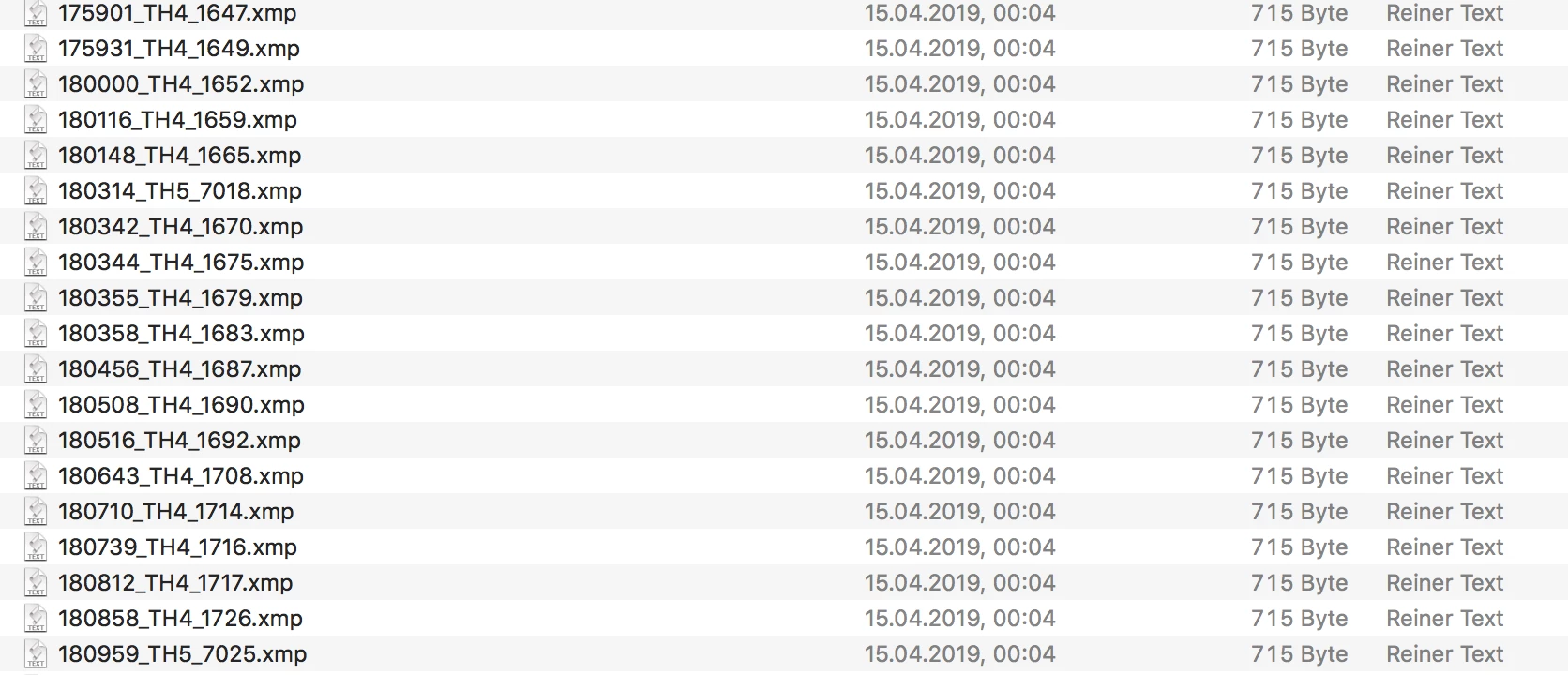
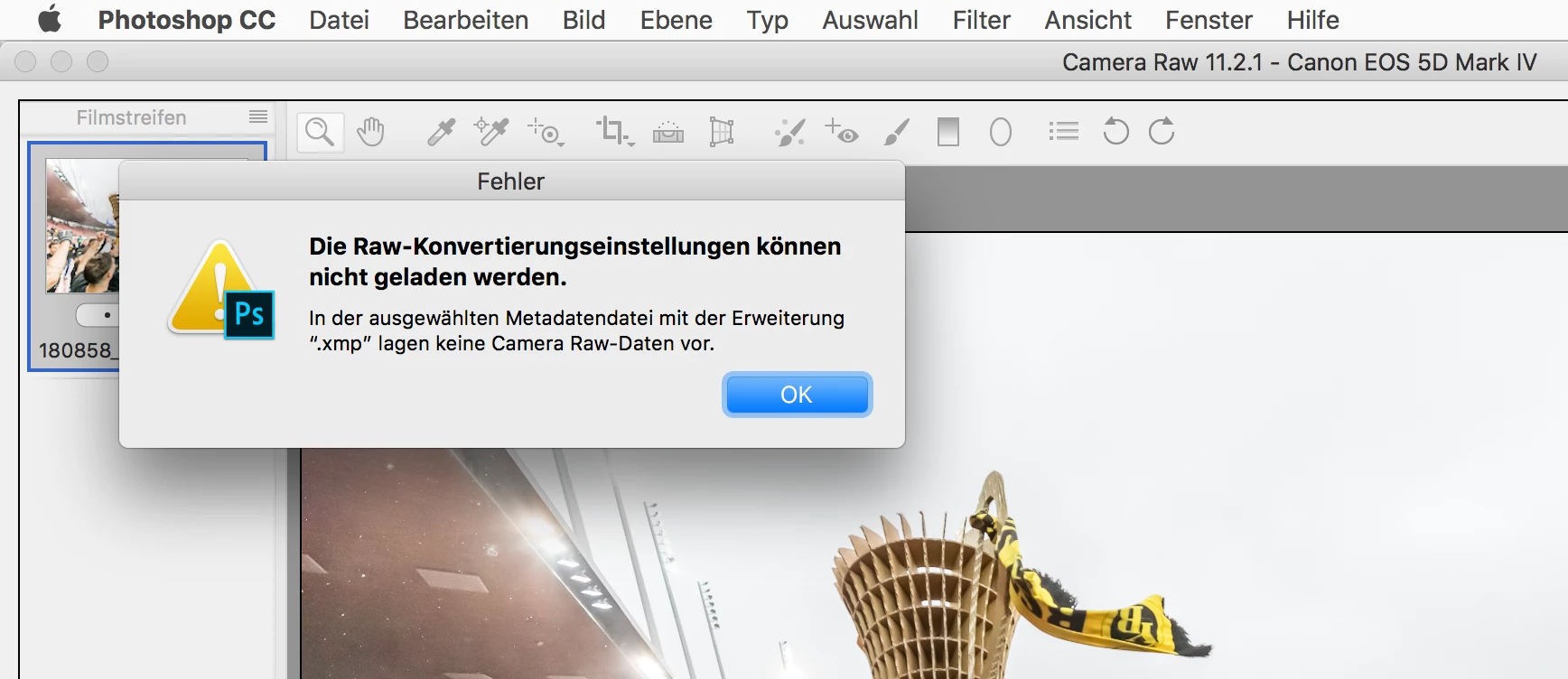
Jedoch sind alle leer und beim Laden erfolgt diese Fehlermeldung:
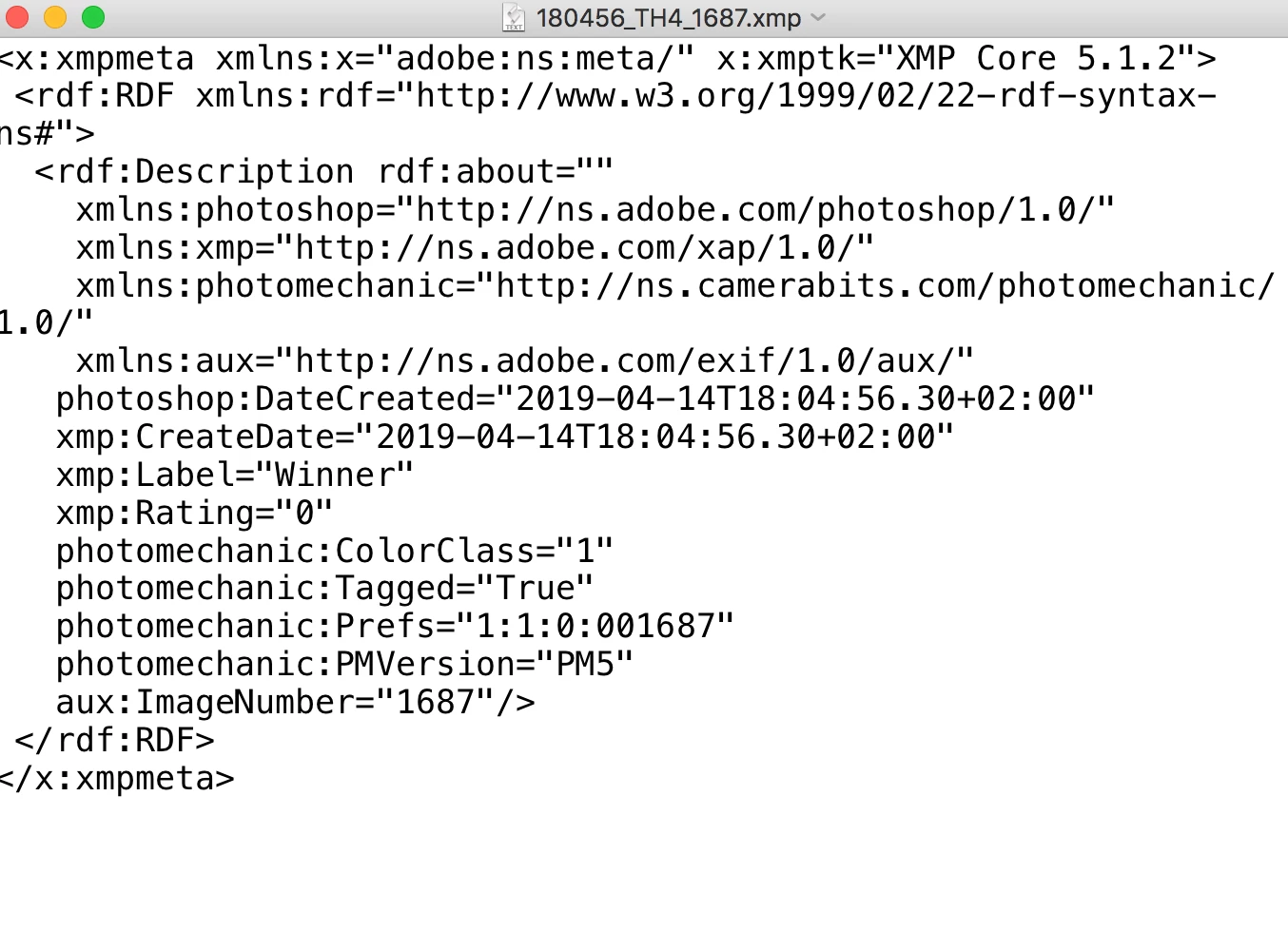
XMP-Datei ist praktisch leer:
Das Problem tritt seit längerem manchmal auf. Meistens nicht. Jedoch ist es mühsam, wenn bei 100 Fotos die Anpassungen zweimal gemacht werden müssen.

Programme: Mac OS 10.13.6, PS CC 20.0.04., Camera Raw 11.2.1, Photo Mechanic Version 5.0, build 19749

This topic has been closed for replies.

1 reply

thothothoAuthor
Participant
April 24, 2019

Kann jemand weiterhelfen?

c.pfaffenbichler
Community Expert
Community Expert
April 24, 2019

What have you done for trouble-shooting so far?

Restoring Preferences after making sure all customized presets like Actions, Patterns, Brushes etc. have been saved might be a good starting point:

https://helpx.adobe.com/photoshop/kb/basic-trouble-shooting-steps.html

And you might want to post on the ACR Forum as well:

Adobe Camera Raw

thothothoAuthor
Participant
April 24, 2019

Thank you. I haven't done anything so far beside updating all programs. That didn't help. Which presets should I restore? All of them: general settings, actions, camera raw preferences etc.