Hi iFeezk,
Sorry that images are rendering dark in Photoshop and Lightroom on your computer.
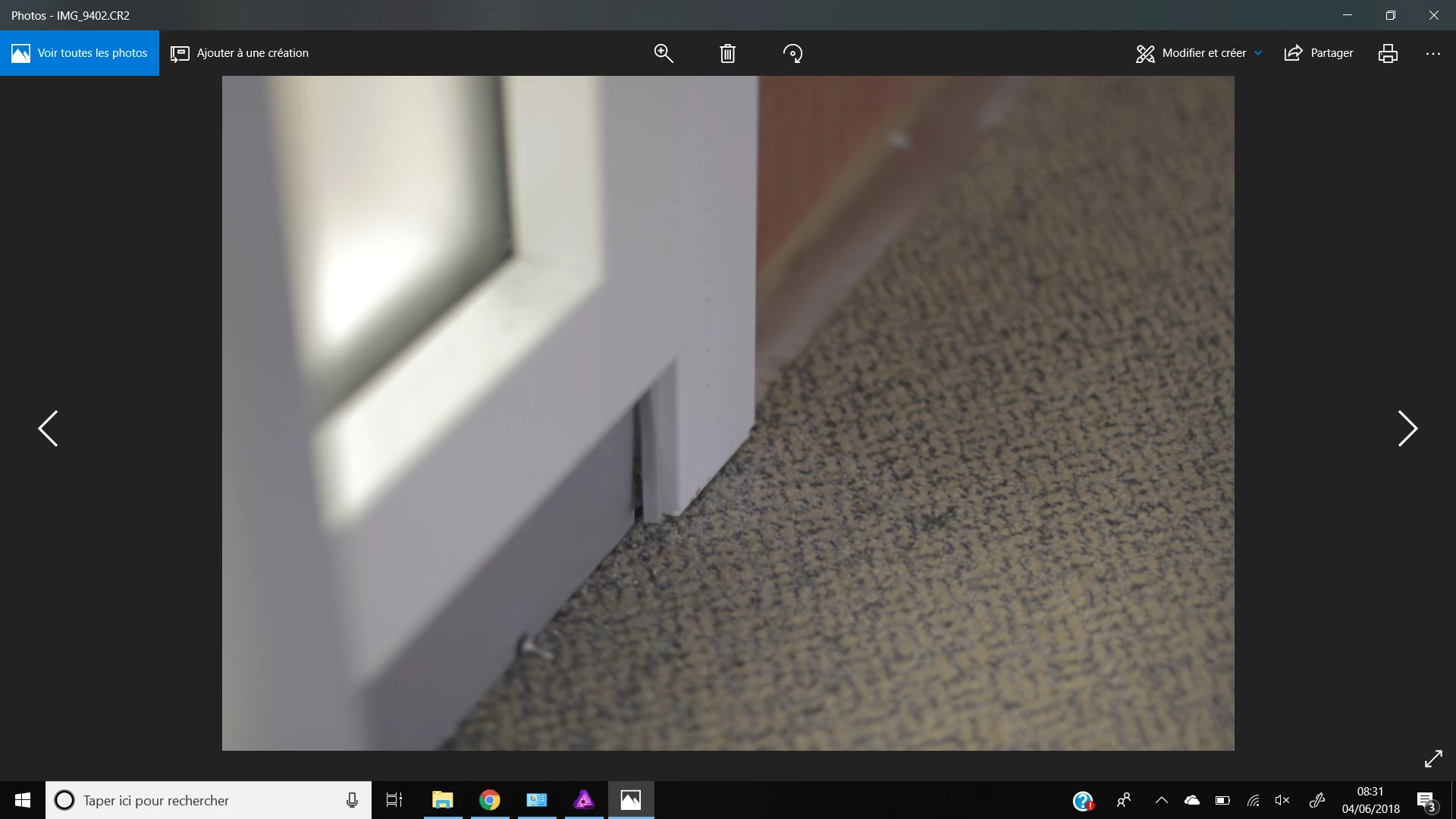
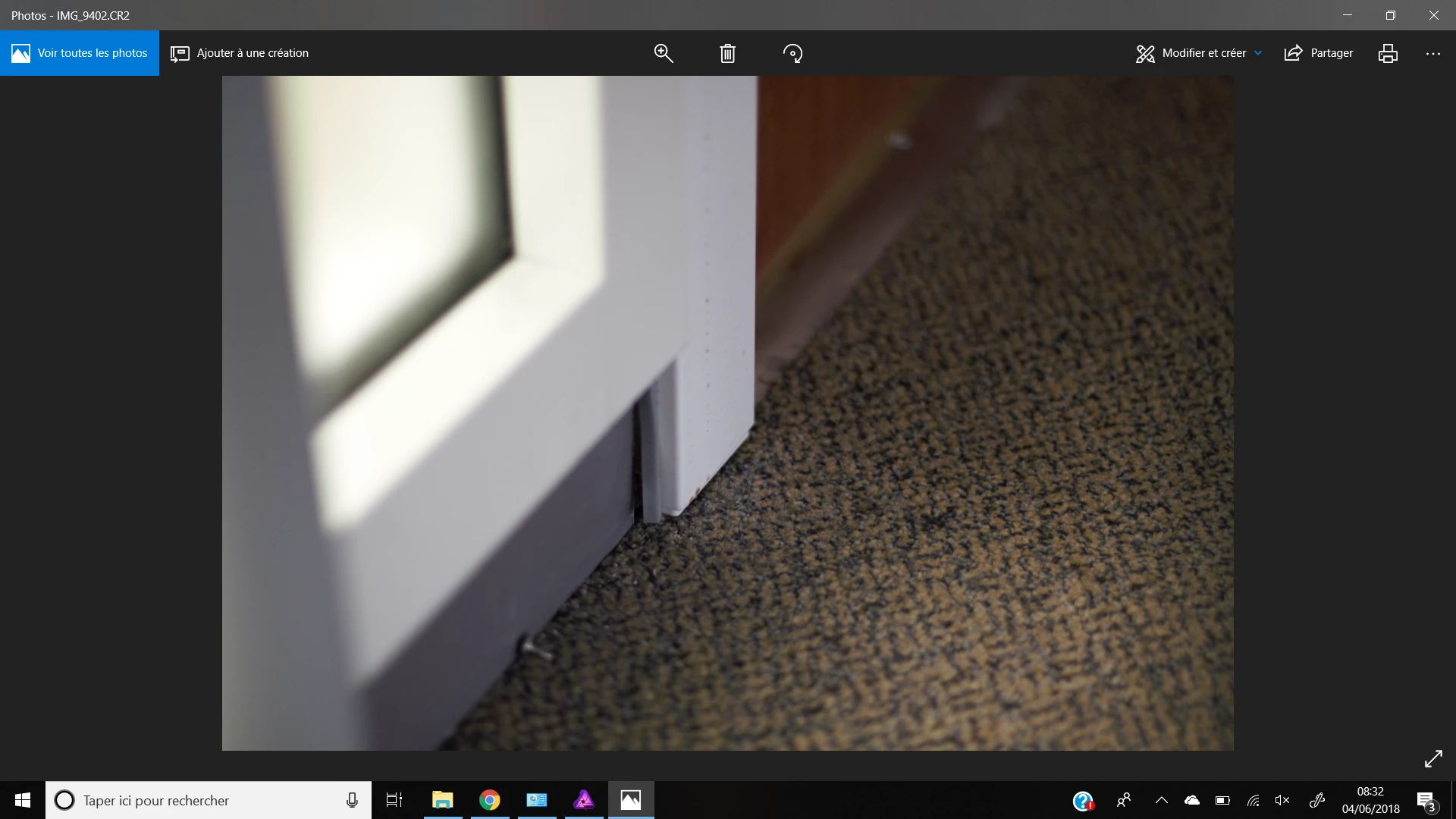
I believe that this is an expected behavior because of 2 reasons. 1) Your monitor might not be color managed properly. 2) Raw images tend to render after a while and only when you see the image loaded/rendered completely you should start considering it for editing. Image captured on the camera and the rendered one on your desktop will appear different.
In Lightroom, rendering happens in the Develop module and shows a preview in the library module. Also, in Photoshop, camera raw use the GPU acceleration to render the image and that is the reason you're noticing the image shifting to a darker tone which is the actual captured image.
A solution to this problem is to color manage your monitor, I found this discussion quite helpful: Camera RAW makes image darker after importing.
Let us know if this helps.
Thanks,
Akash





 AdChoices