


Wurstkrapfen
Inspiring
February 2, 2024
Answered

Samsung S24U ExpertRAW looks like 8bit jpg, ProMode dng completely broken

  • February 2, 2024
  • 5 replies
  • 12848 views

Is it Samsung or is it Adobe? This effect is not visible in the embedded preview. Also not a new issue, happend with S23U and S22U.
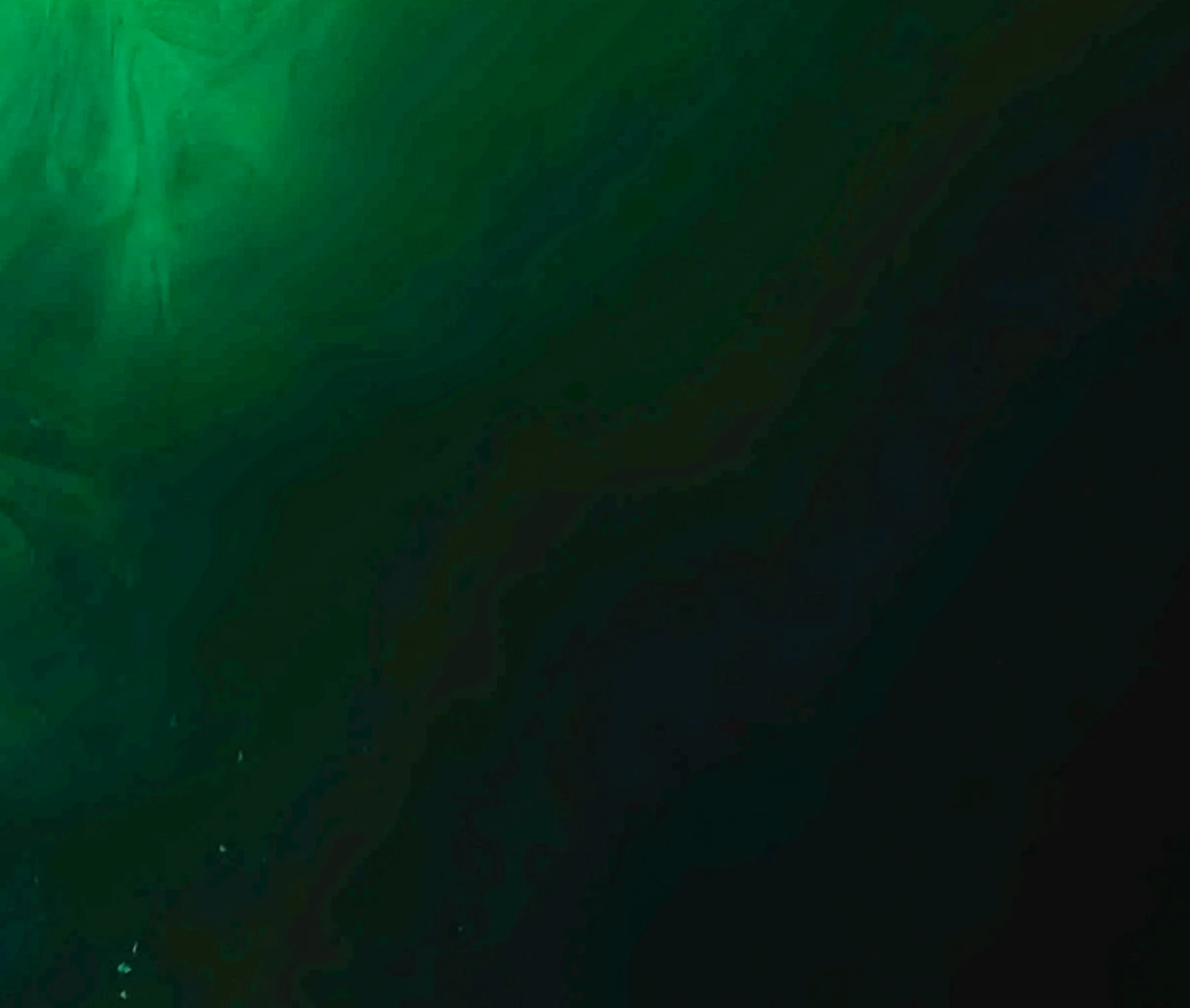
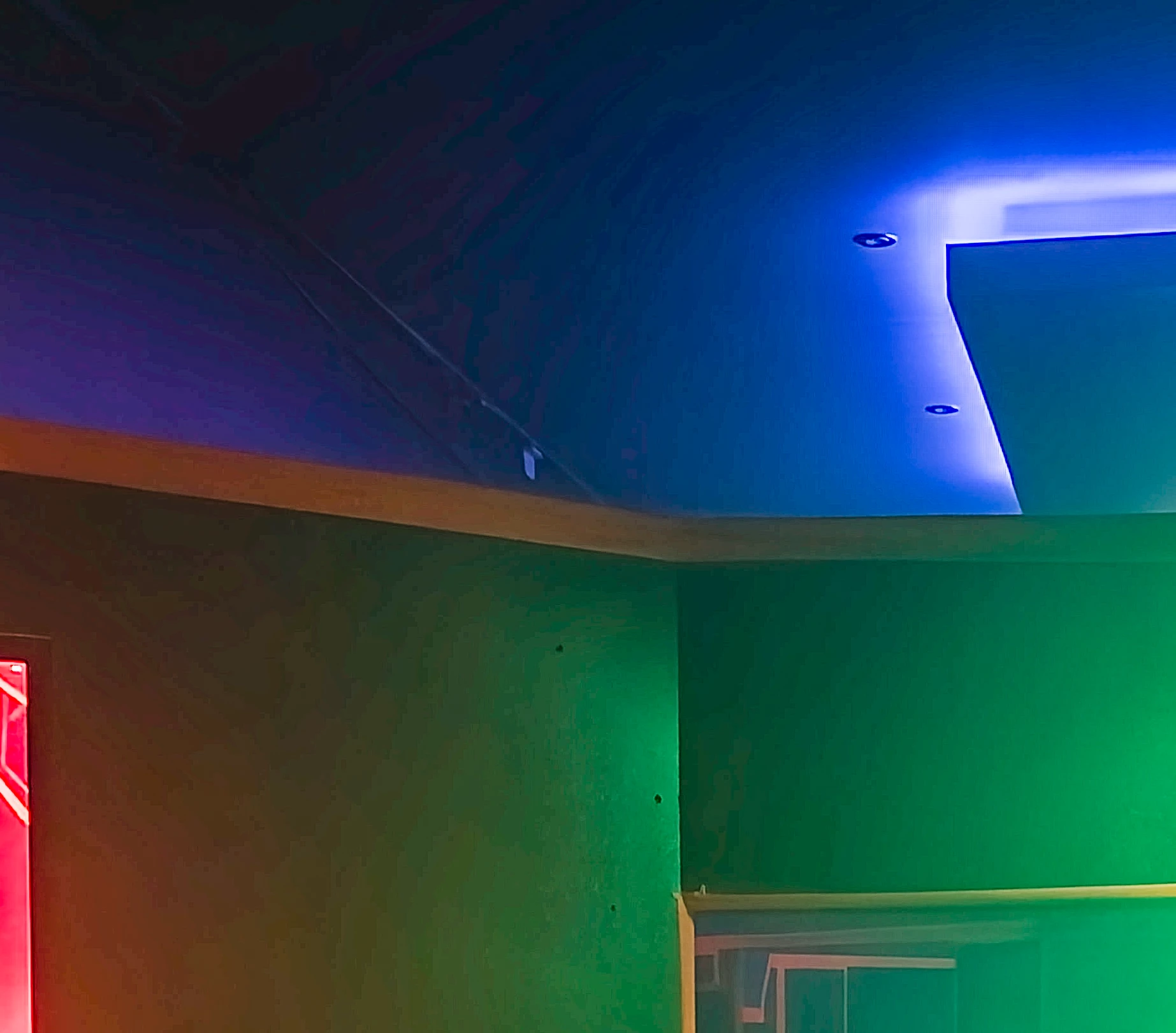
 

Original dng source: https://www.dropbox.com/scl/fi/33kkhszxvkpul0wobqwfz/20240125_204051.dng?rlkey=an9u77f7wchzockal0n4fbybq&dl=0


More Infos: https://www.youtube.com/watch?v=TNT9gds-oaA


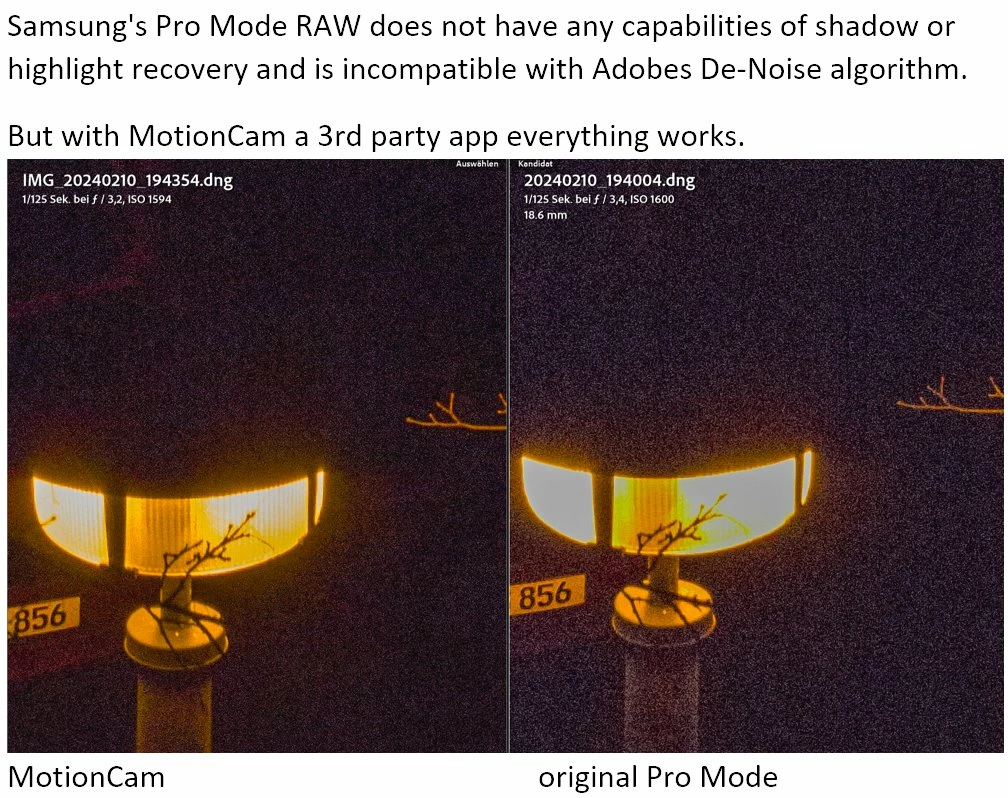
Edit: Samung messed up even more. The ProMode classic RAW is completely broken, there is nothing there in the highlights and shadows to recover (it's on the same level as the jpg), while a 3rd party app can create a RAW file where it's possible (even Adobes De-Noise works on 3rd party dng files).
 

Correct answer Wurstkrapfen

Expert Raw version 3.0.04.4 fixed this. You will still get mushed details in extreme dark areas, but the obvious color banding is gone. Turning off "adaptive pixel" helps to reduce artifacts further.

I hope they will also fix their ProMode raw soon.

5 replies

Wurstkrapfen
WurstkrapfenAuthorCorrect answer
Inspiring
March 2, 2024

Expert Raw version 3.0.04.4 fixed this. You will still get mushed details in extreme dark areas, but the obvious color banding is gone. Turning off "adaptive pixel" helps to reduce artifacts further.

I hope they will also fix their ProMode raw soon.

Participant
March 3, 2024

Such great news to hear! Do you know if we can see a log of all updates done at the 3.0.04.4 version?

Wurstkrapfen
Inspiring
March 4, 2024

I don't think so, and even if the would call it "general quality improvements".

Wurstkrapfen
Inspiring
February 7, 2024

It's not even hard to recreate, any lowlight ExpetRAW dng will do.

Content of the embedded preview image:


The actual so called "raw data": 


No I did not mix them up.


Rikk Flohr_Photography
Community Manager
Community Manager
February 5, 2024

Thank you for the sample file. We've forwarded this to the manufacturer for disposition. 

Rikk Flohr: Adobe Photography Org
Wurstkrapfen
Inspiring
February 5, 2024

Thank you very much for helping to get this issue noticed. Please leave a note if you get any useful reply.

Wurstkrapfen
Inspiring
February 6, 2024

There is definitely no getting through to them as a regular costumer:

"Oh have you read our fancy guide on how to use the app, you must be doing something wrong"

"Sure you don't want to reset your phone another time?"

"If you feel something is wrong maybe you should check for updates"

"You have to set it to save dng files"

"ExpertRAW is different then normal raw"
Yea well if the preview is free from artifacts but your so called raw data is not, it's broken.


And one point complaining about ExpertRAW they actually recommend I should try ExpertRAW.


This is so damn exhausting.


Participant
February 4, 2024

Hi, I recommend using MotionCam Pro v3 ( free will work too for photos and raw video )
It has RAW video ( yes raw video )  and new version v3 has raw with logs to hevc or prores and good photo mode with burst for stacking.
https://play.google.com/store/apps/details?id=com.motioncam&pcampaignid=web_share
https://play.google.com/store/apps/details?id=com.motioncam.pro&pcampaignid=web_share
Best settings for photos


Wurstkrapfen
Inspiring
February 4, 2024

It's about to get Samsung to fix their stuff.

Also using alternative camera app on Android makes not much sense since they don't have full access to all hardware features. And you can't quickly access it on a locked device. There is no substitue for a correctly working stock camera app.

Participant
February 4, 2024

Okay I understand but you should try it before making assumptions as simple example is that Samsung and Google are using MotionCam for there Promo videos not Google Camera or Expert RAW or Samsung Camera app.
https://twitter.com/MishaalRahman/status/1753205544205090886

Also note MotionCam is using Raw streams ( RAW10, RAW12, RAW14 and RAW_SENSOR ) and it has full acesses to all stuff that Samsung allows for third party apps.

Per Berntsen
Community Expert
Community Expert
February 2, 2024

I've had a look at the DNG, and it looks terrible, with lots of jpg banding.

This is a linear DNG (not a raw file) with heavy jpg compression applied.

If there is an option to disable the compression, turn it off.

I'm not familiar with Samsung phones, but I found these posts about the issue:


https://us.community.samsung.com/t5/Galaxy-S24/Uncompressed-RAW-no-more/td-p/2789880

https://www.reddit.com/r/S24Ultra/comments/1ae3w07/s24u_expert_raw_is_now_using_jpeg_xl_compression/?rdt=35094


Wurstkrapfen
Inspiring
February 2, 2024

The compression is not the issue (at least not the one the user can control, it was possible to turn it off on S23u and S22u) the same effects happen without it.


The swtich to JPG XL is also not the issue, this happened before too.


The odd thing is that the preview image looks fine without the banding.

But I guess it's Samsung messing things up then. Maybe putting the wrong file in the dng container.

Rikk Flohr_Photography
Community Manager
Community Manager
February 2, 2024

Do you have ACR 16.1.1, released recently, installed?

Rikk Flohr: Adobe Photography Org