




Question
UI glitch in Camera Raw Plugin 16.5 for Photoshop when twirling open Color Grading and Curves
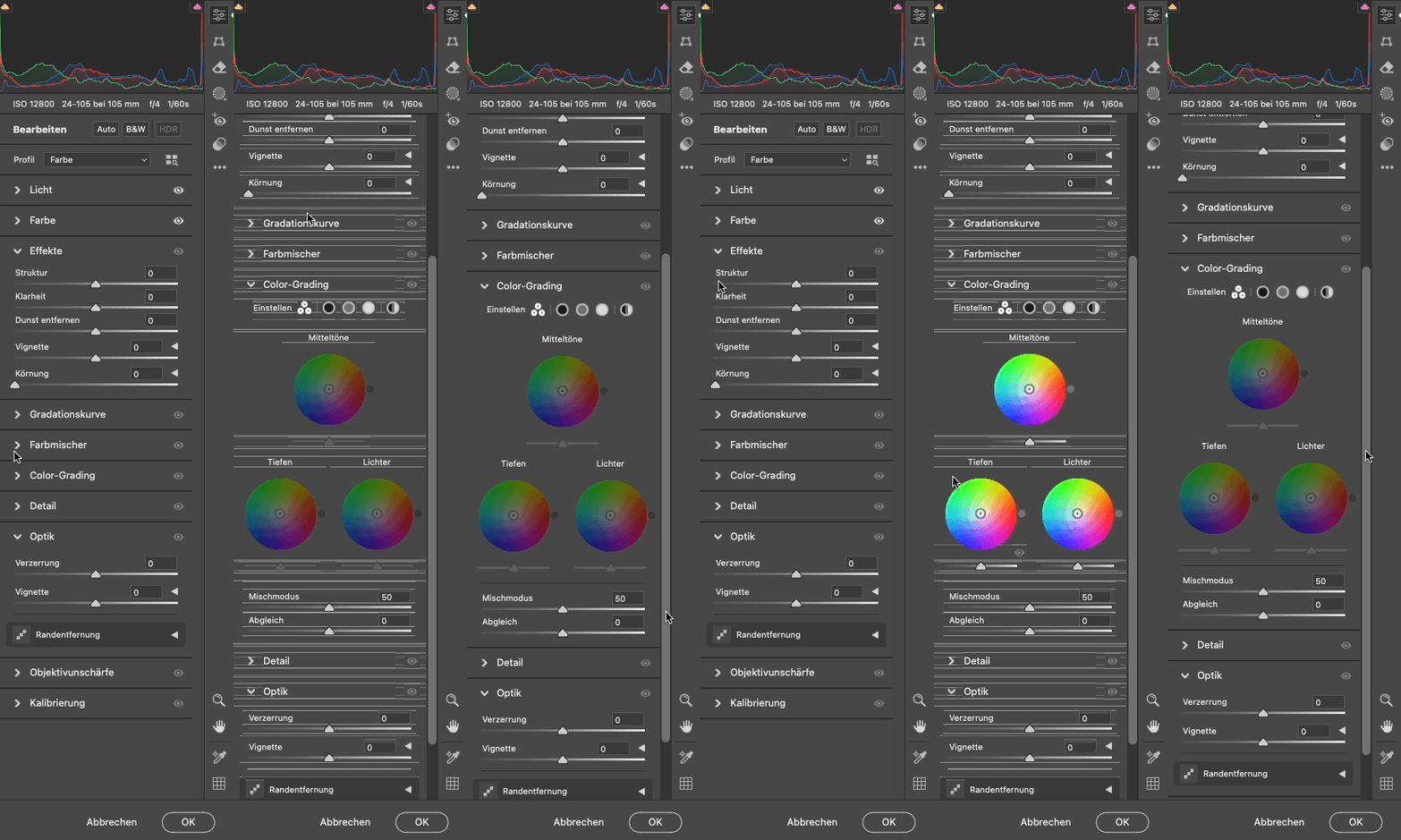
There is a weird UI glitch when opening the sections “Color Grading” and “Curves”. The panel is covered with many lines. Moving the scroll bar makes the lines disappear.
When I close the section and reopen it the lines are visible again. Please see attached screen capture. Restarting Photoshop does not change the behavior.
macOS 14.6.1 | Photoshop 25.11. | Camera Raw 16.5.0.1953 | macBook Pro M3 Max
 AdChoices