December 8, 2025
Answered

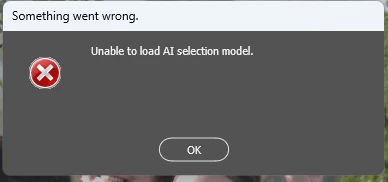
Unable to load ai selection model

  • December 8, 2025
  • 2 replies
  • 465 views

I have an ADOBE CC PRO subscription.

Not Business.

I've been using it for a long time and it worked until now, but today when I try to use it, I can't use the AI-powered selection tools in ADOBE CAMERA RAW. It says "unable to load AI selection model."

However, the people and object selection tools in Lightroom work. The selection tool in Photoshop + Photoshop Beta, as well as the object and people selection tools, also work.

Only ACR is giving me the error.

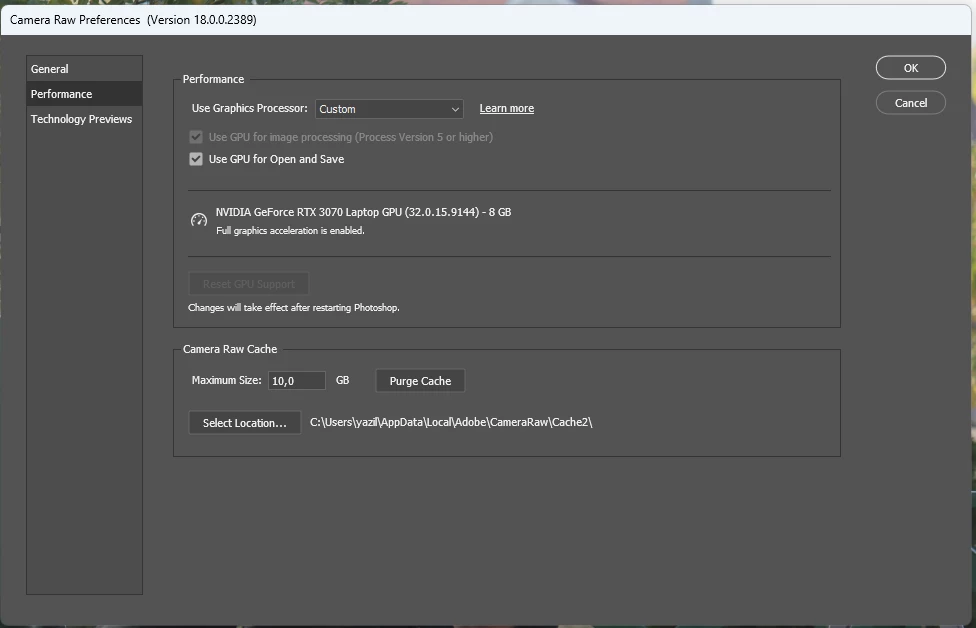
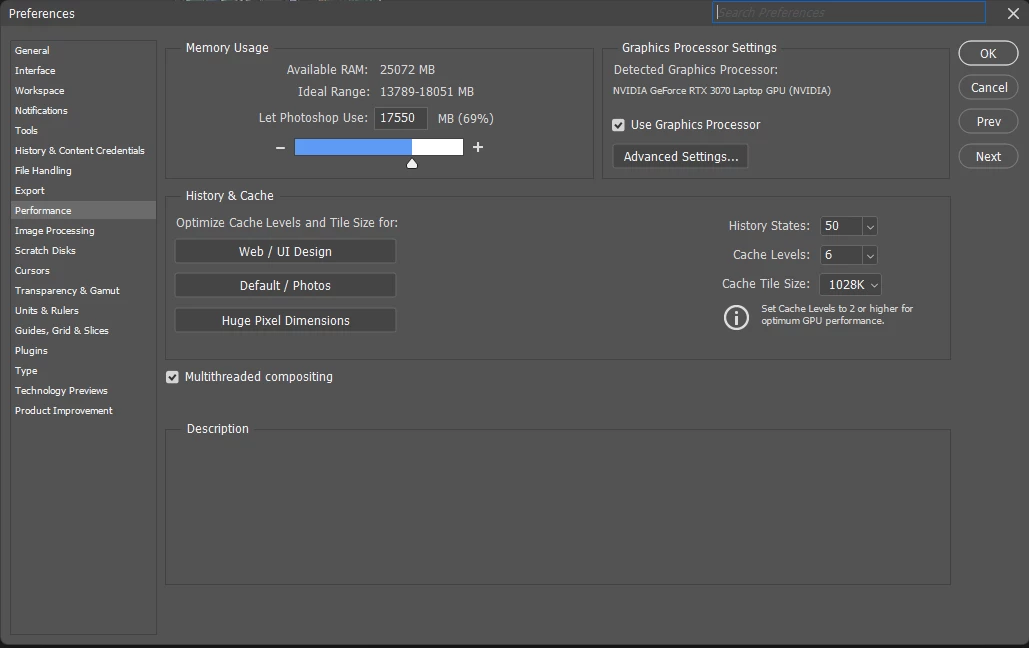
My device has an RTX3070 and 32GB of RAM. I've been using it smoothly and quickly until now. I don't think it's a problem with my device. What could be the problem? I can't delete and reinstall ACR; there's no such option in the CC desktop application. I thought if I did a clean install, it would work, but I couldn't.

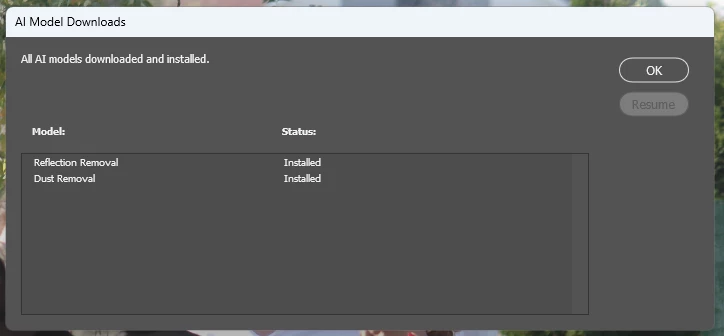
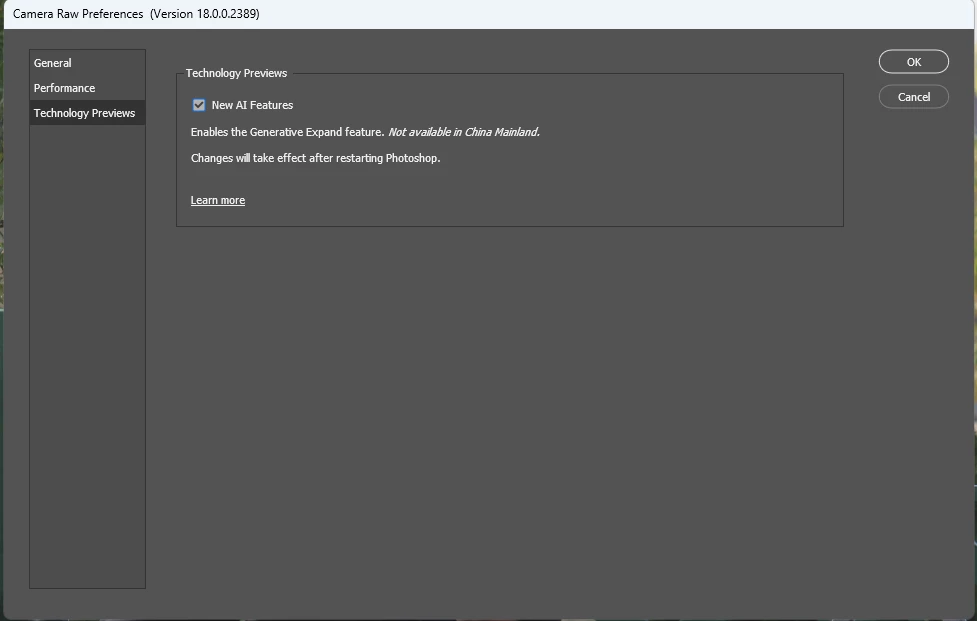
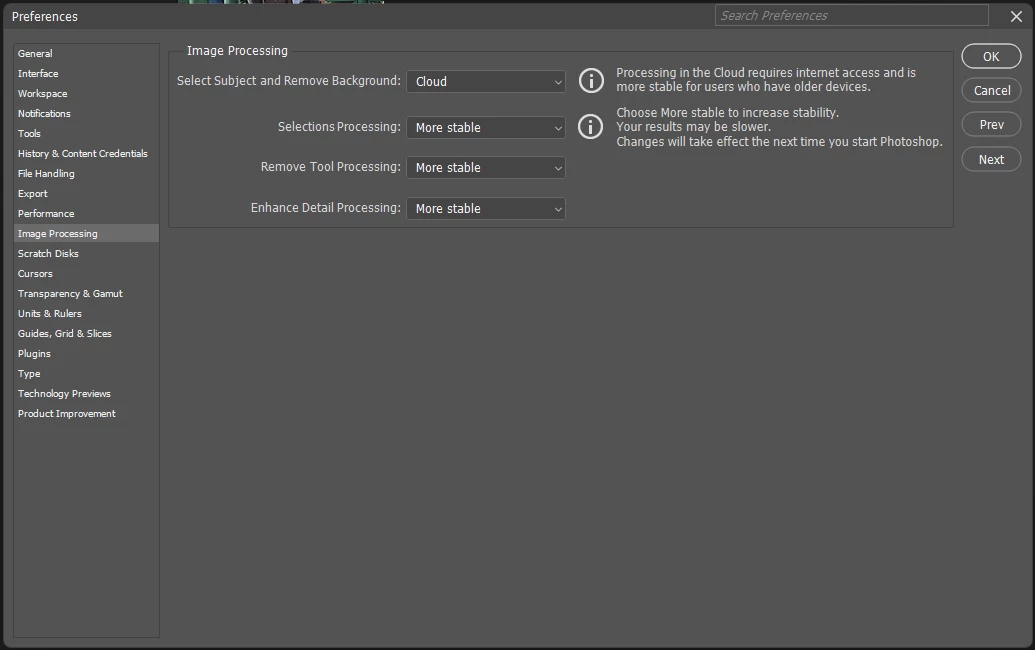
I'm sharing photos of my settings below.


Correct answer sengunmurat

I found a solution.

While searching, I found the link for the Camera RAW sideloader package and downloaded it.

I couldn't delete the old one, but I installed it over it. And the problem was solved; the AI ​​masking and human selection tools are now working in Camera Raw.


Those experiencing similar issues can try reinstalling Camera Raw.

https://helpx.adobe.com/tr/camera-raw/kb/camera-raw-plug-in-installer.html

2 replies

Participating Frequently
January 23, 2026

I'm getting this same bug intermittently.
Not sure what is triggering it, but closing & relaunching Adobe Bridge seems to fix it.

I'll try reinstalling ACR and see if that fixes it permanently

- Windows 11 Pro
- Version 23H2
- OS build 22631.6199
- RTX-4080 (591.79 Studio)
- AMD Ryzen 9 7950X 16-Core Processor 4.50 GHz
- RAM 64.0 GB

sengunmuratAuthorCorrect answer
December 8, 2025

I found a solution.

While searching, I found the link for the Camera RAW sideloader package and downloaded it.

I couldn't delete the old one, but I installed it over it. And the problem was solved; the AI ​​masking and human selection tools are now working in Camera Raw.


Those experiencing similar issues can try reinstalling Camera Raw.

https://helpx.adobe.com/tr/camera-raw/kb/camera-raw-plug-in-installer.html

Known Participant
December 23, 2025

This worked for me once. The next I restarted my Windows 11 PC, I got the error again. 😞

Known Participant
December 23, 2025

OK, I was able to fix this by turning off the Technology Previews option. Now it works fine. I don't need the generative expand option anyway. Untitled-1.jpg

System specs:

Windows 11

AMD Ryzen 7 7700x

64G ram (DDR5.. so soon it will be worth millions!!!)
Radeon 6600
Camera Raw 18.1.1