dragantomas
Inspiring
October 28, 2024
Answered

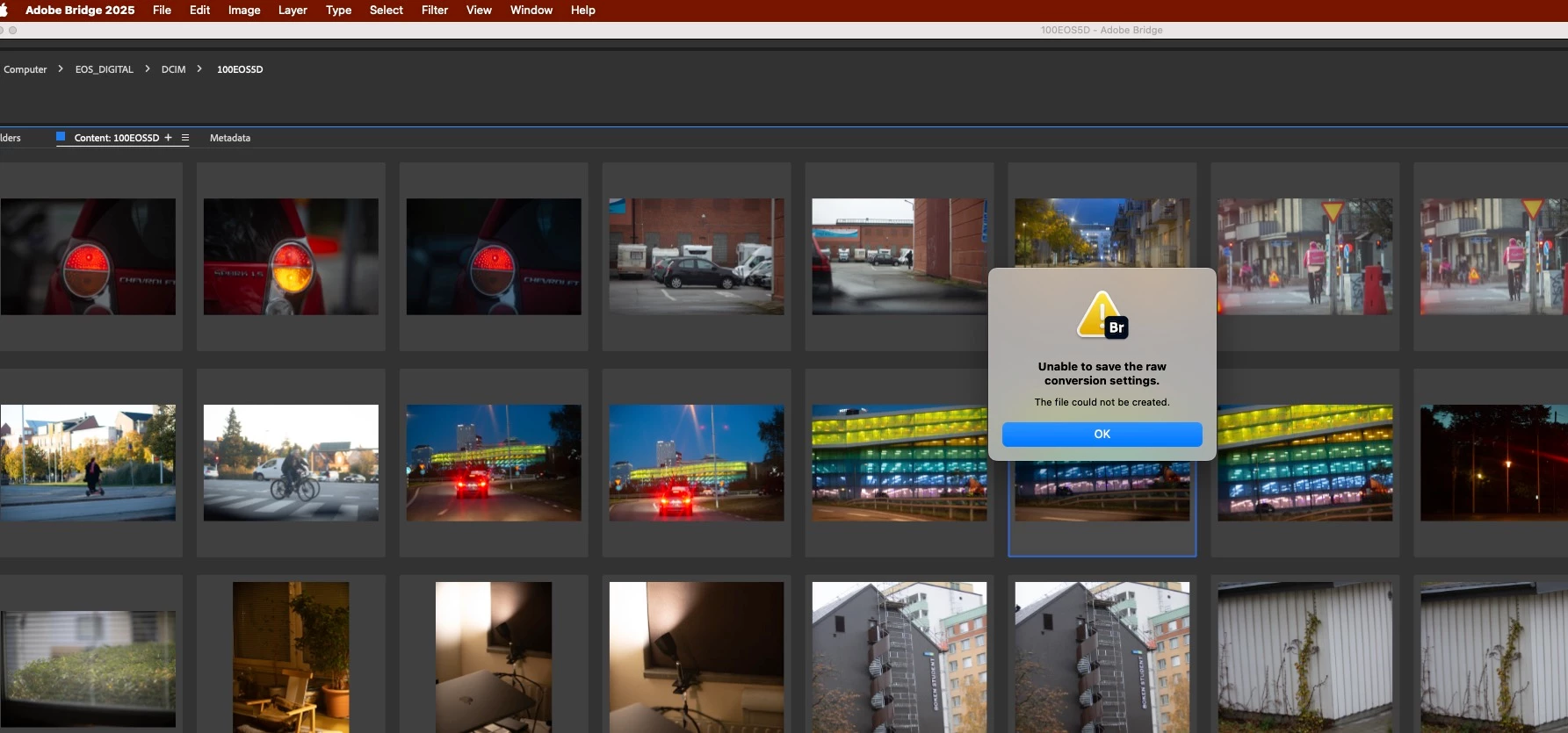
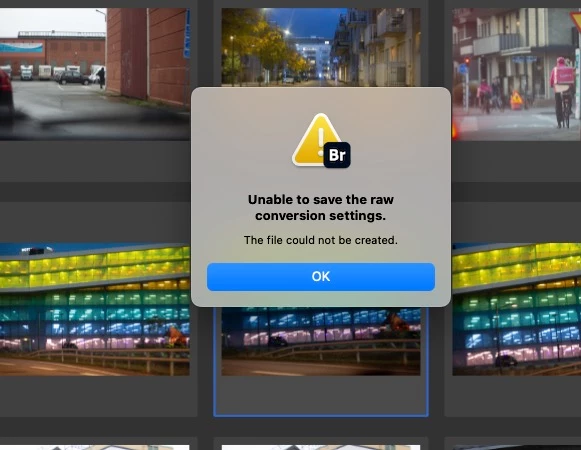
Unable to save the raw conversion settings. The file could not be created. ACR Bridge 2025

  • October 28, 2024
  • 3 replies
  • 581 views

Hi All,


Latest versions of Photoshop and Bridge. 16'MBP M! Max, MacOS Sonoma 14.5


Opened and done any edit on any image in ACR today, then press on 'Done" button, and have this dialog pop on the screen. Ive done research, see this happened already in the years past, but the fix I found there (Bridge and Photoshop have full disk access in Privacy Settings (System Preferences) didnt work. Ive restarted Bridge and Photoshop and teh computer, no change.


Does someone knwo how to fix this?


This topic has been closed for replies.
Correct answer dragantomas

Finaly, I found the fix!


On the thin side of the SD Card itself there is a little sliding "Tab" on the left side:

Slide the Tab UP, and the card is unlocked "Read/Write". (This fixed it)

Slide the Tab DOWN and it is locked and "Read Only"... (This was the problem)


3 replies

dragantomas
dragantomasAuthorCorrect answer
Inspiring
November 21, 2024

Finaly, I found the fix!


On the thin side of the SD Card itself there is a little sliding "Tab" on the left side:

Slide the Tab UP, and the card is unlocked "Read/Write". (This fixed it)

Slide the Tab DOWN and it is locked and "Read Only"... (This was the problem)


dragantomas
Inspiring
November 21, 2024

Hello Adobe community,
I’m still experiencing this issue. It had resolved after my last update, but today it’s happening again. I have reupdated Bridge and also made a complete reset in preferneces with no result. I searched online for a solution but couldn’t find one. Does anyone know how to fix this?

dragantomas
Inspiring
October 28, 2024

Now the problem has suddenly being fixed by itself. I dont knw what happened there, but the problem has been fixed. Dont get that pop up dialog any more.