


Participant
August 13, 2020
Question

What have Adobe done to Camera Raw?!?!?!

  • August 13, 2020
  • 1 reply
  • 162 views

I'm a regular user of Camera Raw for converting & editing my RAW files (from my DSLR & now Mirrorless) but as my laptop had been kidnapped by Team Knowhow for a number of weeks I've had to download everything etc...their new layout is eughhh, so I managed to stick with the old version(ish) but when I opened the images I want to edit, I'm now stuck with this in the middle of the screen! can anyone give me any ideas as to how I can be rid of it please??? (i've tried decreasing the size of the screen to see if there's any close options anywhere!) 

TIA 
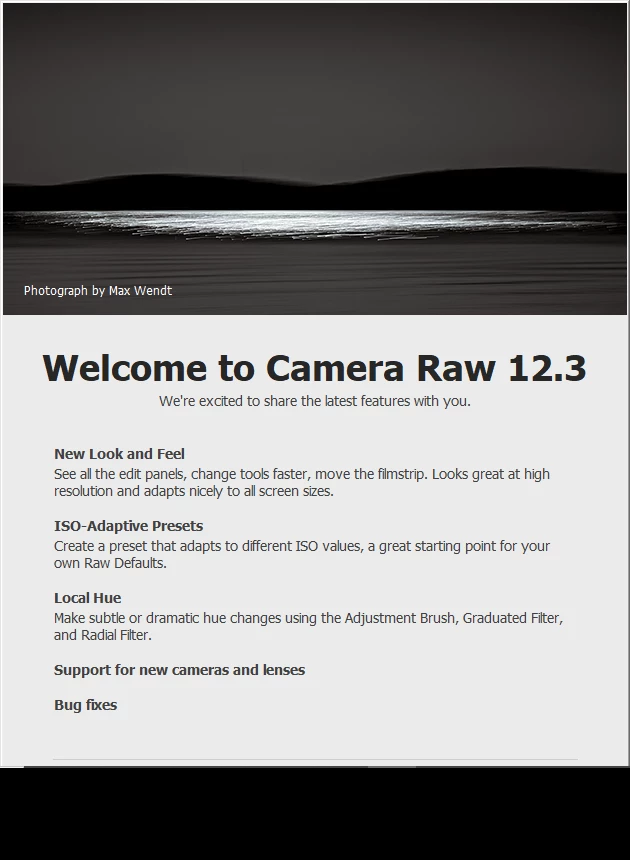
This topic has been closed for replies.

1 reply

TheDigitalDog
Inspiring
August 14, 2020

Odd, what OS?

It should disappear and not reappear after you dismiss it. 

You might try resetting all your preferences, open again and try to dismiss it, once gone it will not reappear unless you reset everything back again. 

Try trashing your Photoshop preferences. Press and hold Alt+Control+Shift (Windows) or Option+Command+Shift (Mac OS) immediately after launching Photoshop. You will be prompted to delete the current settings.

(Mac OS only) Open the Preferences folder in the Library folder, and drag the Adobe Photoshop CS Settings folder to the Trash.

This action only affects the items found in the preferences dialog box. Numerous program settings are stored in the Adobe Photoshop Preferences file, including general display options, file-saving options, performance options, cursor options, transparency options, type options, and options for plug‑ins and scratch disks. Brushes (and lots of other setting) are not affected by the above instructions for deleting preferences. You may wish to make a screen capture of the settings in the Preferences dialog to reset them prior to deleting of this file.

Author “Color Management for Photographers" & "Photoshop CC Color Management/pluralsight"