


Answered
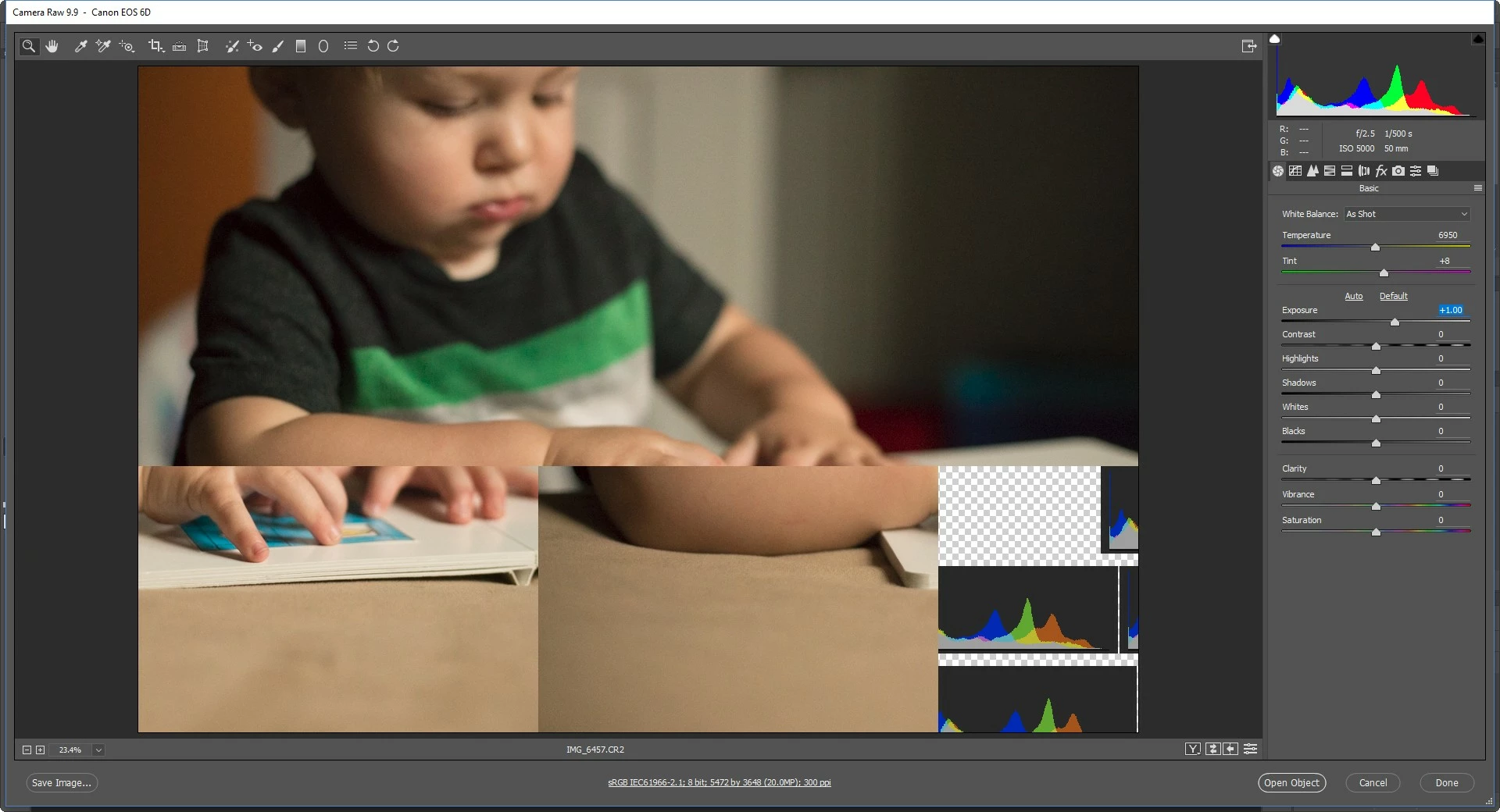
When adjusting sliders in ACR, picture scrambles?! Help!!
I'm on the most recent version of CC and I'm still having issues when adjusting my sliders in ACR. It doesn't do it when I open the image up in PS.
I have a PC desktop running Windows 10. It is under 2 years old, and has 16GB of RAM. Its hard drive has 584GB free out of 921GB. The last time I shut down was just before posting this thread. I have also ran Ccleaner with no improvement. I have also unchecked the Use Graphics Processor. That seemed to help a bit but not much, it's still very difficult to edit. Below is a screen shot of what happens when adjusting the sliders.
[Here is the list of all Adobe forums... https://forums.adobe.com/welcome]
[Moved from generic Cloud/Setup forum to Camera Raw forum... Mod]

 AdChoices