


Answered
when foto opens in camera raw the color is more saturated
 Good evening,
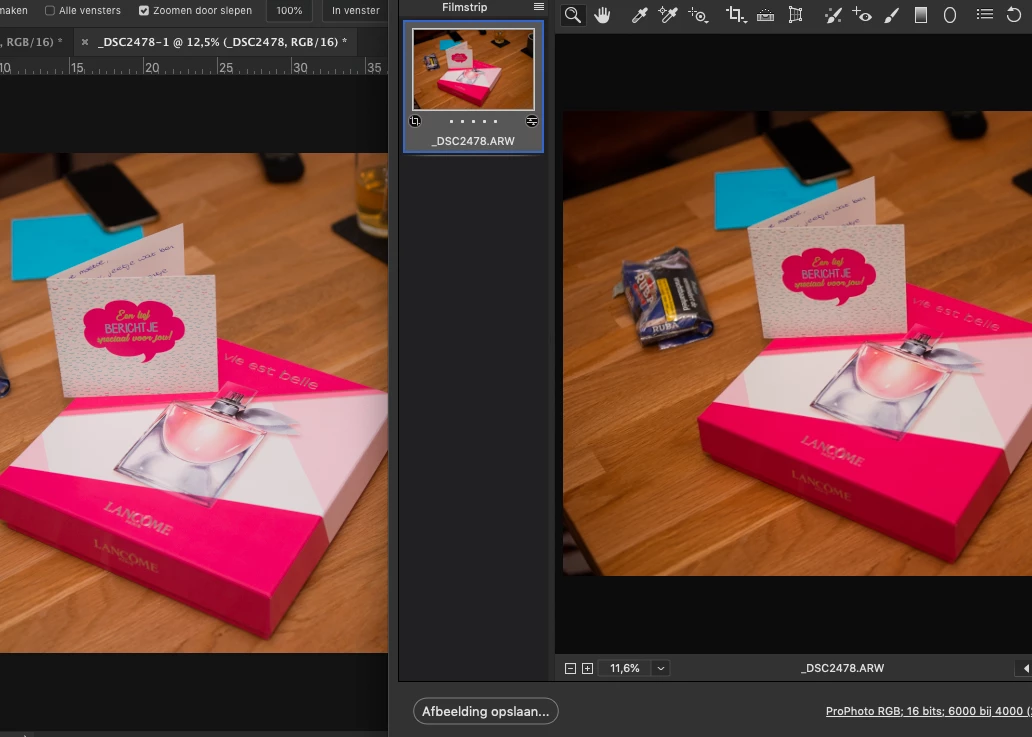
Ive got a problem. When i open a photo witch is in photoshop as a smart object in camera raw the colour imidiatly changes. The red colors in the photo are more saturated and overall are the colors more intens. When ik close camera raw the saturation is gone.
Ive checked all the profiles, en reset photoshop. makes o differences.
Ive got the same problem in lightroom. When i compare the photo with the print module the saturation is gone.
I also tryd another mac. Same problem.
is there somebody who can help me? The left photo is the one wich is a smart filter in photoshop. The right image is that smart object wich is opened in camera raw...
best regards, Andre

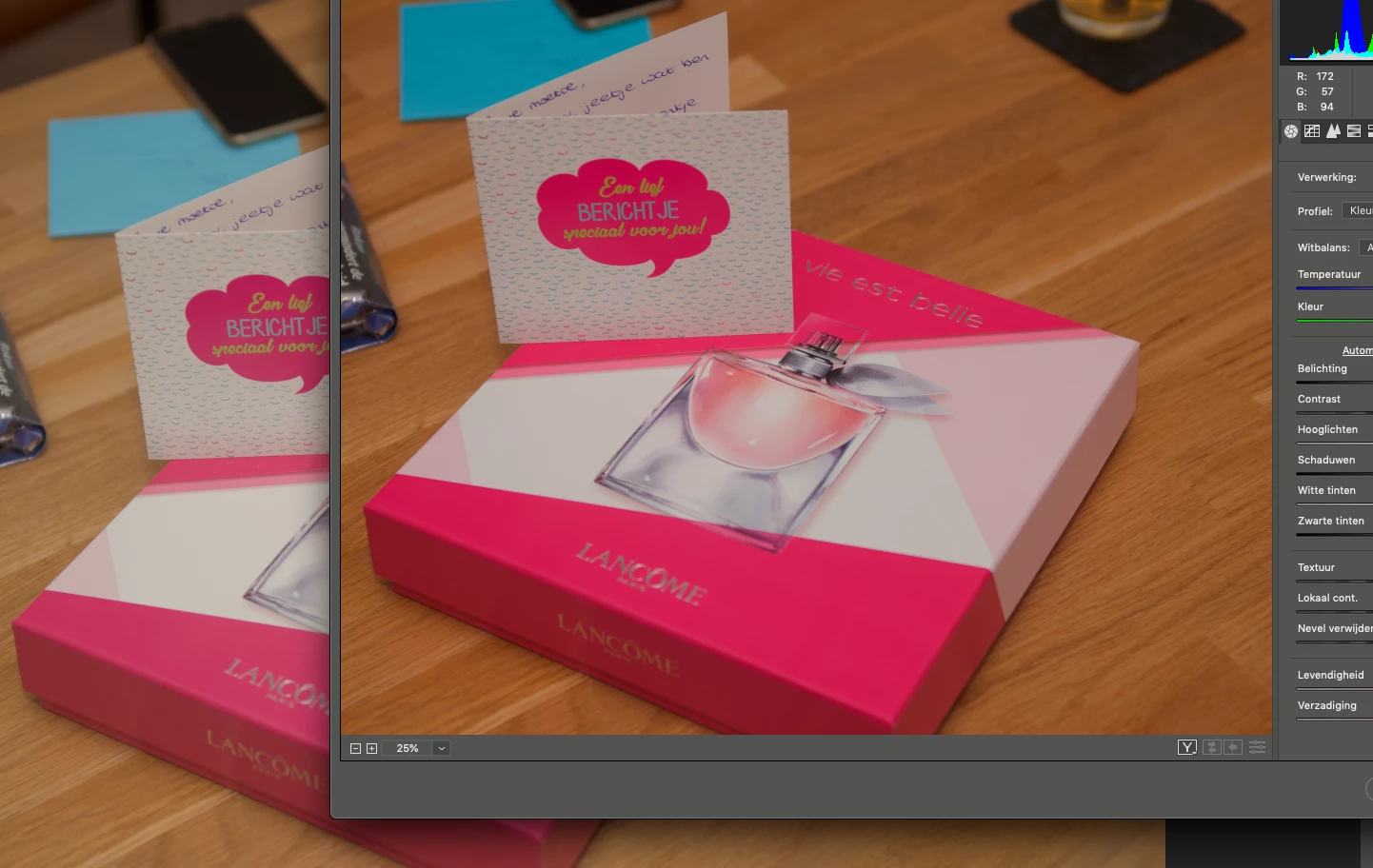 No they dont match. the problem is stil there. The left one is de photo in photoshop and the right one is thesame picture opened in ACR.
 AdChoices