



BGPictures
Known Participant
March 25, 2022
Question

Making a chproj 3D in AE defeats alpha

  • March 25, 2022
  • 2 replies
  • 283 views

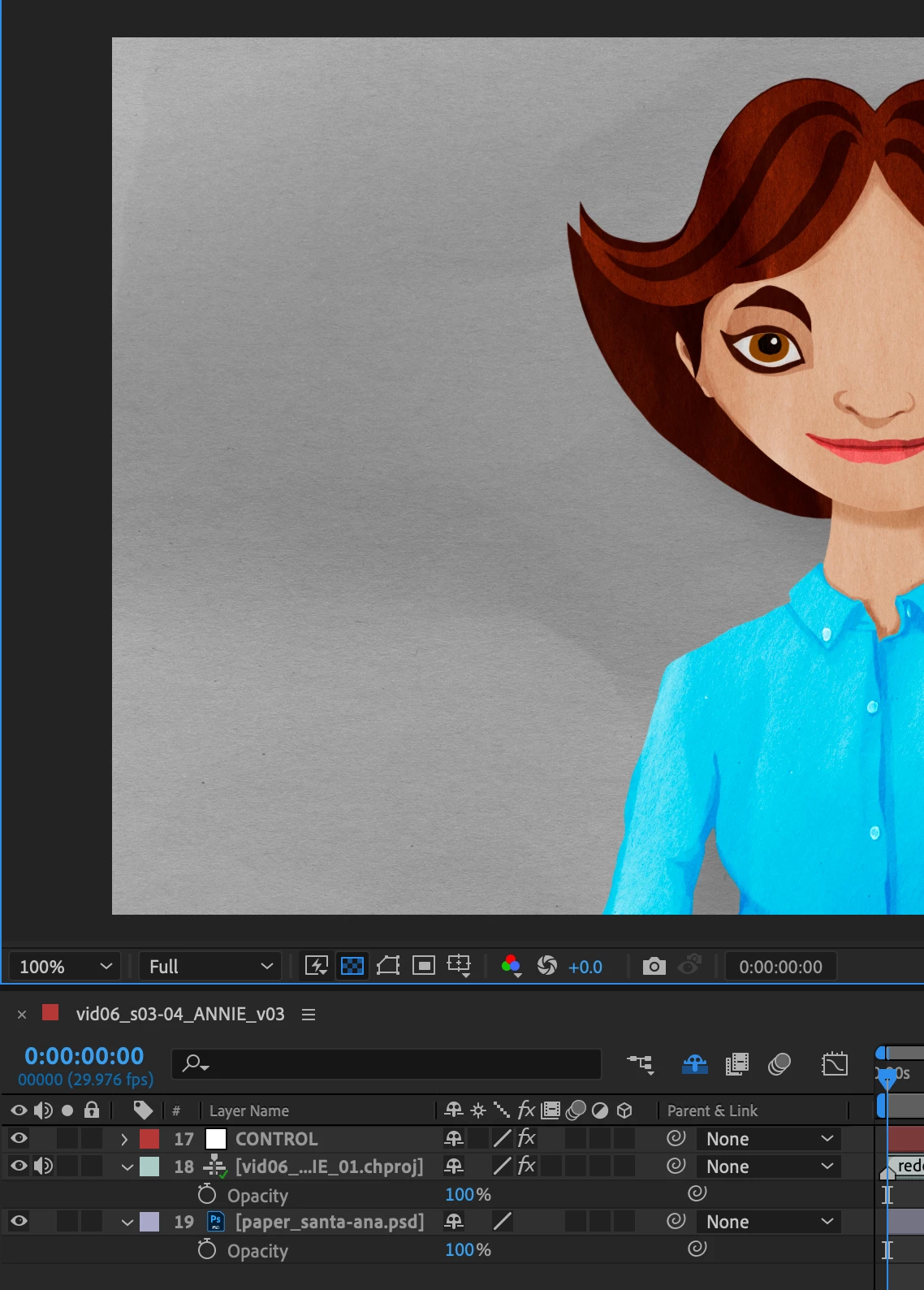
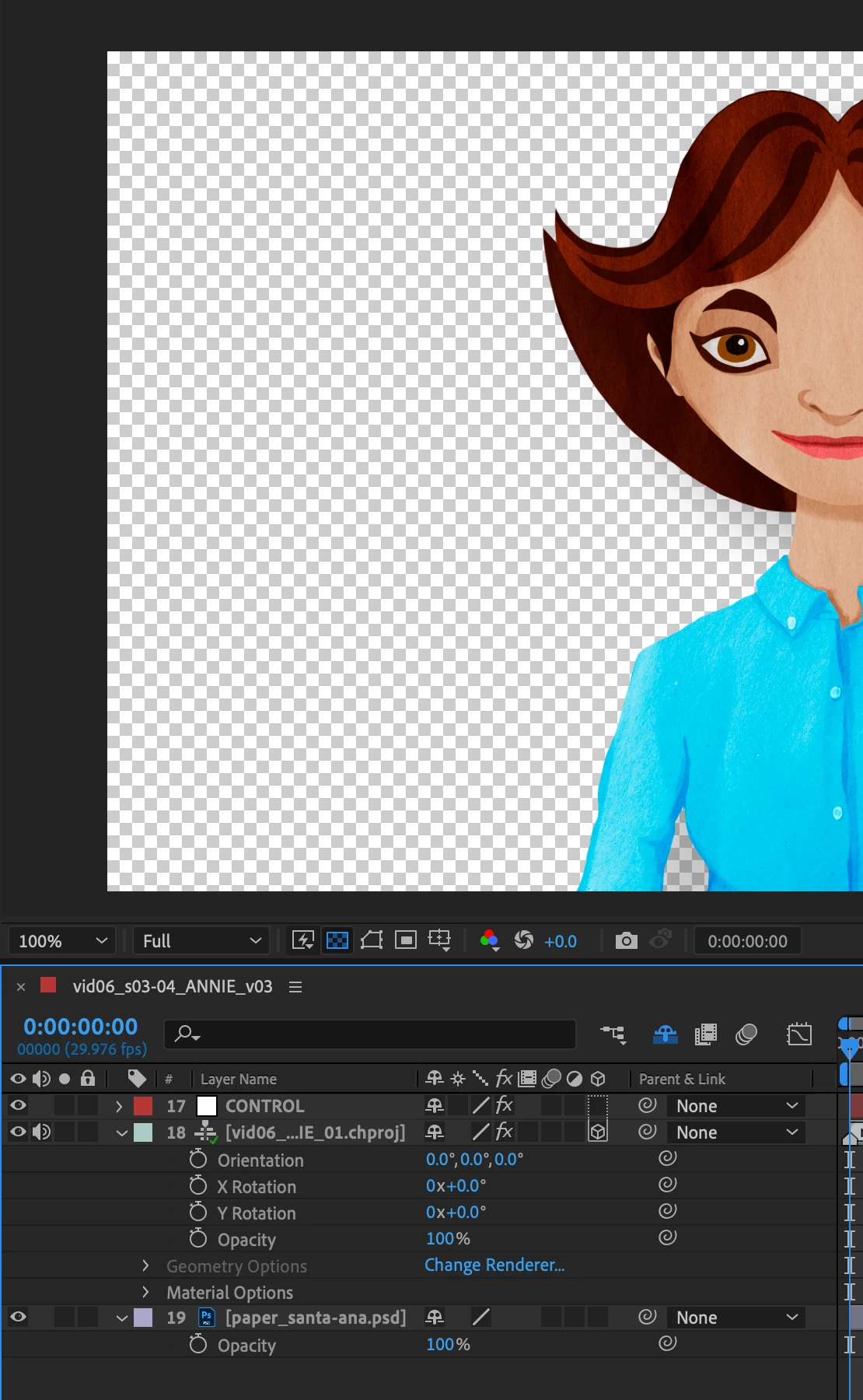
By simply clicking the 3D button on a chproj layer within AE, I was able to make the layer beneath it invisible. I've never had this experience before. See pics below. Anyone else having weird chproj in AE problems with the beta?
 

This topic has been closed for replies.

2 replies

Tom Olsen
Community Manager
Community Manager
March 28, 2022

Hi, BG. Thanks for posting this issue. We'll figure this out. First, a couple questions...
1. Did you have Draft 3D turned on? 


2. If not, which renderer was selected?


BGPictures
Known Participant
March 28, 2022

Hi @Tom Olsen. Thanks so much for your reply. I tried to check if Draft 3D turned on, but upon launching the project today, the problem was gone; the layers work correctly with every combination of 3D or not... and Draft 3D off/on. If I can recreate, I'll re-post. In the meantime, I'll tag you in two other posts which might be related to this intermittent problem. Thanks! 

BGPictures
Known Participant
March 25, 2022

Maybe a better title would have been, "Making a chproj 3D in AE defeats the layer beneath it."