


commoniq_49504929
Participating Frequently
January 4, 2019
Answered

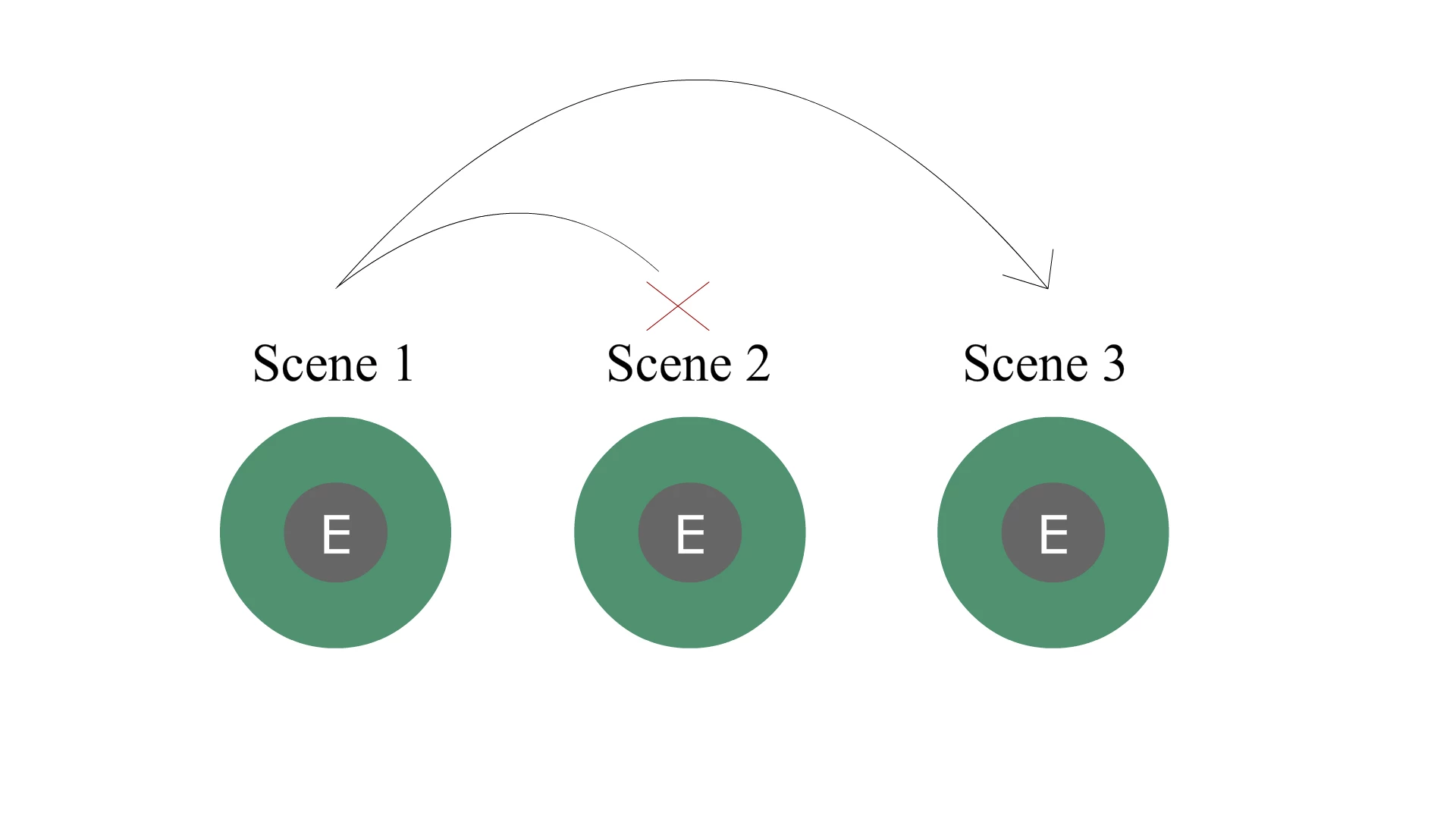
Instead of nextScene(); there's a command for going to a scene.

  • January 4, 2019
  • 1 reply
  • 945 views

first off thanks to JoãoCésar for this code and Ned Murphy for explaining to an idiot.

Instead of nextScene();  there's a command for going to a scene?

function keyDownHandler(e:KeyboardEvent):void

{

     if (currentScene.name == "Scene 1")

     {

          if (e.keyCode == Keyboard.E)

               nextScene(); 
respect points on the line!

This topic has been closed for replies.
Correct answer JoãoCésar17023019

Hi.

Use:

gotoAndStop(frame:Object, scene:String = null):void

For example:

gotoAndStop(1, "Scene 3");

Regards,

JC

1 reply

JoãoCésar17023019
Community Expert
JoãoCésar17023019Community ExpertCorrect answer
Community Expert
January 4, 2019

Hi.

Use:

gotoAndStop(frame:Object, scene:String = null):void

For example:

gotoAndStop(1, "Scene 3");

Regards,

JC

commoniq_49504929
Participating Frequently
January 4, 2019

thanks, I appreciate your help.

JoãoCésar17023019
Community Expert
Community Expert
January 4, 2019

You're welcome!
