


commoniq_49504929
Participating Frequently
January 22, 2019
Question

Quick Time Event how to assign two keys simultaneously instead of one

  • January 22, 2019
  • 2 replies
  • 1133 views

Hello, masters!

Heres a nice trivial question which is a lot to me still.

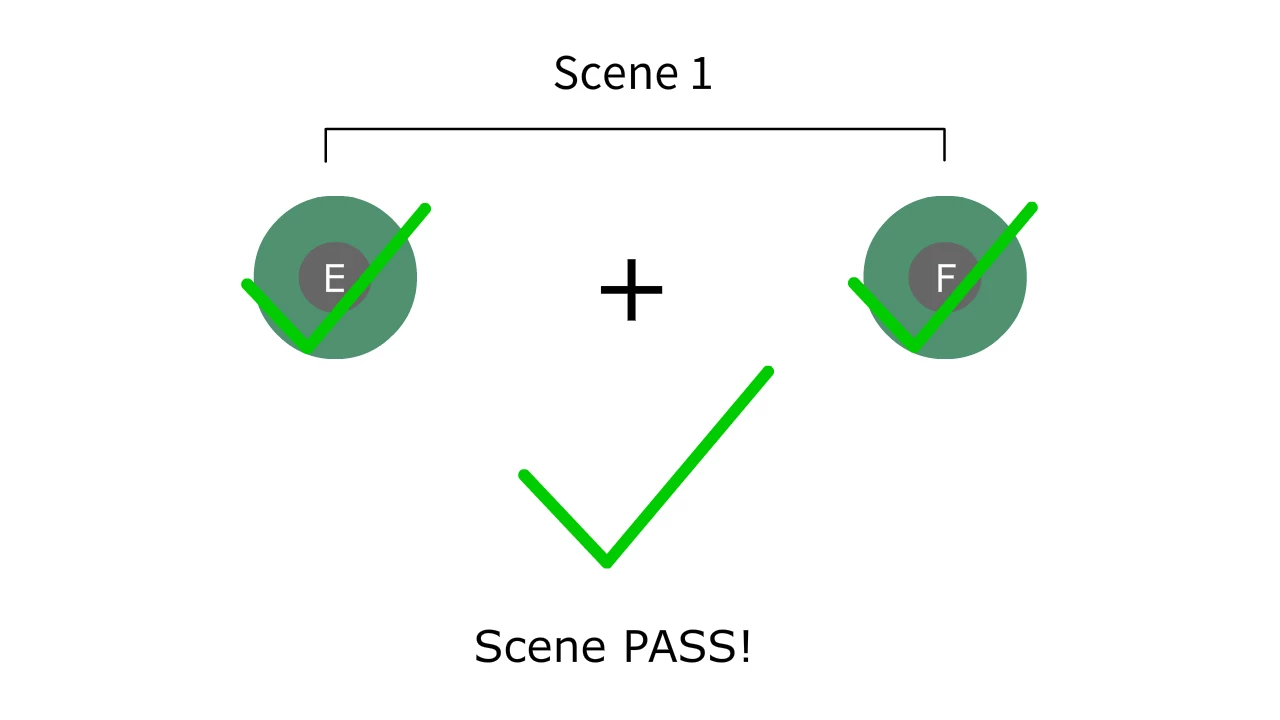
I talked about how to create a Quick Time Event system which is to press a key on time to move on. Now I want to know how to press TWO keys in order to advance, possibly even 3! Thanks ❤️

import flash.events.KeyboardEvent; 

import flash.ui.Keyboard; 


function keyDownHandler(e:KeyboardEvent):void 

     if (currentScene.name == "Scene 1") 

     { 

          if (e.keyCode == Keyboard.E) 

               gotoAndStop(1, "Scene 2"); 

     }
This topic has been closed for replies.

2 replies

commoniq_49504929
Participating Frequently
January 23, 2019

Thanks, I'll look into to this.

sinious
Legend
January 22, 2019

Aside using the mobile gestures, this kind of thing would fall back to AS3 traditionally tracking one key at a time. One event will fire per key but not at the same time. Here is an older post where Ned mentions a way how to handle something like this:

Recognizing multiple key presses in As3

It'd be useful to handle this within a Timer so here is some example code that initialized a timer but did not fully use it, but it should get you more than started:

actionscript 3 - Multiple key press conditionals in AS3

Both are doing essentially the same thing except if you set the Timer to a short amount of milliseconds as they did (100), and both keys are found to be pressed that close together, it's a bit more realistic to expect they were pressed together.

You'll want to clear anything you were looking for either when the Timer end fires or on KEY_UP so you are ready to trap the next. Here's the API just for reference:

KeyboardEvent - Adobe ActionScript® 3 (AS3 ) API Reference