January 29, 2019
Question

Admin page issue after migration

  • January 29, 2019
  • 1 reply
  • 287 views

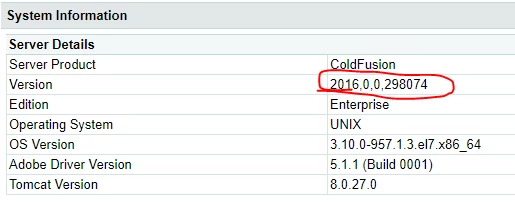
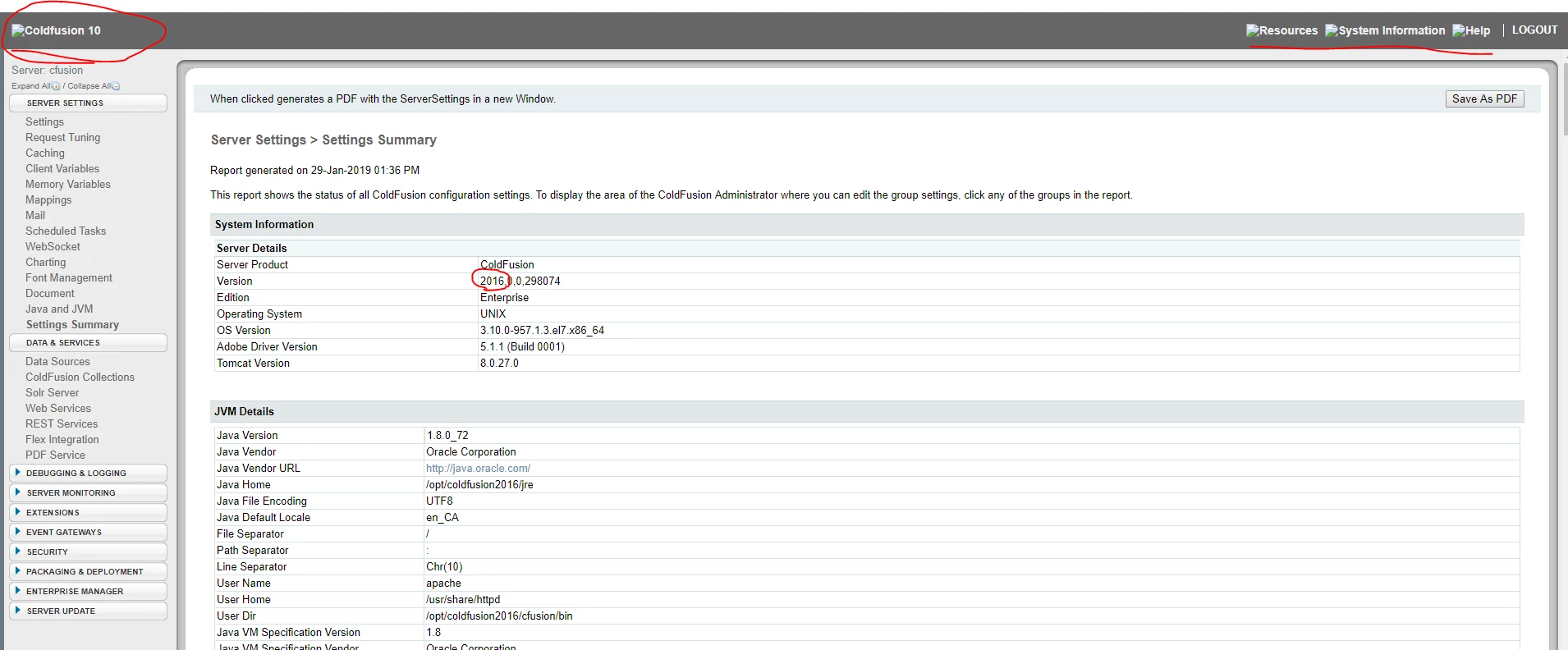
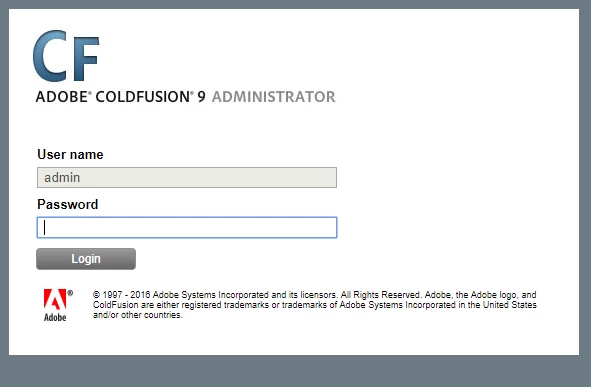
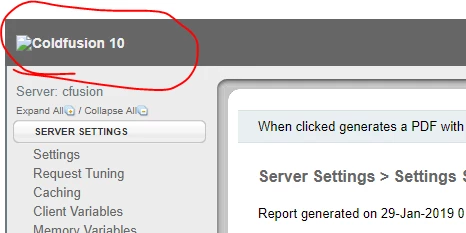
I recently upgraded my web application from Coldfusion 9 to Coldfusion 2016. Right now the two version coexist on the server (RED HAT). I have already shut down cf9 and removed all the old connectors. CF2016 can successfully talking to Apache and our web application seems working perfectly with cf2016. However when I trying to access the Admin Page through https://my_web_application_url/CFIDE/administrator/index.cfm​, the login page still shows cf9; after logged in, the logo at the upper left comer shows cf10; in the setting summery actually shows version 2016. The screenshots were attached below. Any help would be appreciated!
    This topic has been closed for replies.

    1 reply

    Community Expert
    January 30, 2019

    The CF Administrator is just a web application. But if you have multiple versions of CF on your server, each should ideally have its own CF Administrator, and if you have /CFIDE/administrator mapped to one of them in your Apache configuration that's the one you're going to get.

    I would recommend that you remove any web server configuration information in your Apache configuration. You might not be able to do this automatically now that you have multiple versions installed, but ideally you'd have removed it prior to the upgrade using the Web Server Configuration Tool. Now, you might have to do that manually. I'm not sure where that's mapped in Apache in the latest versions, but look at the usual suspects: httpd.conf, the files in conf.d, etc.

    Ideally, when you have multiple CF versions on the same machine, you should probably access the CF Administrator of each via the built-in web server rather than through Apache.

    Dave Watts, Eidolon LLC

    Dave Watts, Eidolon LLC