This topic has been closed for replies.
Correct answer Vikram Kumar M

Thanks I added  the code just before the </server> (last line).

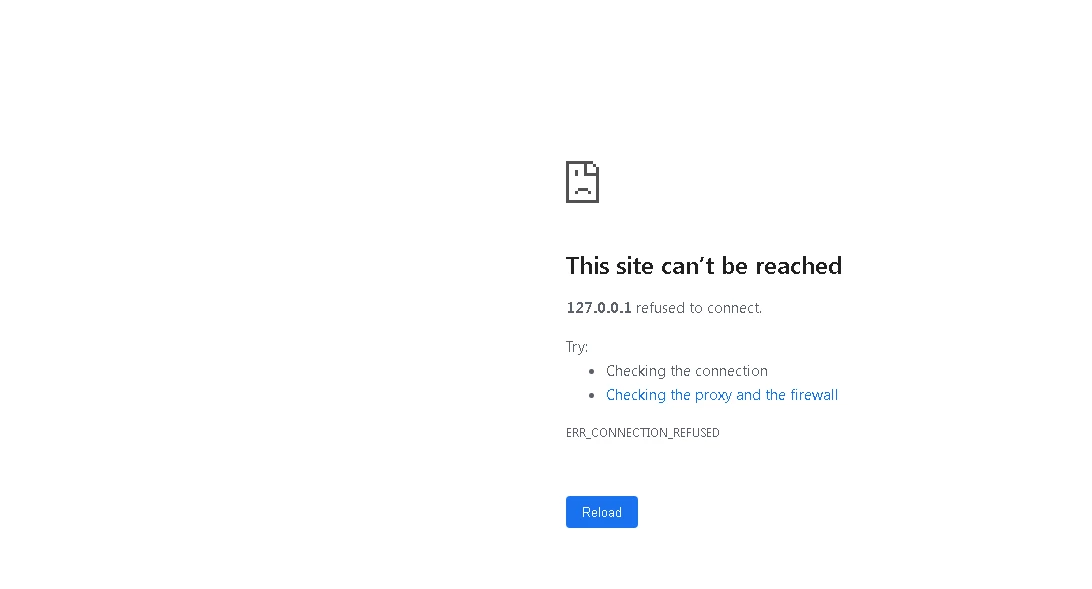
Restarted as stated but it had no effect.

Should I put it somewhere else instead in the xml?


@Rick254474202qw9  Please move it inside the service name configuration.


Something thing like this, 


<Service name="Catalina">

<!--The connectors can use a shared executor, you can define one or more named thread pools-->
<!--
<Executor name="tomcatThreadPool" namePrefix="catalina-exec-"
maxThreads="150" minSpareThreads="4"/>
-->


<!-- A "Connector" represents an endpoint by which requests are received
and responses are returned. Documentation at :
Java HTTP Connector: /docs/config/http.html (blocking & non-blocking)
Java AJP Connector: /docs/config/ajp.html
APR (HTTP/AJP) Connector: /docs/apr.html
Define a non-SSL HTTP/1.1 Connector on port 8080
-->
<!-- internal webserver start -->
<Connector packetSize="65535" port="8500" protocol="HTTP/1.1"
connectionTimeout="20000"
redirectPort="8445" />
<!-- internal webserver end -->


Thanks,

Vikram

1 reply

Vikram Kumar M
Community Manager
Community Manager
August 11, 2022

Hi Rick254474202qw9,


Could you please check if you are using the correct port number to access the CF admin console?


Please check the server.xml file for the port number.


Thanks,

Vikram 

Participant
August 11, 2022

Thanks for  the reply.

Here is the server.xml

After looking at this file, O havae tried 8007,8012 and 8445. Nothing worked

-<Server shutdown="SHUTDOWN" port="8007">

<Listener SSLEngine="on" className="org.apache.catalina.core.AprLifecycleListener"> </Listener>

<Listener className="org.apache.catalina.core.JasperListener"> </Listener>

<Listener className="org.apache.catalina.core.JreMemoryLeakPreventionListener"> </Listener>

<Listener className="org.apache.catalina.mbeans.GlobalResourcesLifecycleListener"> </Listener>


-<GlobalNamingResources>

<Resource auth="Container" type="org.apache.catalina.UserDatabase" factory="org.apache.catalina.users.MemoryUserDatabaseFactory" pathname="conf/tomcat-users.xml" name="UserDatabase" description="User database that can be updated and saved"> </Resource>

</GlobalNamingResources>


-<Service name="Catalina">

<Executor name="tomcatThreadPool" namePrefix="catalina-exec-" maxThreads="500" minSpareThreads="4"> </Executor>

<Connector port="8012" maxThreads="500" tomcatAuthentication="false" redirectPort="8445" protocol="AJP/1.3"> </Connector>


-<Engine name="Catalina" defaultHost="localhost" jvmRoute="cfusion">


-<Realm className="org.apache.catalina.realm.LockOutRealm">

<Realm className="org.apache.catalina.realm.UserDatabaseRealm" resourceName="UserDatabase"> </Realm>

</Realm>


-<Host name="localhost" appBase="webapps" unpackWARs="true" autoDeploy="false">

<Valve className="org.apache.catalina.valves.AccessLogValve" resolveHosts="false" suffix=".txt" prefix="localhost_access_log." directory="logs" pattern="%h %l %u %t "%r" %s %b"> </Valve>

</Host>

</Engine>

</Service>

</Server>

Vikram Kumar M
Community Manager
Community Manager
August 11, 2022

@Rick254474202qw9 It doesn't look like the built-in Web server is enabled in server.xml. You can either add the below configuration to server.xml and restart the CF service and access the CF admin or try to access the admin console using an external Web server via port 80 if connectors are created.  


Add the below in the server.xml and restart the CF service.


 <!-- internal webserver start -->
<Connector packetSize="65535" port="8500" protocol="HTTP/1.1"
connectionTimeout="20000"
redirectPort="8445" />

Also, please note that the support for CF10 has reached the end of life, and plan on migrating to the supported version(either CF2021 or CF2018).