
Inspiring
July 18, 2019
Answered

CFBuilder 2018 will not launch

  • July 18, 2019
  • 1 reply
  • 720 views

CFBuilder 2018 will not launch on my Mac.  I receive the following error:
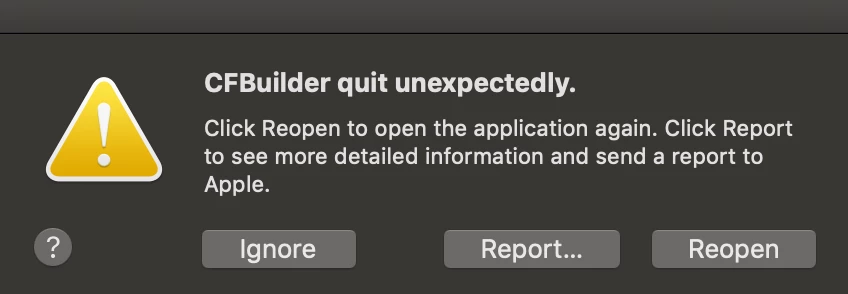
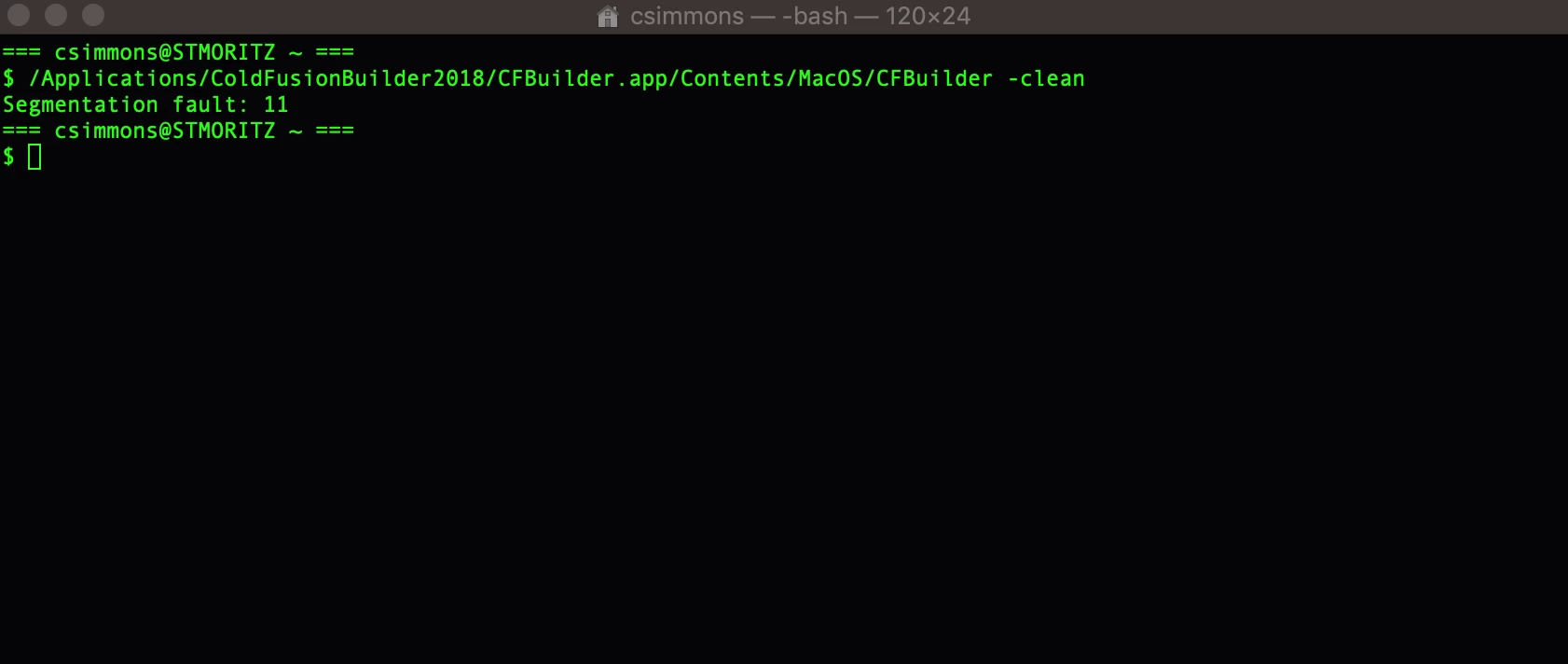
I tried opening from the command line with the '-clean' argument using: /Applications/ColdFusionBuilder2018/CFBuilder.app/Contents/MacOS/CFBuilder -clean

This gives the following error: 'Segmentation fault: 11'
Any advice is greatly appreciated.

This topic has been closed for replies.
Correct answer ccsimmons

I have been using CFBuilder 2018 since at least October of 2018.  I last used it a couple of weeks before the issue.  The only change I can think of was updating the plugins (I think Mylyn had an update).  I ended up uninstalling CFBuilder and reinstalling it and not installing Mylyn as we don't use it anymore.

1 reply

Charlie Arehart
Community Expert
Community Expert
July 20, 2019

Is it a brand new install, and your first time launching it? Or had you been using it for days, weeks, or months, and suddenly it doesn’t launch? If the latter, when did it last launch? And an you think of ANYTHING that may have changed since then, either in anything you had done in or to CFBuilder, or perhaps even to any Java you may have on your machine?

/charlie

/Charlie (troubleshooter, carehart. org)
ccsimmonsAuthorCorrect answer
Inspiring
July 25, 2019

I have been using CFBuilder 2018 since at least October of 2018.  I last used it a couple of weeks before the issue.  The only change I can think of was updating the plugins (I think Mylyn had an update).  I ended up uninstalling CFBuilder and reinstalling it and not installing Mylyn as we don't use it anymore.