
Participant
September 20, 2016
Answered

CFGRID only displays the left paging button, other buttons are missing

  • September 20, 2016
  • 2 replies
  • 377 views

Our company recently upgraded from CF9 to CF 2016 and after doing so we have a CFGRID that only displays the left hand paging button/arrow. All the other toolbar buttons are missing.
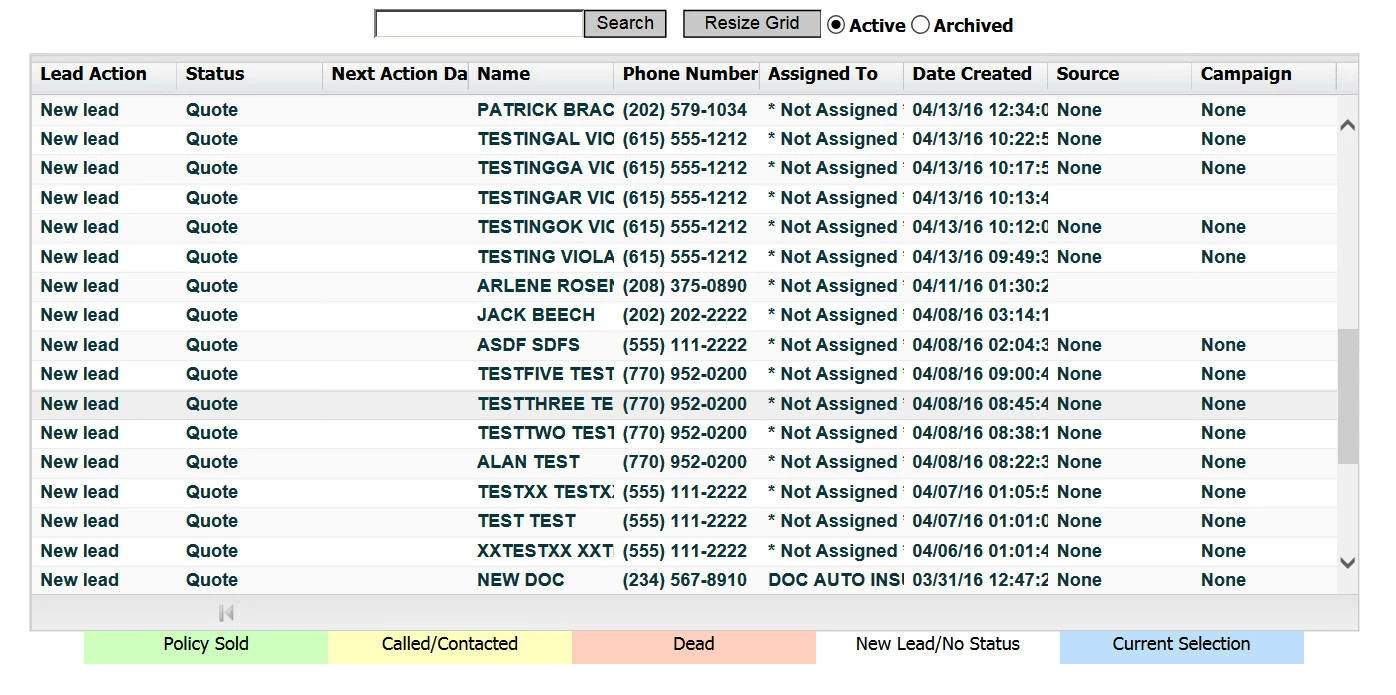
I have searched and searched and cannot find the reason for this. I don't appear to be getting any script errors. Does anybody know what might be causing this?

This topic has been closed for replies.
Correct answer AlanHamby

Turns out it was a CSS problem. When had a .table class in our stylesheet that for some reason broke the CFGRID after the upgrade. Once I removed that the toolbar buttons reappeared.

2 replies

AlanHambyAuthorCorrect answer
Participant
September 22, 2016

Turns out it was a CSS problem. When had a .table class in our stylesheet that for some reason broke the CFGRID after the upgrade. Once I removed that the toolbar buttons reappeared.

BKBK
Community Expert
Community Expert
September 22, 2016

Thanks for sharing.

BKBK
Community Expert
Community Expert
September 21, 2016

Could you show us the code for the grid? In any case, see whether something like this helps:

<script type="text/javascript">

var showBottomToolbar = function(id){

     ColdFusion.Grid.showBottomToolbar(id);

  }

</script>

<body onload="showBottomToolbar('gridName')">

<!--- contents of page go here --->

</body>