Inspiring
October 30, 2024
Answered

ColdFusion 2023, Apache, Windows Server - "Service Unavailable The server is temporarily unable..."

  • October 30, 2024
  • 2 replies
  • 2159 views

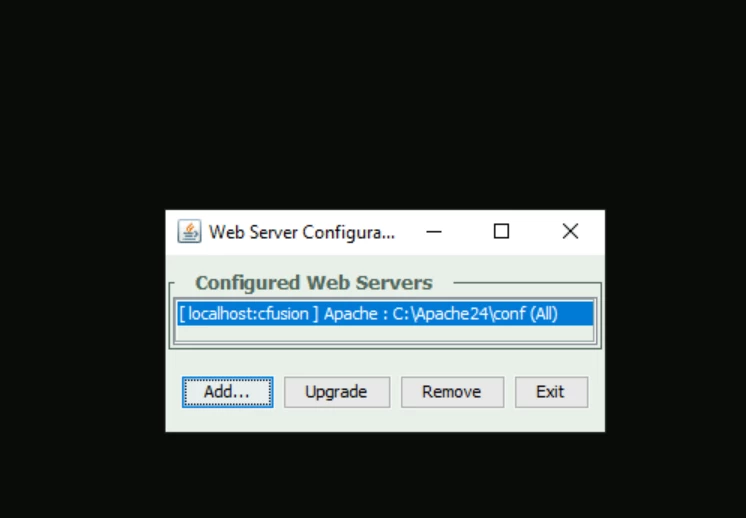
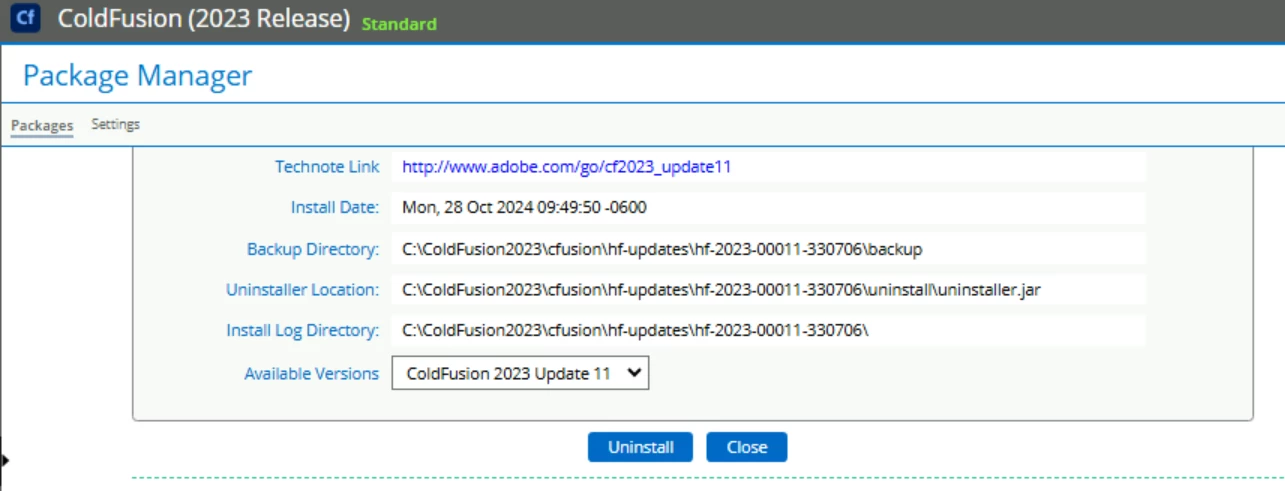
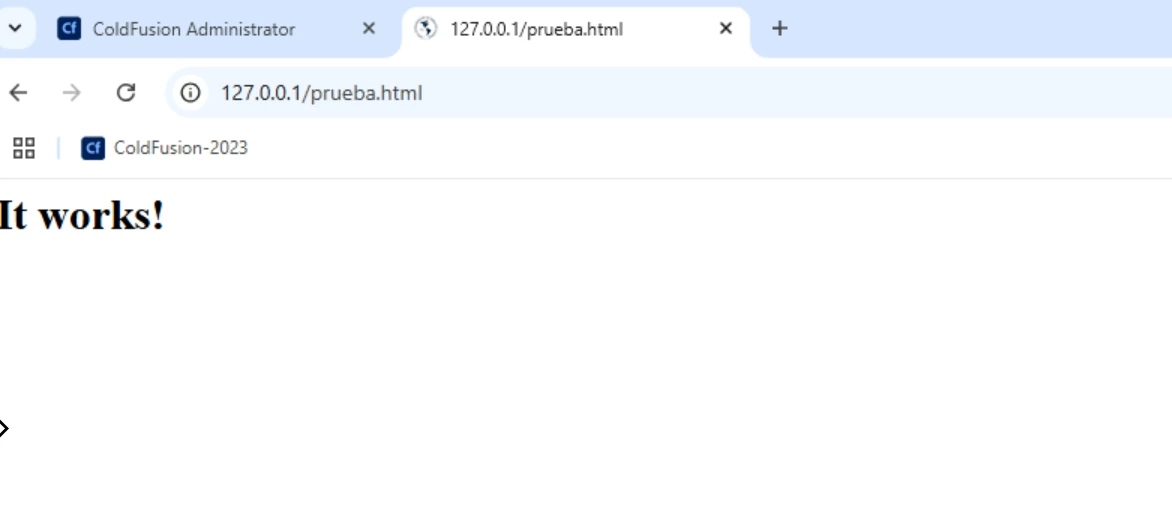
The Apache localhost service works correctly, it allows me to browse .html pages; but when I try to browse .cfm pages it shows me the following error:
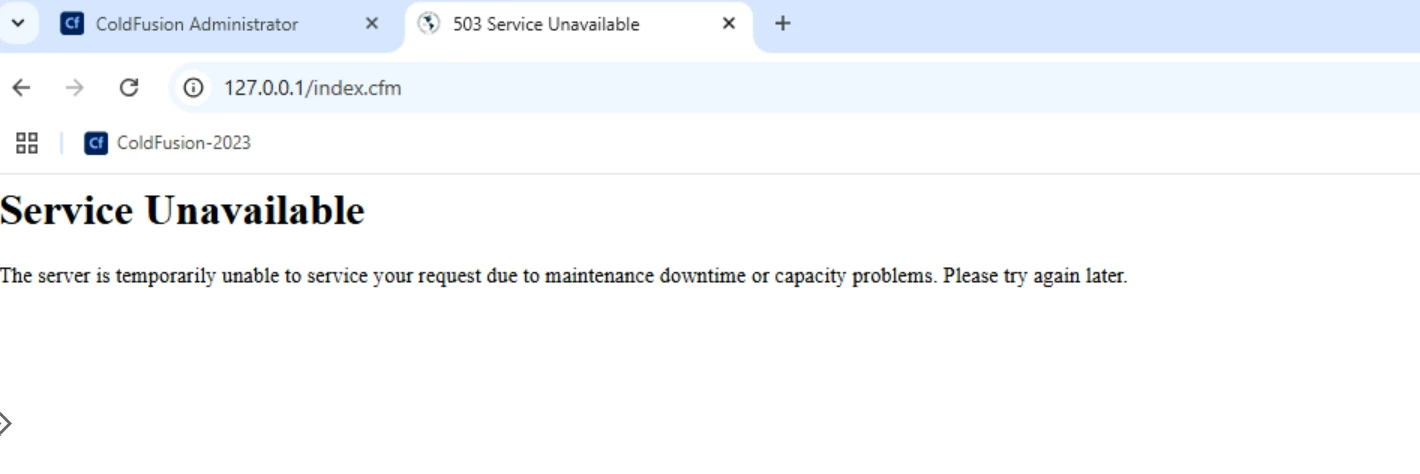


I really appreciate your guidance in solving this problem.


    This topic has been closed for replies.
    Correct answer maryorie01

    @Vikram_Kumar_M 


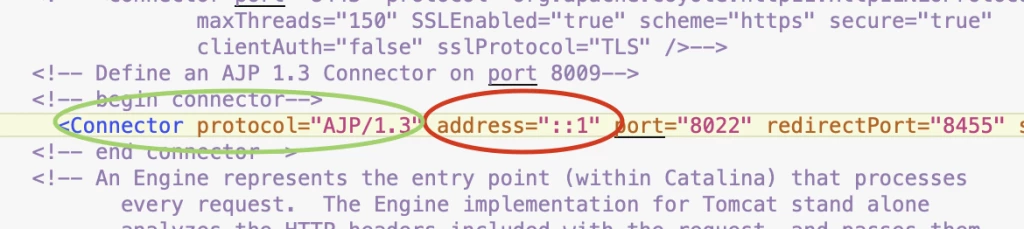
    Hi, thanks for your support; after much searching I managed to get ColdFusion pages to be displayed with Apache.


    In addition to this, add in etc\hosts

    127.0.0.1       localhost

    ::1             localhost

    Thank you!

    2 replies

    Participant
    November 5, 2024

    Always use 127.0.0.1 for any appearance of "localhost". This will solve the confusion of IPv4 from IPv6. Correct the property file at the Apache conf folder and CF connector folder.

    Vikram_Kumar_M
    Adobe Employee
    Adobe Employee
    October 30, 2024

    @maryorie01, please try adding the server's IP address to server.xml and workers.properties and restarting both the Apache and CF servers.


    Server.xml is located at \ColdFusionxxxx\cfusion\runtime\conf:


    Example:


    <!-- begin connector-->


    <Connector packetSize="65535" protocol="AJP/1.3" port="8020" address="IP-OF-SERVER" redirectPort="8453" secret="0f679950-252f-4b7a-96b1-b4c43650c9dc" maxThreads="500" connectionTimeout="60000" tomcatAuthentication="false"/>


    Workers.properties is located at \ColdFusionxxxx\config\wsconfig\magic_folder:


    Example:


    worker.cfusion.type=ajp13
    worker.cfusion.host=IP-OF-SERVER


    Thanks,

    Vikram


    Inspiring
    October 30, 2024

    @Vikram_Kumar_M 

    Hi, thank you very much for your reply. Based on what you have indicated, I have made the following changes:

    C:\ColdFusion2023\cfusion\runtime\conf\server.xml: 

    <Connector packetSize="65535" protocol="AJP/1.3" port="8022" redirectPort="8455" secret="5bfff42a-0584-407f-b7e7-ee60e013f242" maxThreads="500" connectionTimeout="60000" tomcatAuthentication="false"/>

    I have changed "localhost" to 127.0.0.1  <Engine defaultHost="127.0.0.1" name="Catalina" jvmRoute="cfusion">


    C:\ColdFusion2023\config\wsconfig workers.properties:

    #ColdFusion Web Server Configuration File
    #Wed Oct 30 13:36:48 CST 2024
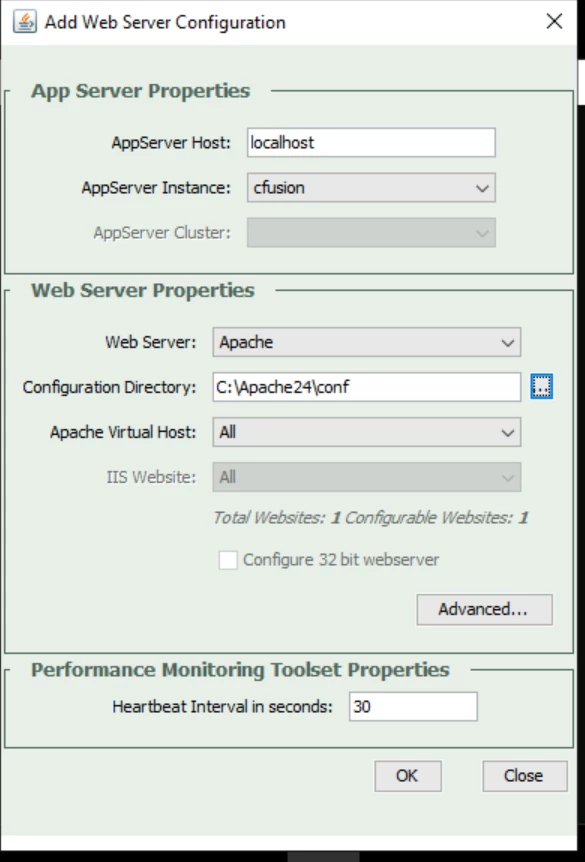
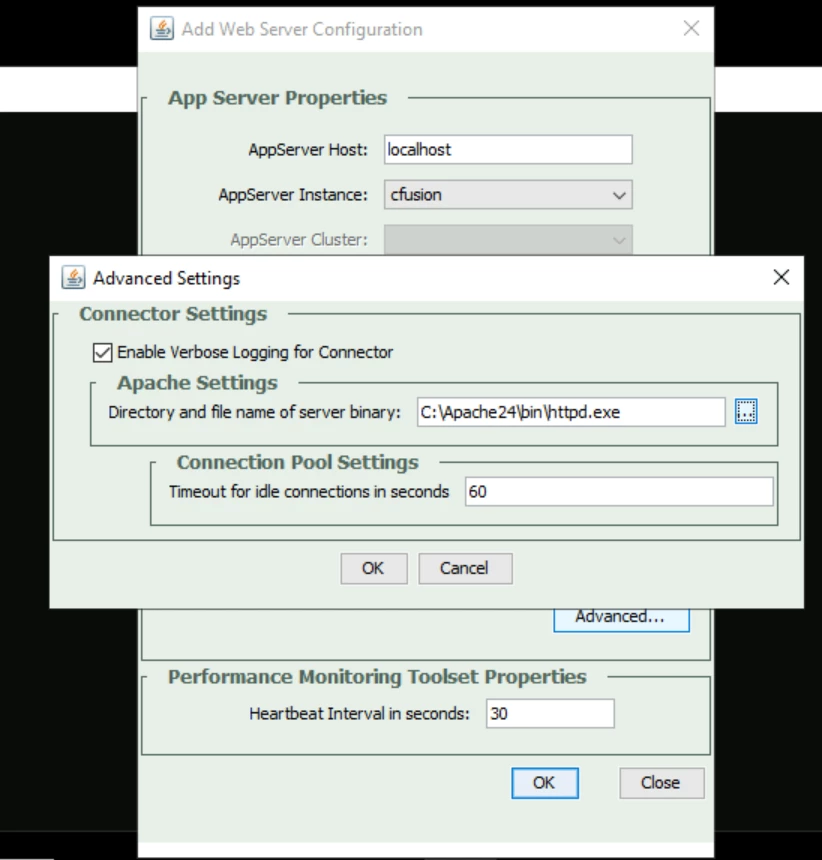
    1=Apache,C:/Apache24/conf,All,"",C:\\Apache24\\bin\\httpd.exe,"",false,cfusion,"",bitness64
    1.srv=127.0.0.1,cfusion


    C:\Apache24\conf\workers.properties

    heartbeat_interval=30
    heartbeat_limit=90

    #Start of workers.properties associated with 'cfusion'
    worker.list=cfusion

    worker.cfusion.type=ajp13
    worker.cfusion.host=127.0.0.1
    worker.cfusion.port=8022
    worker.cfusion.heartbeat_servlet_path=/__cf_connector_heartbeat__
    worker.cfusion.connection_pool_timeout=60
    worker.cfusion.monitoringsecret=95ef47e0-f204-44d5-bcab-75e8b36c803d
    worker.cfusion.secret=5bfff42a-0584-407f-b7e7-ee60e013f242
    #End of workers.properties associated with 'cfusion'


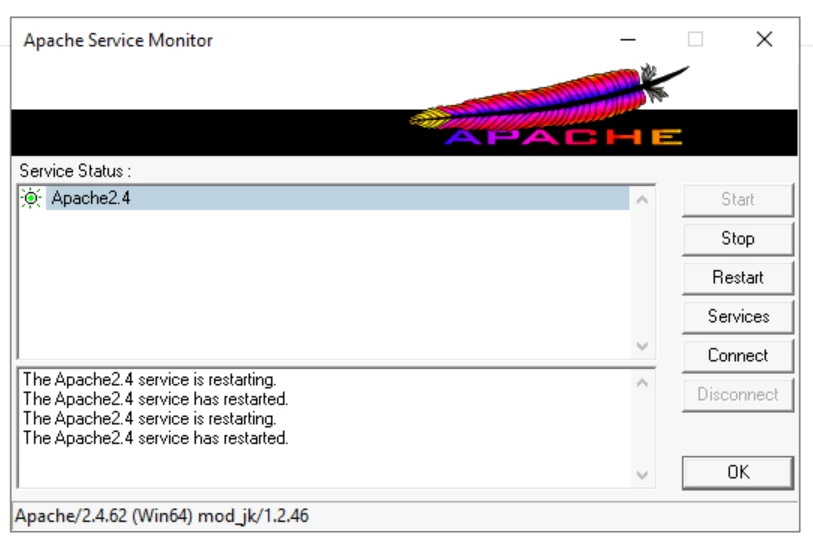
    Restart the ColdFusion and Apache services.

    But it does not work with Apache


    maryorie01AuthorCorrect answer
    Inspiring
    October 30, 2024

    @Vikram_Kumar_M 


    Hi, thanks for your support; after much searching I managed to get ColdFusion pages to be displayed with Apache.


    In addition to this, add in etc\hosts

    127.0.0.1       localhost

    ::1             localhost

    Thank you!