tnsenthil
Participating Frequently
February 12, 2021
Answered

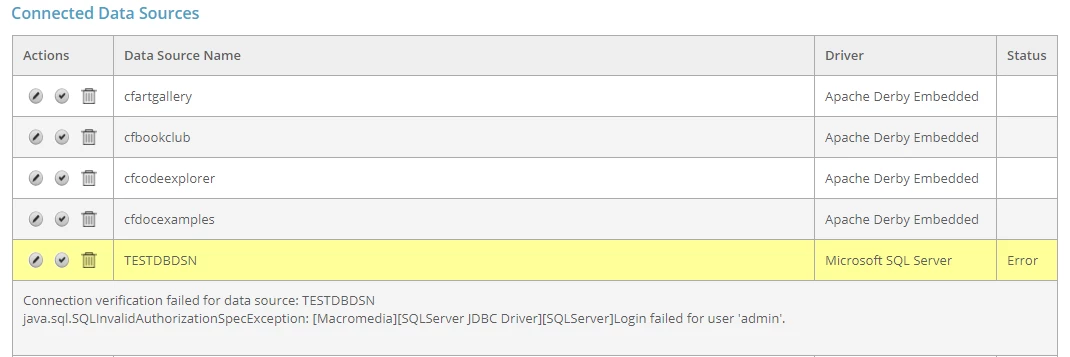
Connection verification failed for data source

  • February 12, 2021
  • 1 reply
  • 2670 views

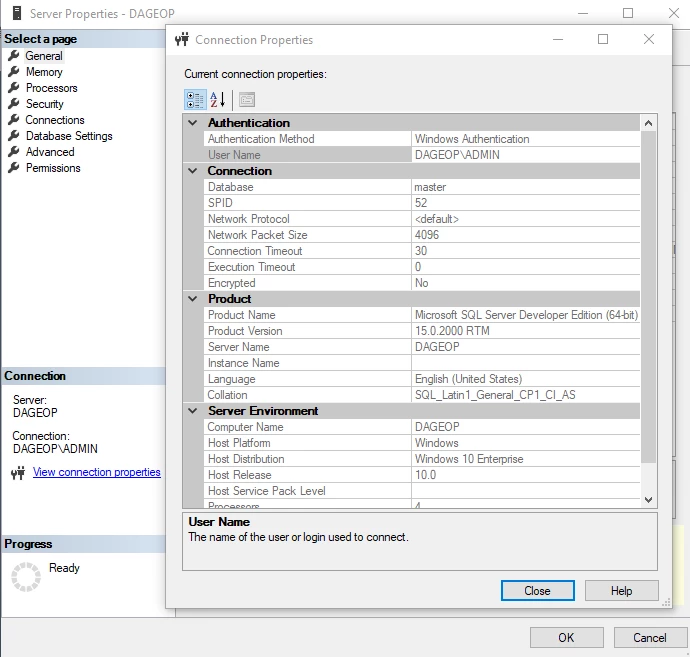
Environment Details:
ColdFusion 2021 Release
Microsoft SQLServer 2019
Microsoft SQLServer Management Studio Version 18.8

Error Message:
"Connection verification failed for data source: TESTDBDSN
java.sql.SQLInvalidAuthorizationSpecException: [Macromedia][SQLServer JDBC Driver][SQLServer]Login failed for user 'admin'."

Hello,

when i add new datasource in coldfusion administration page by selecting Microsoft SQL Server Driver,Im getting above error message.

I have entered only Server Name as "DAGEOP", the CF administrator by defalt adding user name as "admin" and some hidden password. 

Kindly let me know what mistake i have done and how to solve this error.

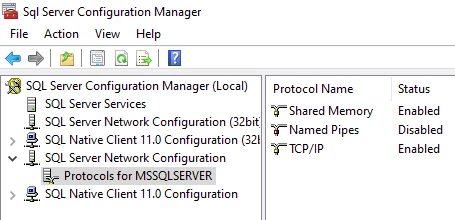
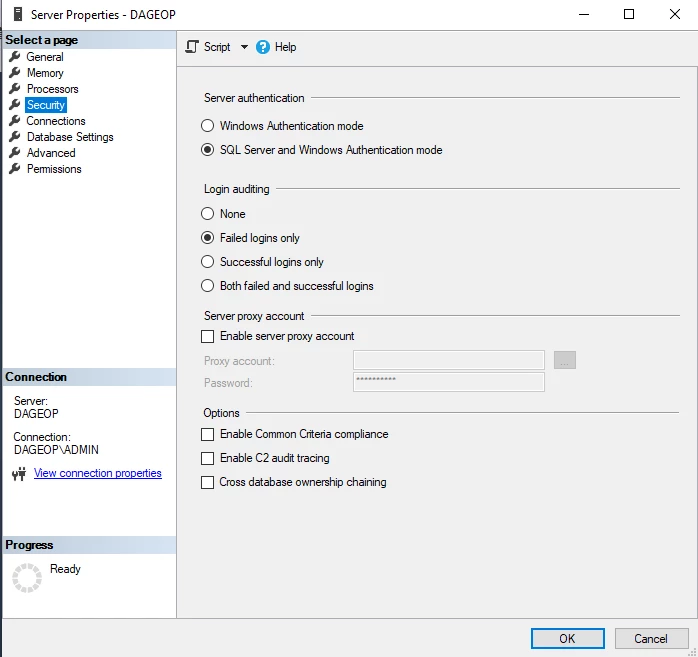
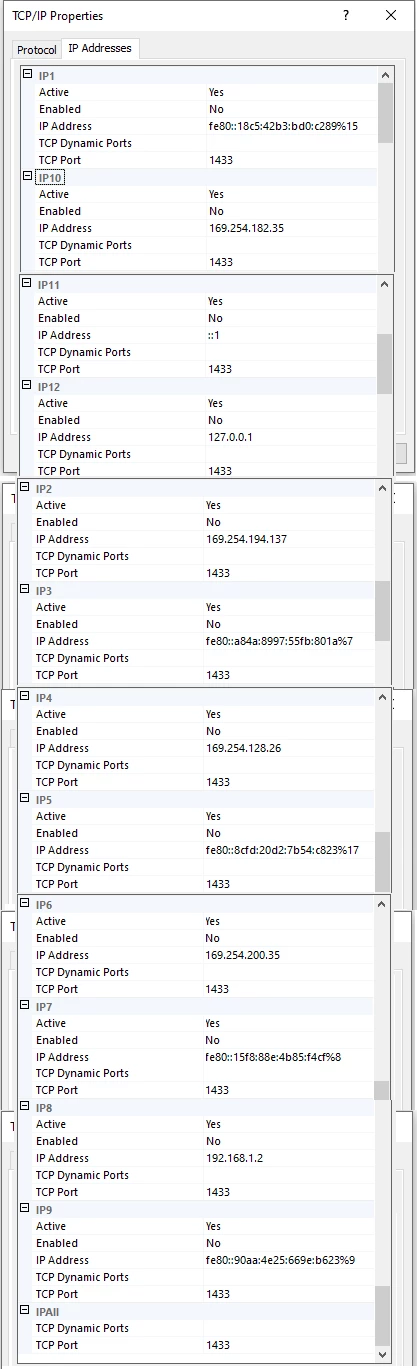
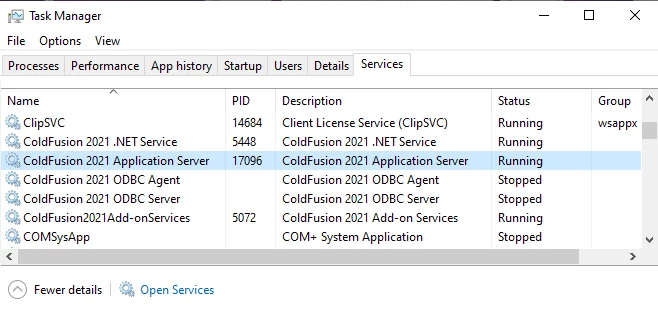
Below are few details about my installation.
This topic has been closed for replies.
Correct answer Dave Watts

I seriously doubt "admin" is a valid Windows account or native SQL login. That's just a set of credentials to access the CF Administrator, and has nothing to do with your database. You'll need to create a login in SQL Server that has the rights you want, then either use a native SQL login to get to it, or a Windows account. It's a lot easier to use native SQL logins from CF, but it's not impossible to use a Windows account. I recommend you try a native SQL login first. Ideally, your login should have minimal privileges in SQL Server - probably just the ability to create/update/delete/read records. It should not have rights to change the schema or anything crazy like that.


https://docs.microsoft.com/en-us/sql/relational-databases/security/authentication-access/create-a-login?view=sql-server-ver15#:~:text=To%20create%20a%20login%20based,password%20for%20the%20new%20user.


Dave Watts, Eidolon LLC

1 reply

Dave WattsCommunity ExpertCorrect answer
Community Expert
February 13, 2021

I seriously doubt "admin" is a valid Windows account or native SQL login. That's just a set of credentials to access the CF Administrator, and has nothing to do with your database. You'll need to create a login in SQL Server that has the rights you want, then either use a native SQL login to get to it, or a Windows account. It's a lot easier to use native SQL logins from CF, but it's not impossible to use a Windows account. I recommend you try a native SQL login first. Ideally, your login should have minimal privileges in SQL Server - probably just the ability to create/update/delete/read records. It should not have rights to change the schema or anything crazy like that.


https://docs.microsoft.com/en-us/sql/relational-databases/security/authentication-access/create-a-login?view=sql-server-ver15#:~:text=To%20create%20a%20login%20based,password%20for%20the%20new%20user.


Dave Watts, Eidolon LLC

Dave Watts, Eidolon LLC
tnsenthil
tnsenthilAuthor
Participating Frequently
February 14, 2021

Thanks again Dave,

As you said, I have created SQL Login and  It is  working now.

After 20 years gap, I have successfully execute my CFQuery Statement 🙂